



InCopy text with Hyperlinks lose the link after Placing in InDesign
I’ve been working with this document for a few years, and this wasn’t an issue last week!
If I create a New document and place the InCopy text with a Hyperlink all works fine. Only the 18-20 white papers I am editing right now seem to lose the Hyperlink.
These InCopy links have been working for me for TWO YEARS!
I’m wondering if there is a script, or workaround for this issue that can force the Hyperlinks to be recognized?
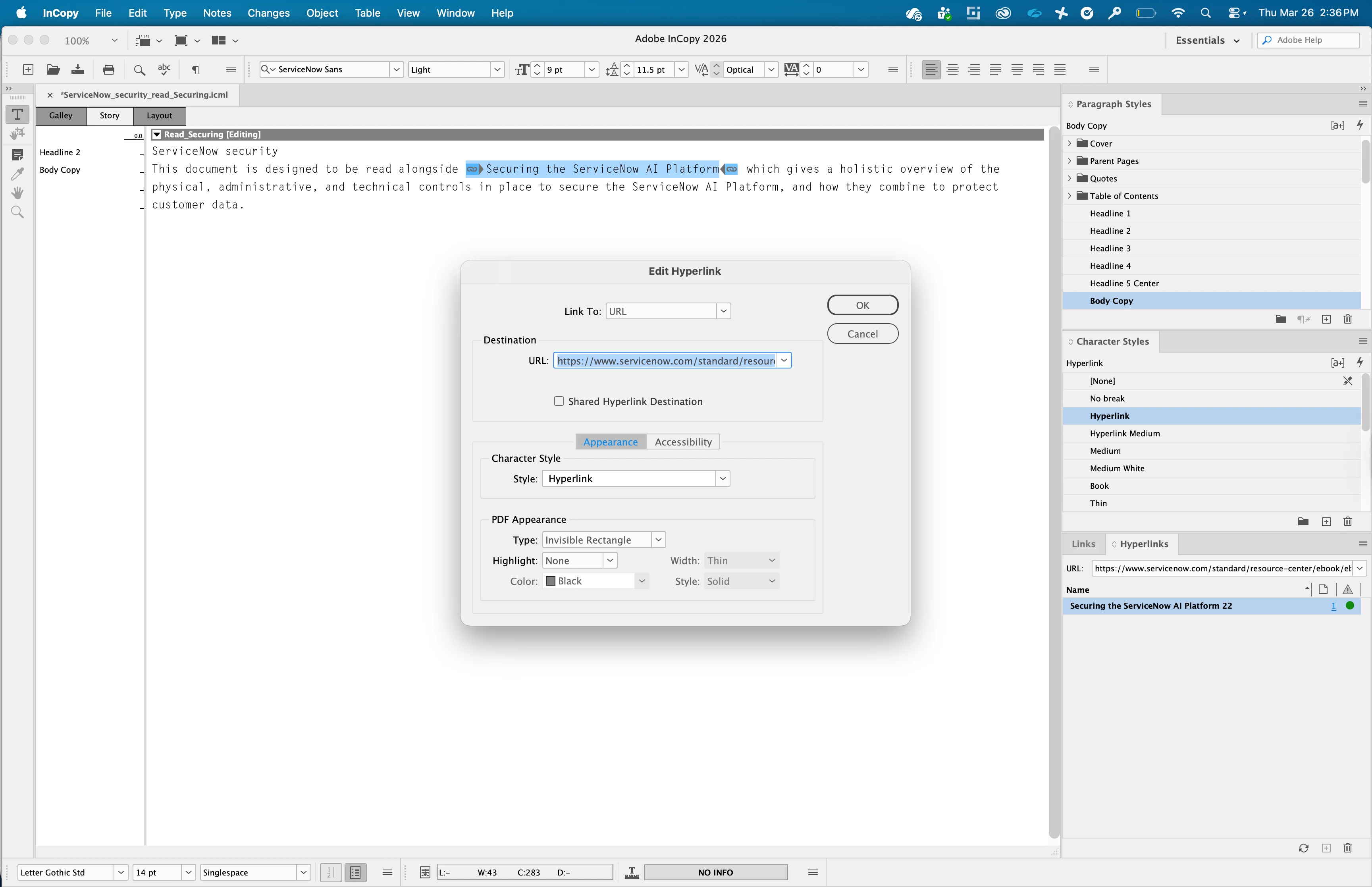
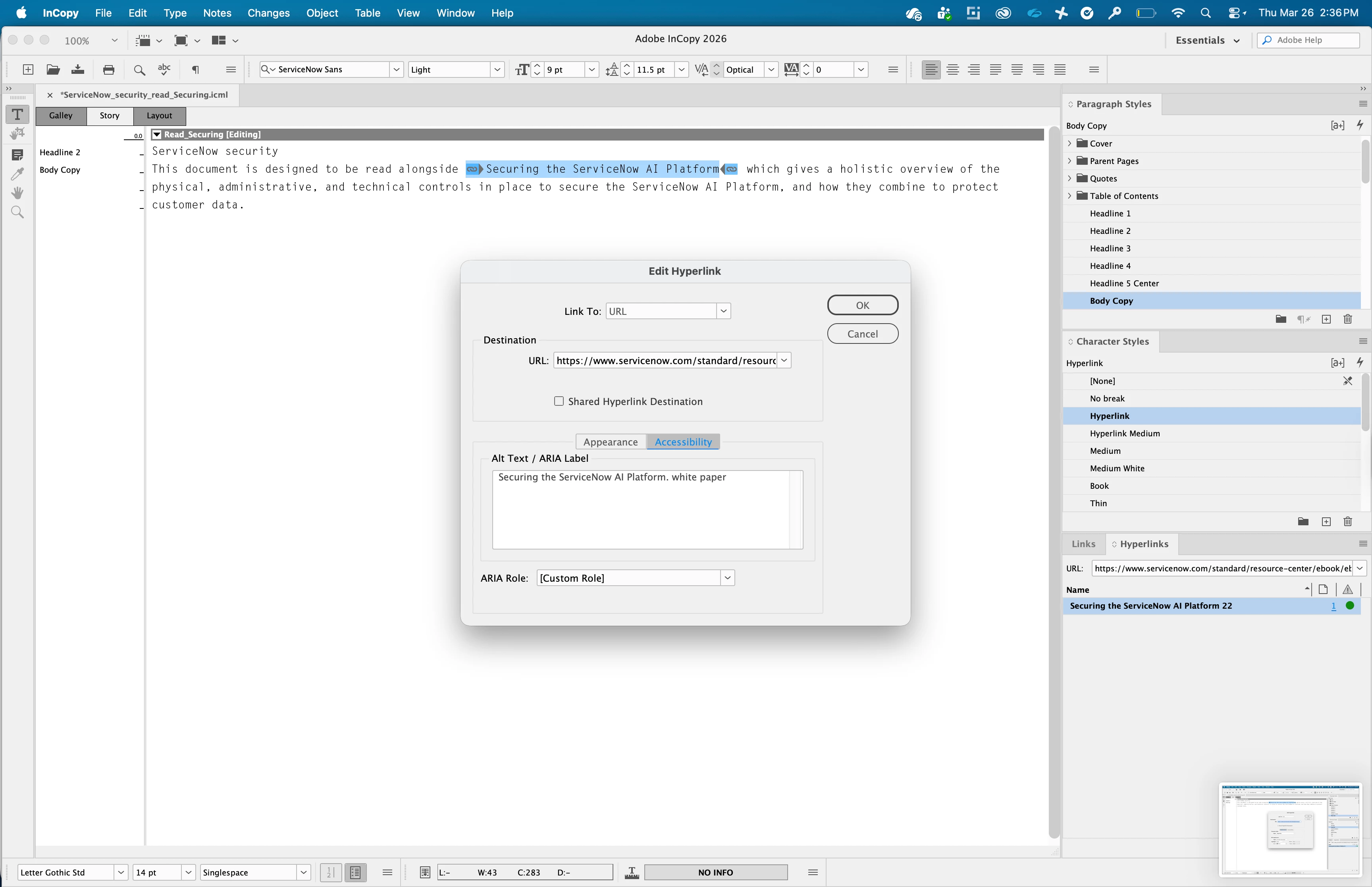
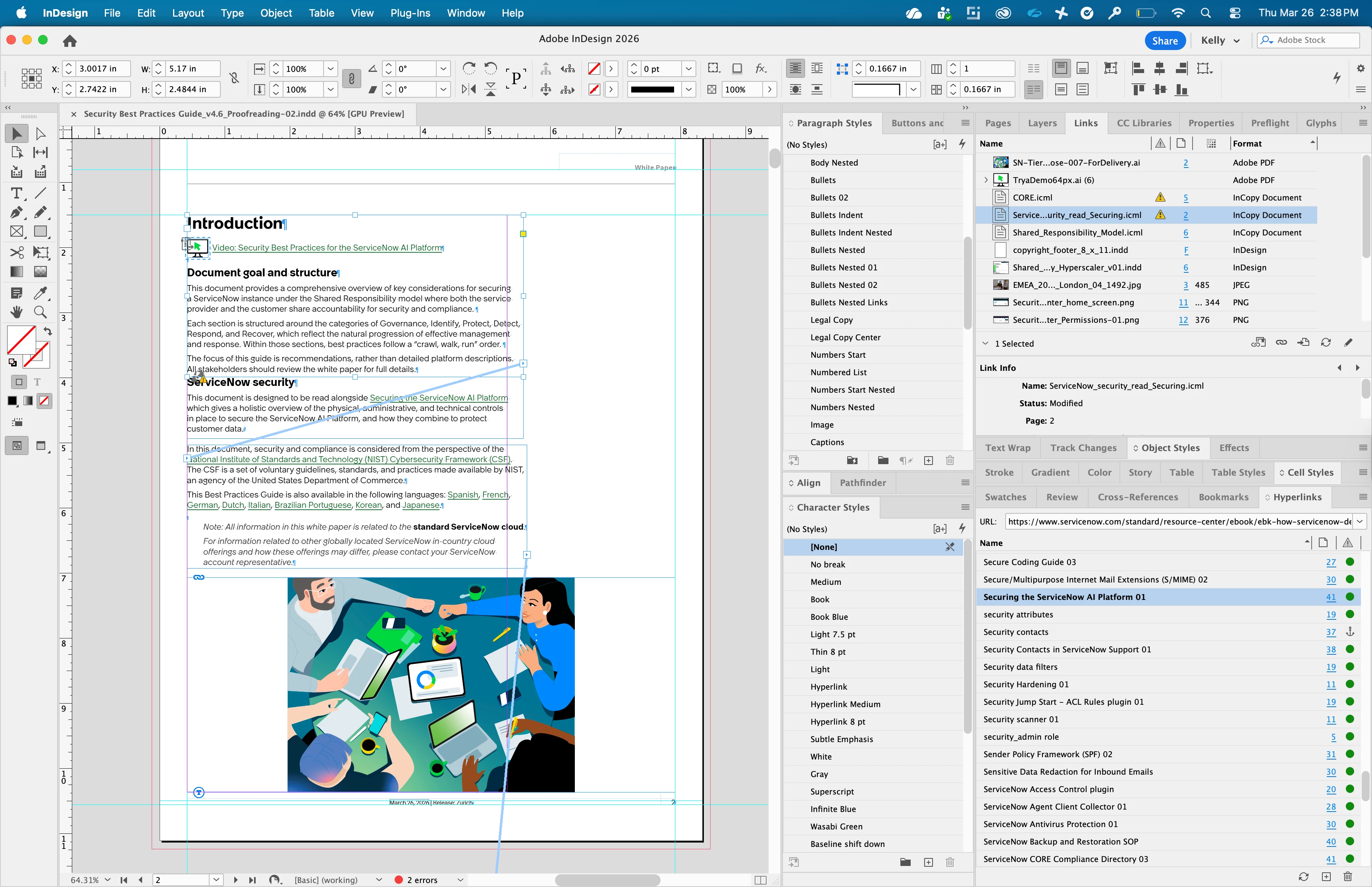
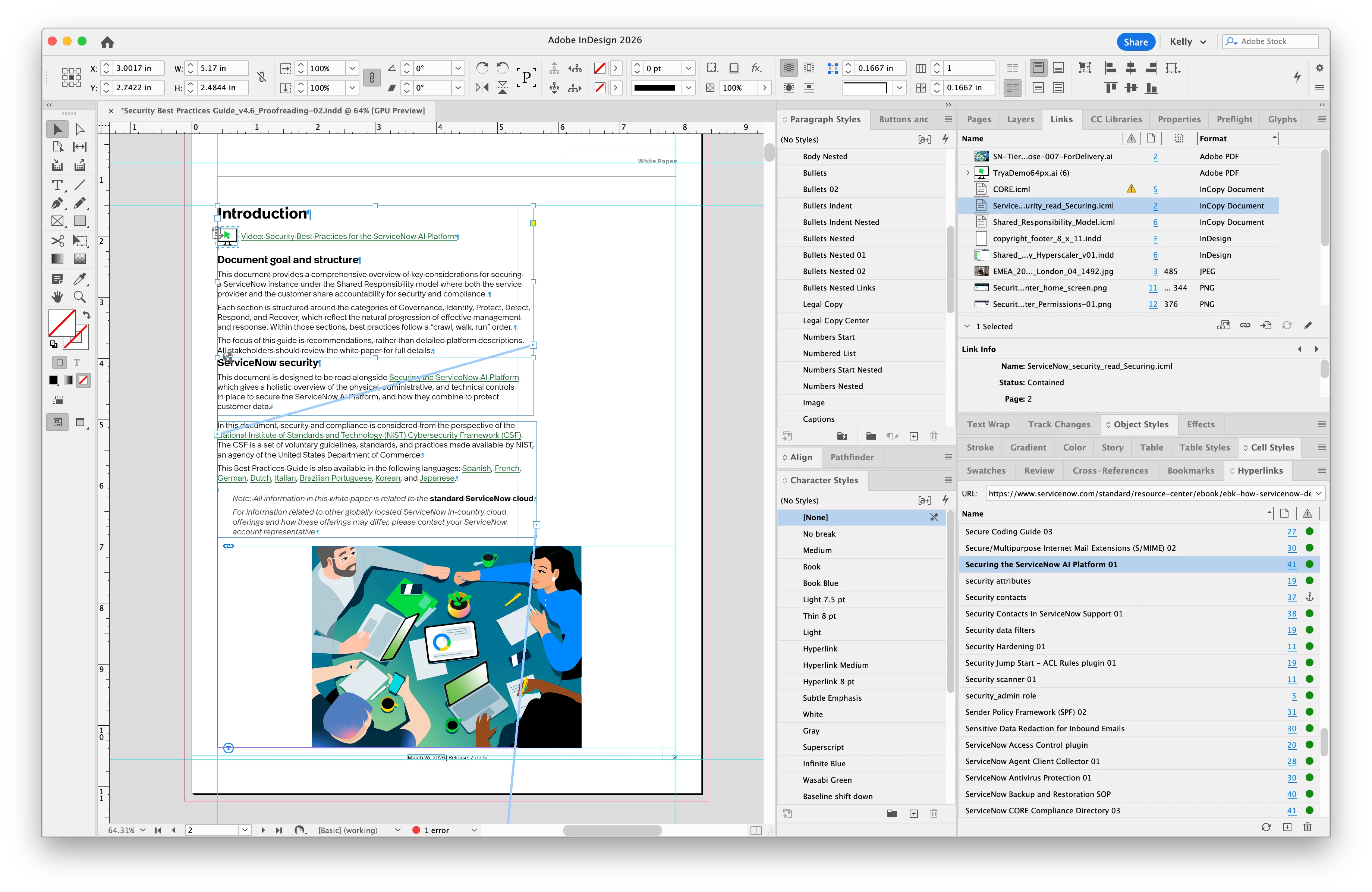
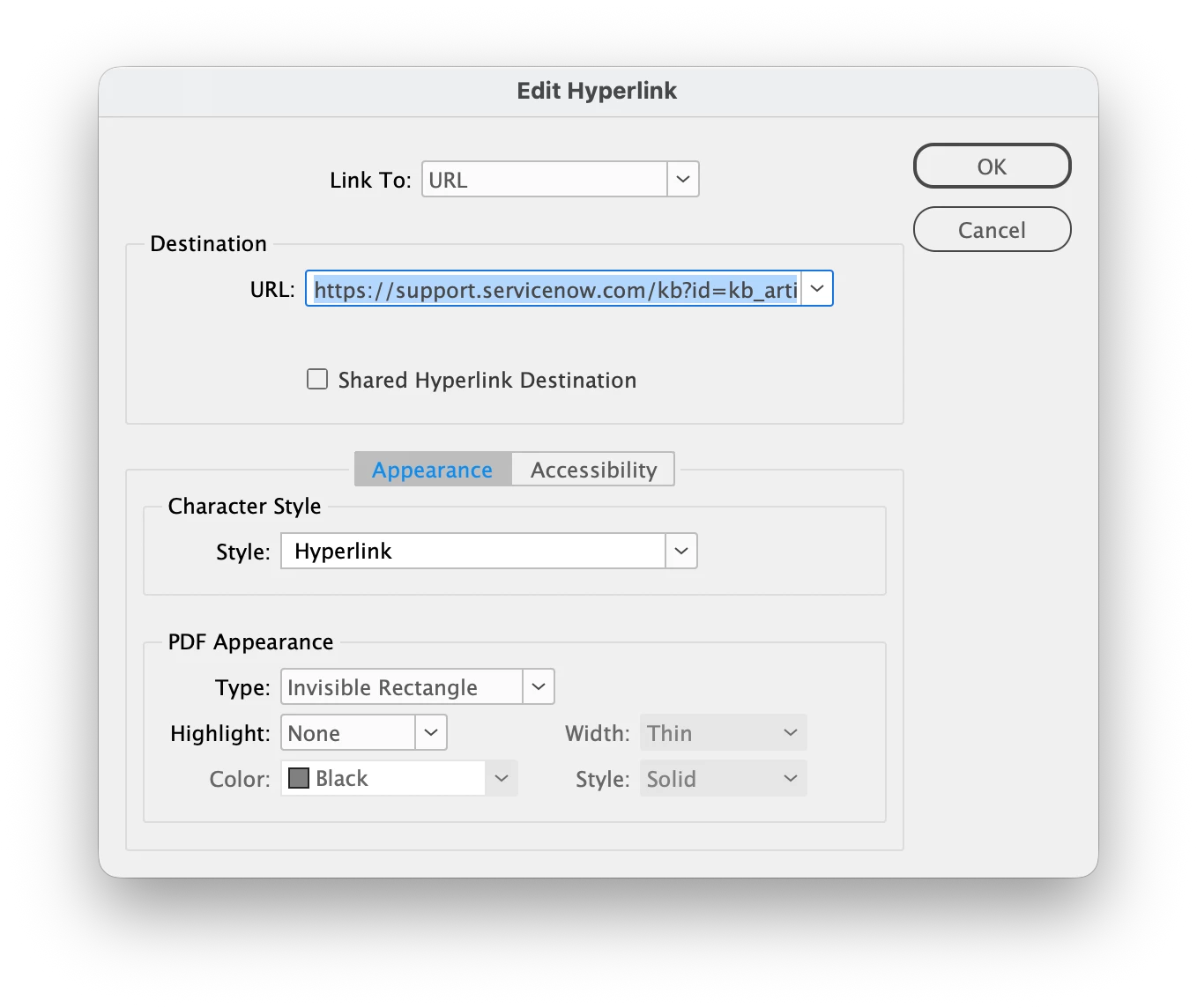
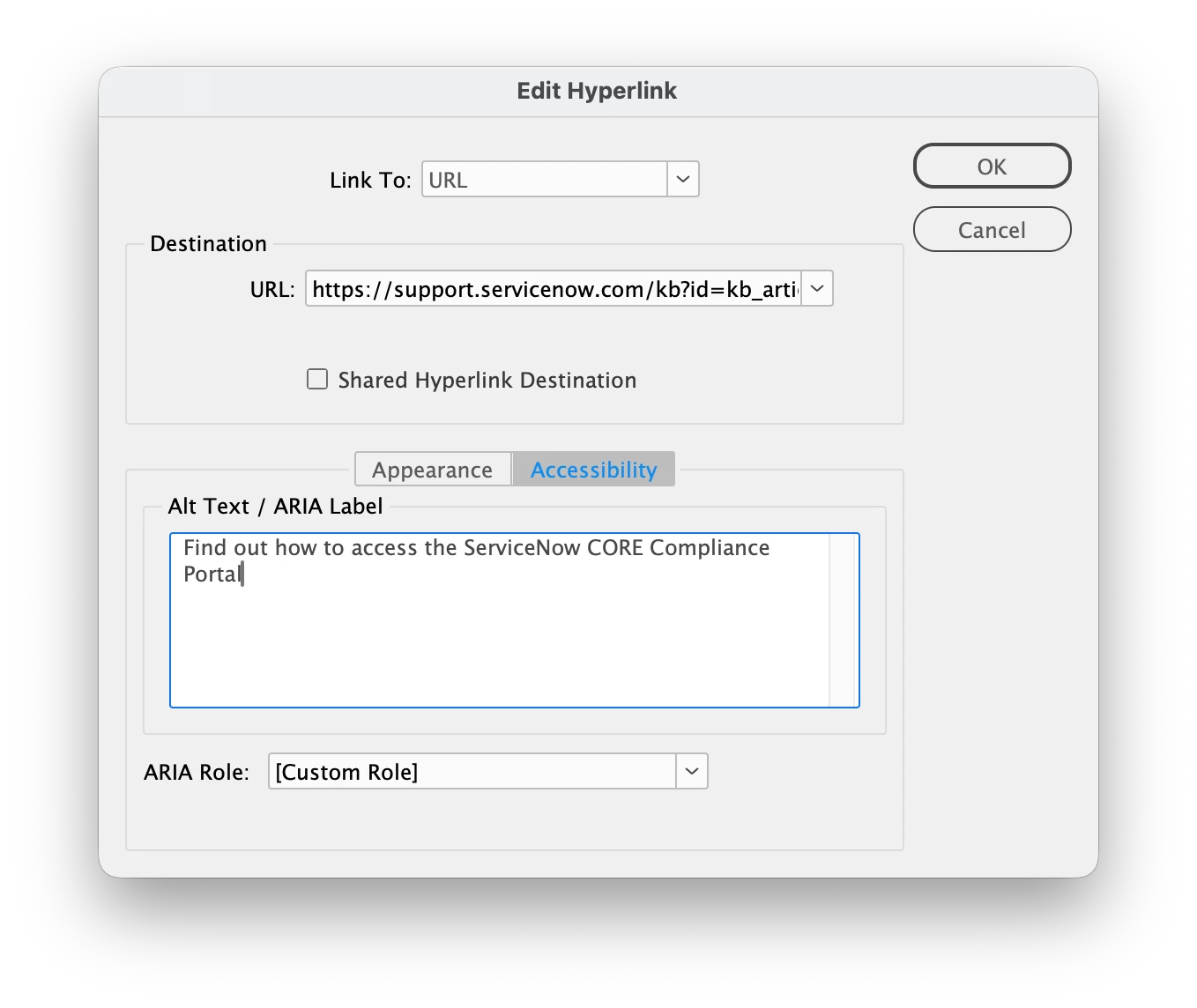
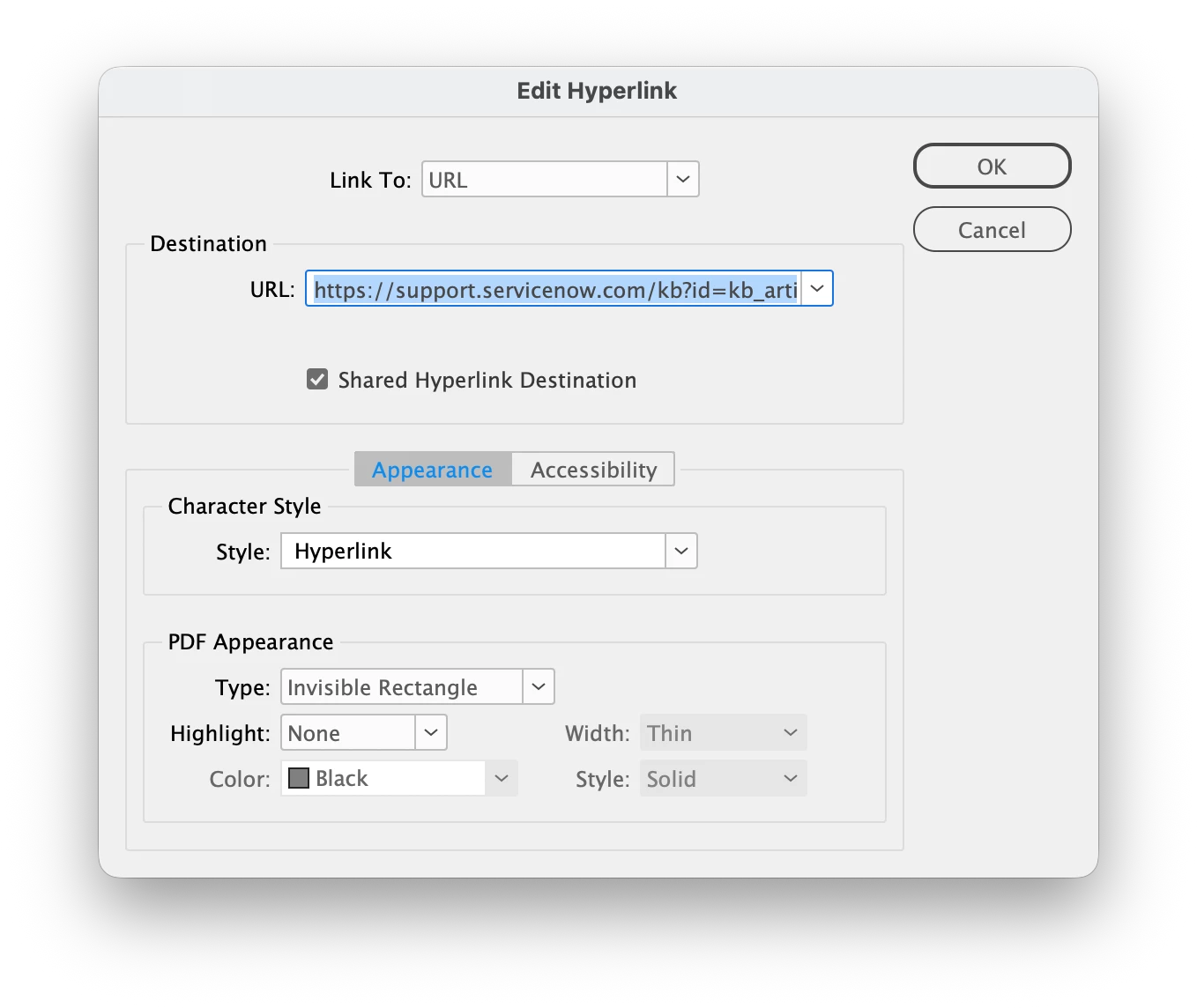
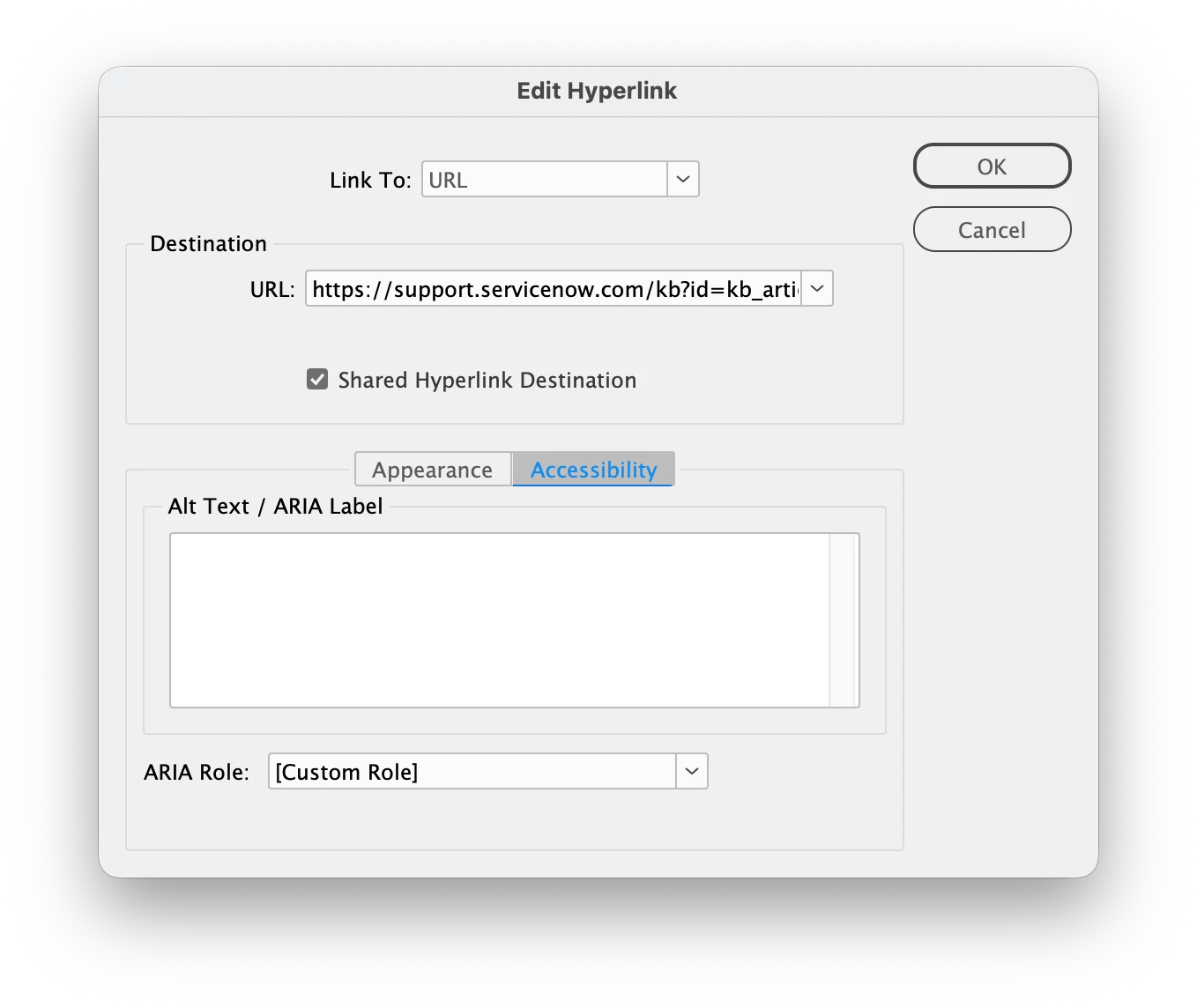
I’ve attached screenshots of adding the Hyperlink in InCopy, saving, and updating the modified link in InDesign.
The Hyperlinks panel is showing alphabetically, so the Securing the ServiceNow AI Platform link should be added to the panel after the update. It is not, and this is happening on all my InCopy files now.
- Hyperlink added
- Shared Hyperlink Destination OFF
- Accessibility text added
Also, if you create a Hyperlink in InCopy, edit it, add ACCESSIBILITY text, then save and close, both settings are lost when you reopen the file in InCopy.
 AdChoices