
Inspiring
October 21, 2020

P: Poor photo in the library and develop module - smart previews

  • October 21, 2020
  • 162 replies
  • 9592 views

I have a problem with version 10.0,
the photo is of poor quality in the library and in the develop module. I use smart previews (the disk with the original photos is disconnected).
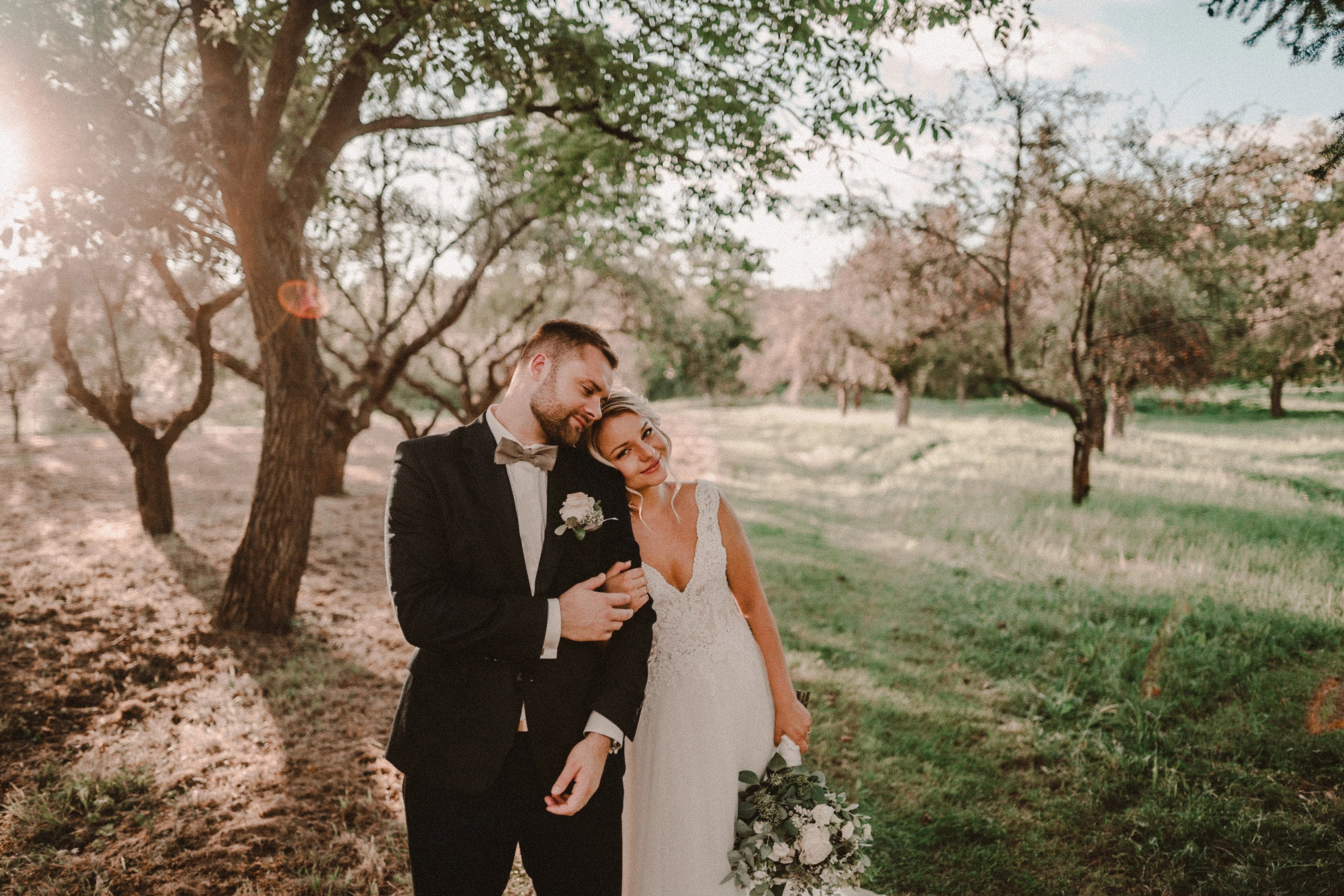
smart previews in version 10.0 have poorer quality than in version 9.4
When I install the older version (9.4), the same photo with the same preset is of better quality (also smart previews).

It looks like there is a higher grain in the photo
Here are photos exported from smart previews.

Tested on: Mac pro 2013 (6core, 16gb ram, D500)

Macbook Pro 2014 2,7 ghz 4 core, 16gb ram


10.0:
9.4:
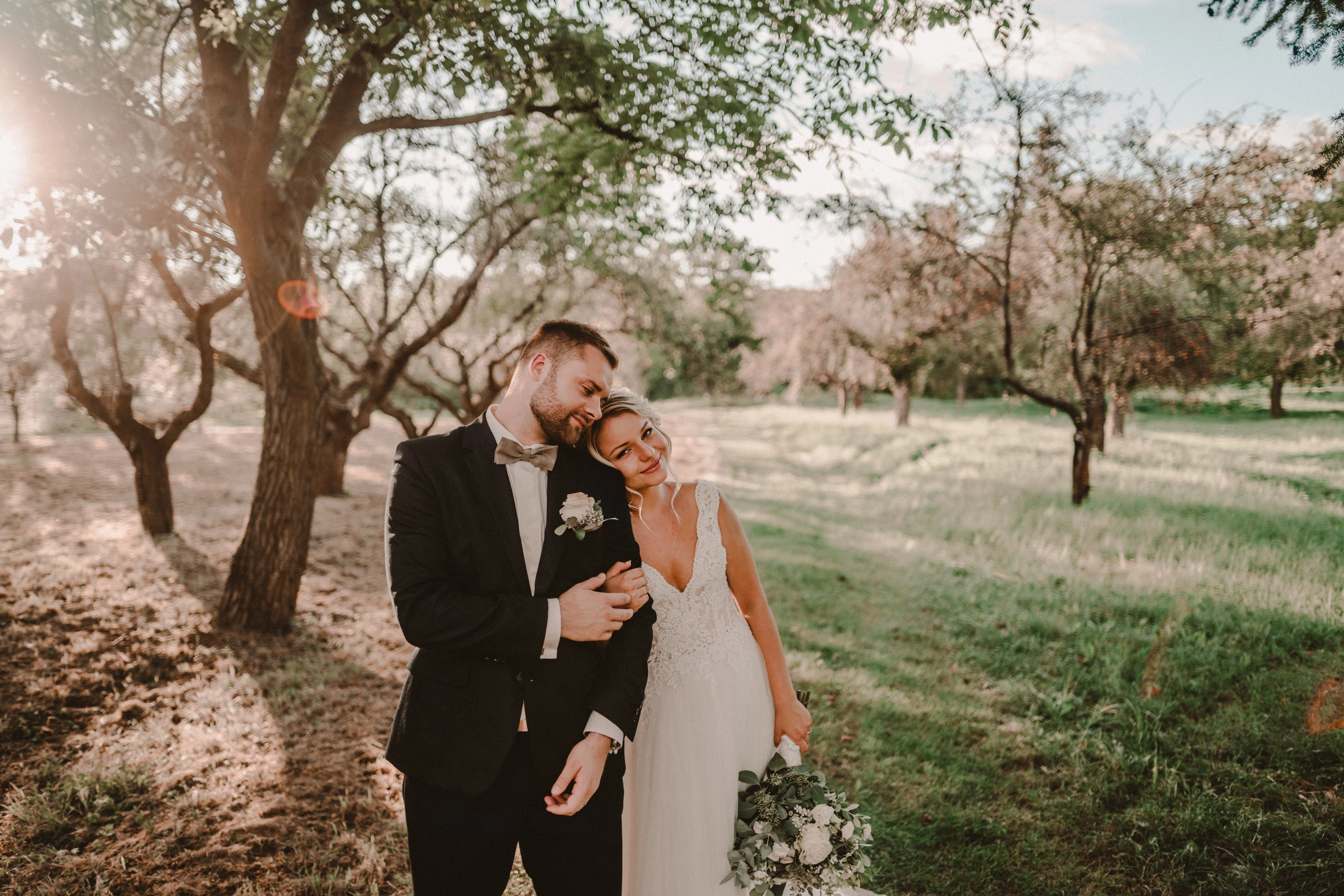
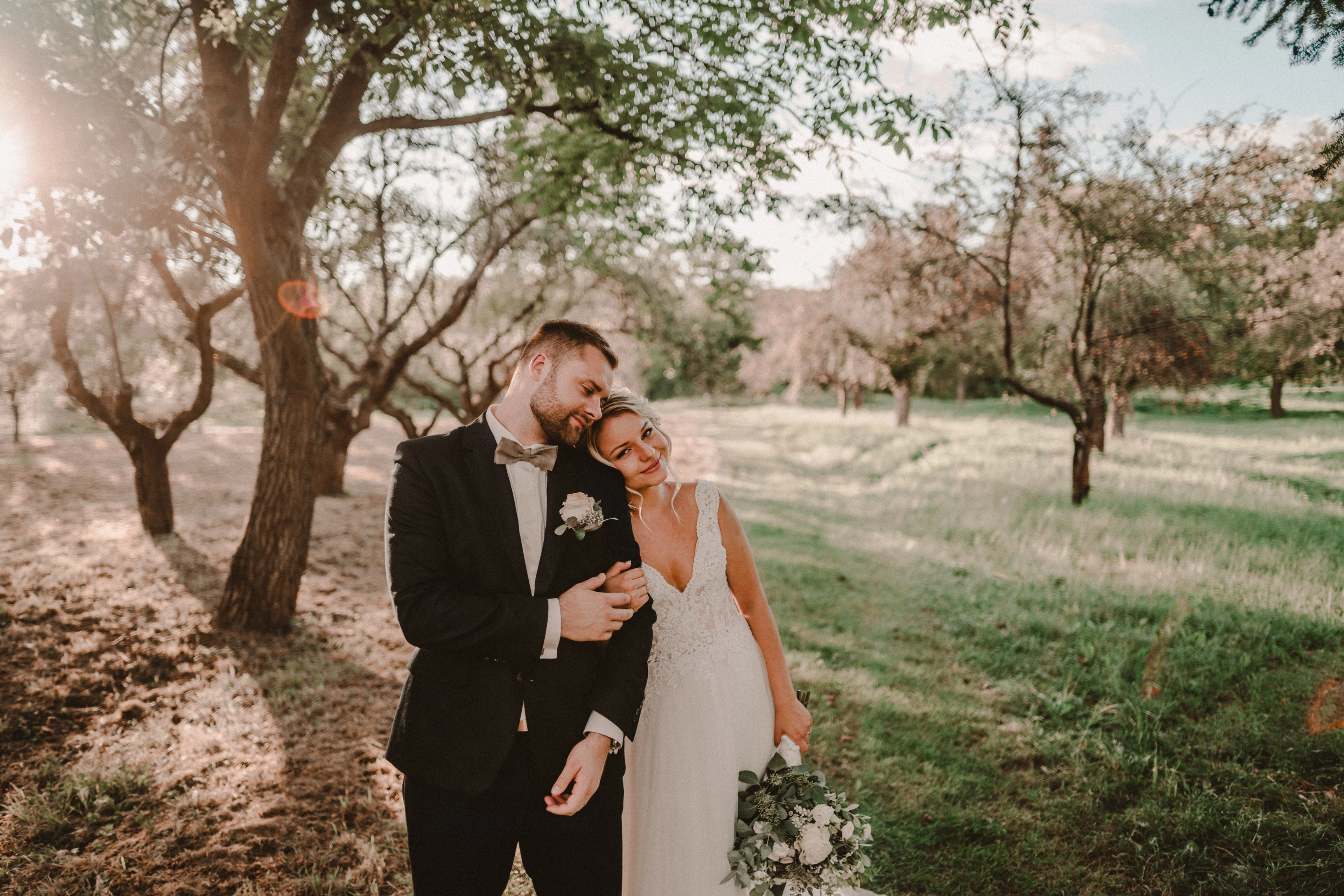
Photo exported after attaching a disk with the original photo:
This topic has been closed for replies.

162 replies

Known Participant
October 23, 2020

Zoom in in library. I NEVER work in develop, except doing a setting. I always talking about library mode

TheDigitalDog
Inspiring
October 23, 2020

Zoom in, needs 5 to 10 seconds the the picture will be better

OK, now we're getting somewhere. Zoom in looks better where, Library or Develop? 

Author “Color Management for Photographers" & "Photoshop CC Color Management/pluralsight"
Known Participant
October 23, 2020

Changing the grain in your dng again leads to this awful view in library again

TheDigitalDog
Inspiring
October 23, 2020

On this end, the image looks OK and as expected in Library and incorrect, ugly, blotching (like the top photo you provided in your first post) IN Develop. 

Are you saying you see the opposite? 

Again, because we need to be clear IF we move on. When I open your DNG, it looks pretty good in Library. It doesn't match Develop. In Develop module on this end, it looks like the VERY FIRST picture above of the boxer girl. But if I update the preview, it looks more like the 2nd picture above you posted of the boxer girl (far less noise). 

We need to know which is which. Which preview is 'wrong'. I suspect the wrong preview is in DEVELOP because on this end, when I update the preview, it changes and then looks like Library. Which is what I'd expect. If we try to fix this, or find the issue, we need to know which module is producing the incorrect preview. 

Author “Color Management for Photographers" & "Photoshop CC Color Management/pluralsight"
Known Participant
October 23, 2020

Zoom in, needs 5 to 10 seconds the the picture will be better

Known Participant
October 23, 2020

I'm just talking about awful pictures in library mode. Sorry, but my english ist not so god

TheDigitalDog
Inspiring
October 23, 2020

But it is no solution for me. Zoom in lasts a lot of seconds. I have tons of pictures.

What solution? I'm asking you to help trouble shoot the issue. I don't understand "Zoom in lasts a lot of seconds", can you explain? 

Again, is the preview in Develop, as I've shown in the screen capture PRIOR to an update what you consider correct? It looks really wrong and awful to me. 

Author “Color Management for Photographers" & "Photoshop CC Color Management/pluralsight"
Known Participant
October 23, 2020

I edit on picture an synchronize a lot of other to this. Then i go back to library for selection. That's may way for select my pictures.

Known Participant
October 23, 2020

I need a reasonable library picture for selection. It is not practicable if i have to switch to develop mode.

Known Participant
October 23, 2020

But it is no solution for me. Zoom in lasts a lot of seconds. I have tons of pictures.