
Inspiring
October 21, 2020

P: Poor photo in the library and develop module - smart previews

  • October 21, 2020
  • 162 replies
  • 9592 views

I have a problem with version 10.0,
the photo is of poor quality in the library and in the develop module. I use smart previews (the disk with the original photos is disconnected).
smart previews in version 10.0 have poorer quality than in version 9.4
When I install the older version (9.4), the same photo with the same preset is of better quality (also smart previews).

It looks like there is a higher grain in the photo
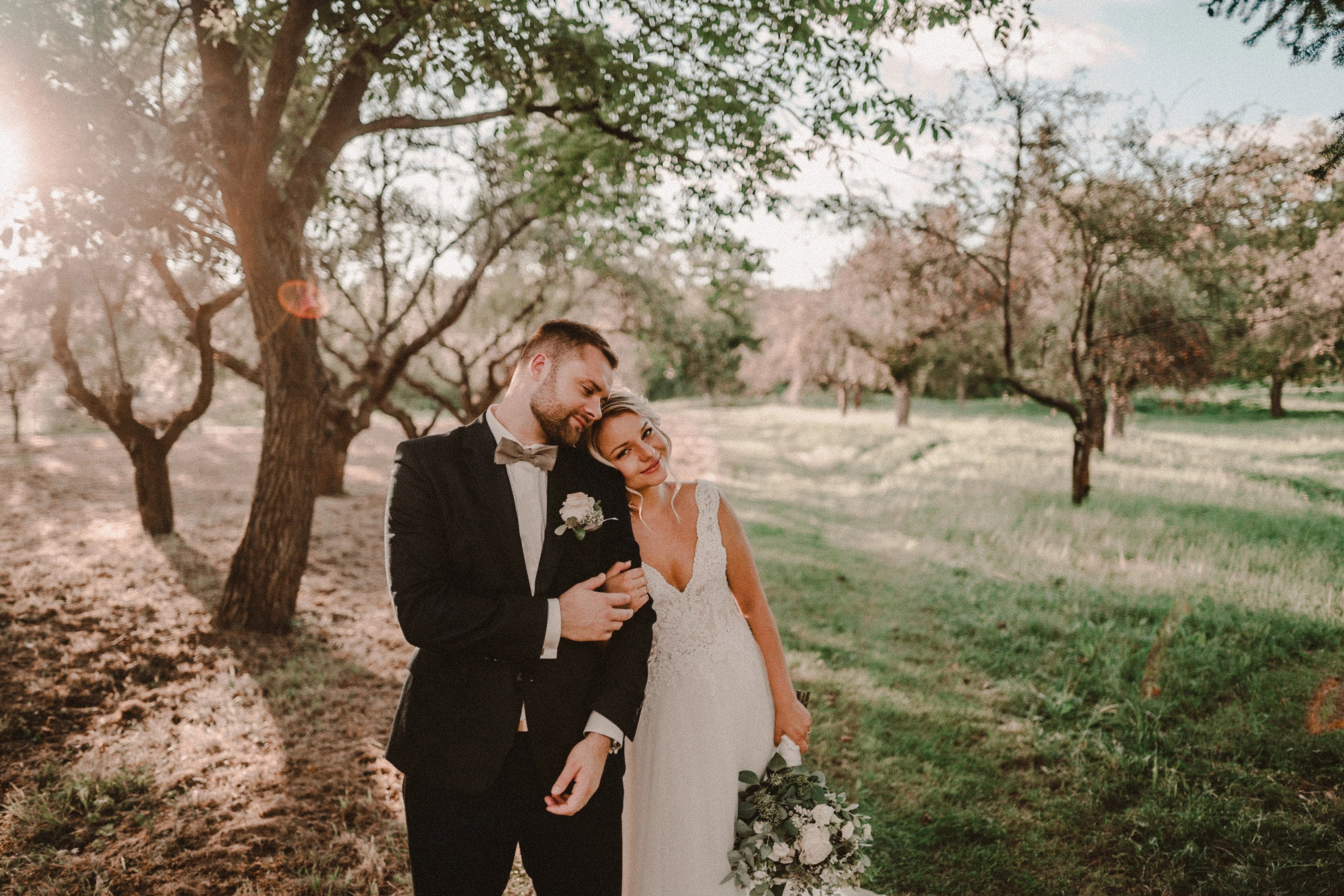
Here are photos exported from smart previews.

Tested on: Mac pro 2013 (6core, 16gb ram, D500)

Macbook Pro 2014 2,7 ghz 4 core, 16gb ram


10.0:
9.4:
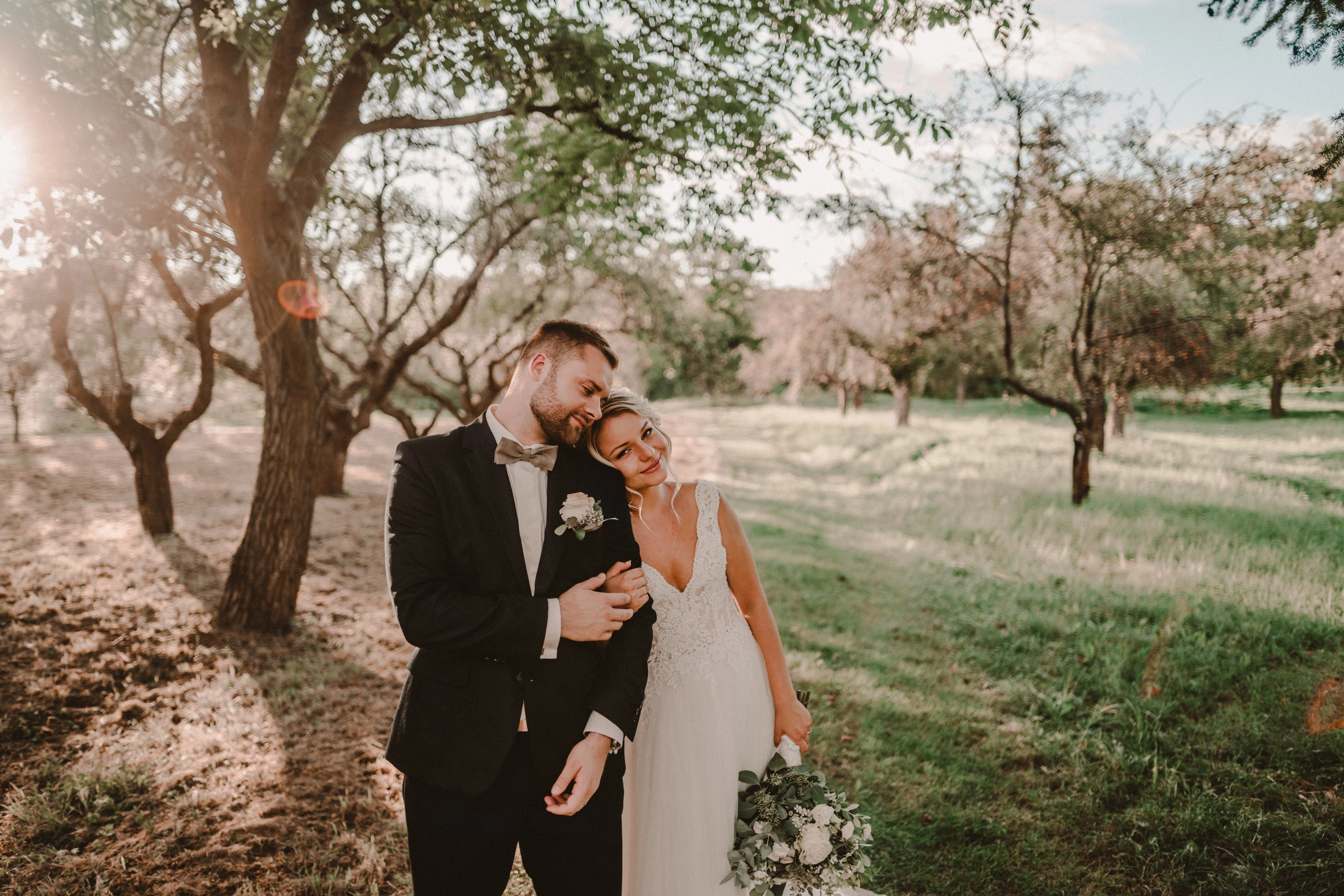
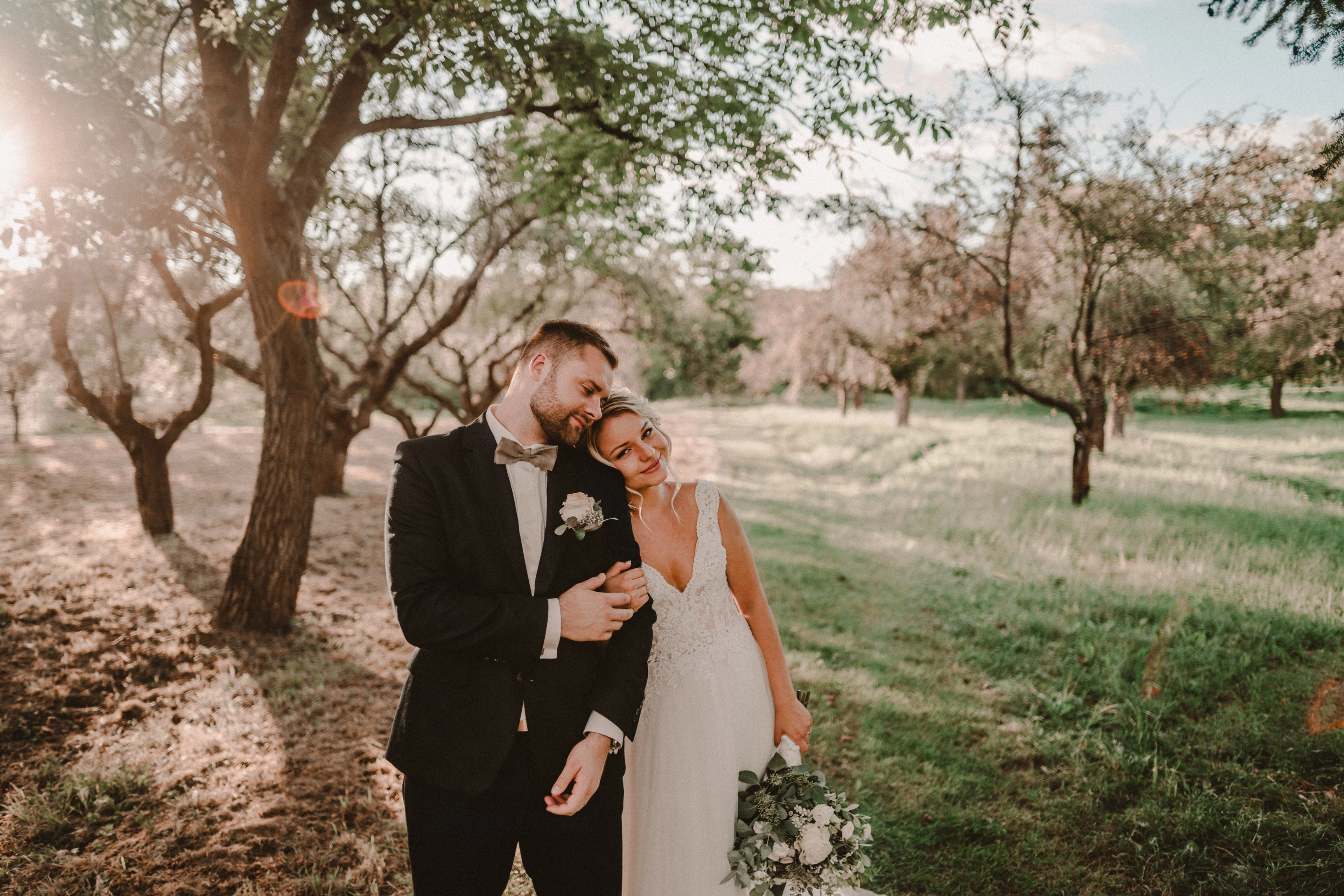
Photo exported after attaching a disk with the original photo:
This topic has been closed for replies.

162 replies

TheDigitalDog
Inspiring
October 23, 2020

It's odd it's empty, it shouldn't be if you've processed raws in Develop. Which may be part of the issue but I don't know. Again, does the large clumps of 'noise' and that really blocking image I've captured in Develop appear correct to you? IT doesn't to me and further, when I update that preview, it looks like I'd expect from those noise settings and more importantly, matches very closely the preview in Library. 

Initially you said "Horrible noise in Library Module" is it possible that the horrible noise as I see it, is actually in Develop? The previews in the two modules are totally different, different data, stored differently etc. So first thing to uncover is, which is 'wrong' and where. Then we need system info from you. Then we could really use a DNG from Mac users reporting the same issue, ideally from your raw if possible. 

Author “Color Management for Photographers" & "Photoshop CC Color Management/pluralsight"
Known Participant
October 23, 2020

Wrong Folder. Sorry 😉 LR stopped, cleared and restart. Preview in Library is the same. This ist changing if i zoom in and out. Seems ok. 

TheDigitalDog
Inspiring
October 23, 2020

 Even increasing Sharpening Amount to 100 does not reveal the interpolation issue I thought might be causing the issue. 

There is NO interpolation issue, please get past that concept. You've made this concept up in two differing posts, and there's zero proof that anything was changed, nor can I replicate this in LR10 down to LR5. 

There IS an issue with the OP's image/preview as seen on this end, but updating the preview, on this end, fixes that. Now why is he getting this wonky preview in the first place? Got nothing to do with interpolation; it's just totally incorrect in how it was initially created IN Develop. 

So in short I can't duplicate what the OP is seeing (noise in Library module) on my Windows 10 system.

And I CAN on Mac OS. So it's an issue but it's got zero to do with interpolation. The preview in Develop looks awful, incorrect and updating it on Mac IN Develop 'fixes' it and it then does very closely match Library; as expected. What's going on in Develop on the OP's side creating a preview? Let's concentrate on that, not some unproven, non issue with interpolation algorithms that no one from Adobe has ever stated exist. Please. 

Author “Color Management for Photographers" & "Photoshop CC Color Management/pluralsight"
Known Participant
October 23, 2020

Do you have any idea where to find the acr cache?

Edit: Found. But there is nothing. The folder ist complete empty

Known Participant
October 23, 2020

Re-Import my own dng - this is also in color. The prewiew in develop ist ok. The Problem ist only the library in full mode.

Maybe the is the same problem like my other: https://feedback.photoshop.com/conversations/lightroom-classic/lightroom-classic-bug-on-synchronizing-a-blackwhite-picture-from-a-raw-to-a-tiff/5f91cc3649d3ca75248bfac7

Todd Shaner
Legend
October 23, 2020

OK good, got the DNG and I see ALL your edits which is necessary. 

First, when I import into LR10, I DO see a big difference as you describe, between Library and Develop at 33%.

When I first import the DNG file and view it at Fit view the Library module is slightly noisier than the Develop module. If I set Zoom to 33% the Library and Develop modules look identical with the expected Grain setting. Even increasing Sharpening Amount to 100 does not reveal the interpolation issue I thought might be causing the issue. I tested a few other Canon EOS R CR3 files and they all exhibit the Library module interpolation artifacts at 33% Zoom view. So in short I can't duplicate what the OP is seeing (noise in Library module) on my Windows 10 system.

TheDigitalDog
Inspiring
October 23, 2020

Do you agree based on what you see on your end, the preview in Develop is wrong? It looks awful on this end, massive noise clumps, but in Library, it looks as I'd expect and do see when I update the previews on a Mac. 

If you agree, that in Develop, that preview is what's off, I still have to wonder if this is an ACR cache issue. Lr will then go to the Camera Raw cache and find the corresponding cache file. If none exists it will render it out. The speed up comes from having the Camera Raw Cache version available. Once again, I'd try quitting LR, then find where your ACR cache is, delete it forcing LR to create a cache file again. If you still see an issue, that kind of points to the creating of this cache. 

Author “Color Management for Photographers" & "Photoshop CC Color Management/pluralsight"
TheDigitalDog
Inspiring
October 23, 2020

The updatet dng in my LR (Library). There is no change

It's in color, so there's a change. Is this my DNG from my Dropbox? If so, something is really off on your system and I don't know what. We may need to get actual system info (you can do this under LR's "Help" menu, send your DNG and mine to Adobe. And do try opening both my DNG and your original in ACR; any difference? 

Author “Color Management for Photographers" & "Photoshop CC Color Management/pluralsight"
Known Participant
October 23, 2020

The updatet dng in my LR (Library). There is no change

TheDigitalDog
Inspiring
October 23, 2020

When I open your DNG in ACR 13, I see the odd preview for a split second and then ACR updates and there is no weird preview. So try opening your DNG there too. 

Author “Color Management for Photographers" & "Photoshop CC Color Management/pluralsight"