
Inspiring
October 21, 2020

P: Poor photo in the library and develop module - smart previews

  • October 21, 2020
  • 162 replies
  • 9592 views

I have a problem with version 10.0,
the photo is of poor quality in the library and in the develop module. I use smart previews (the disk with the original photos is disconnected).
smart previews in version 10.0 have poorer quality than in version 9.4
When I install the older version (9.4), the same photo with the same preset is of better quality (also smart previews).

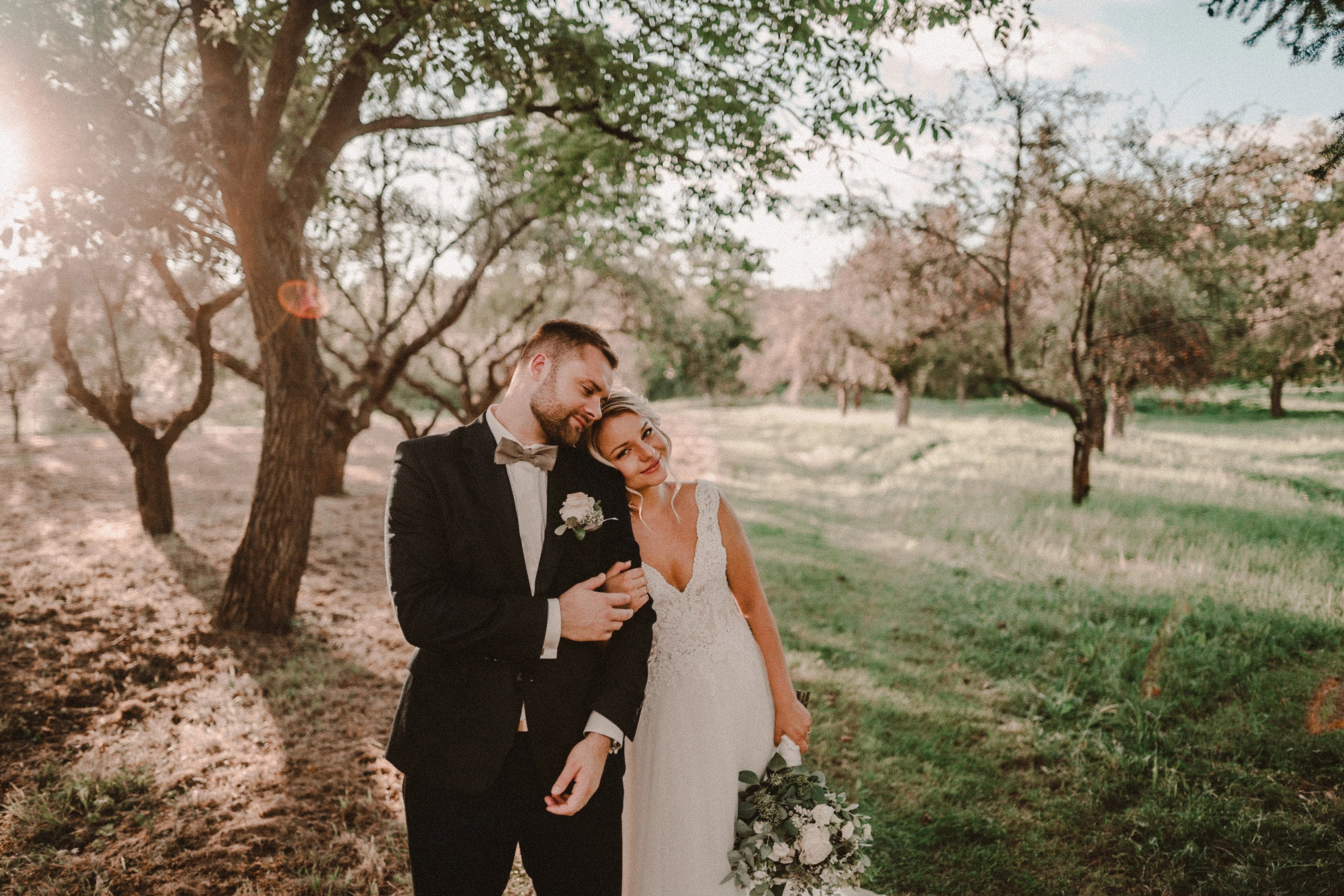
It looks like there is a higher grain in the photo
Here are photos exported from smart previews.

Tested on: Mac pro 2013 (6core, 16gb ram, D500)

Macbook Pro 2014 2,7 ghz 4 core, 16gb ram


10.0:
9.4:
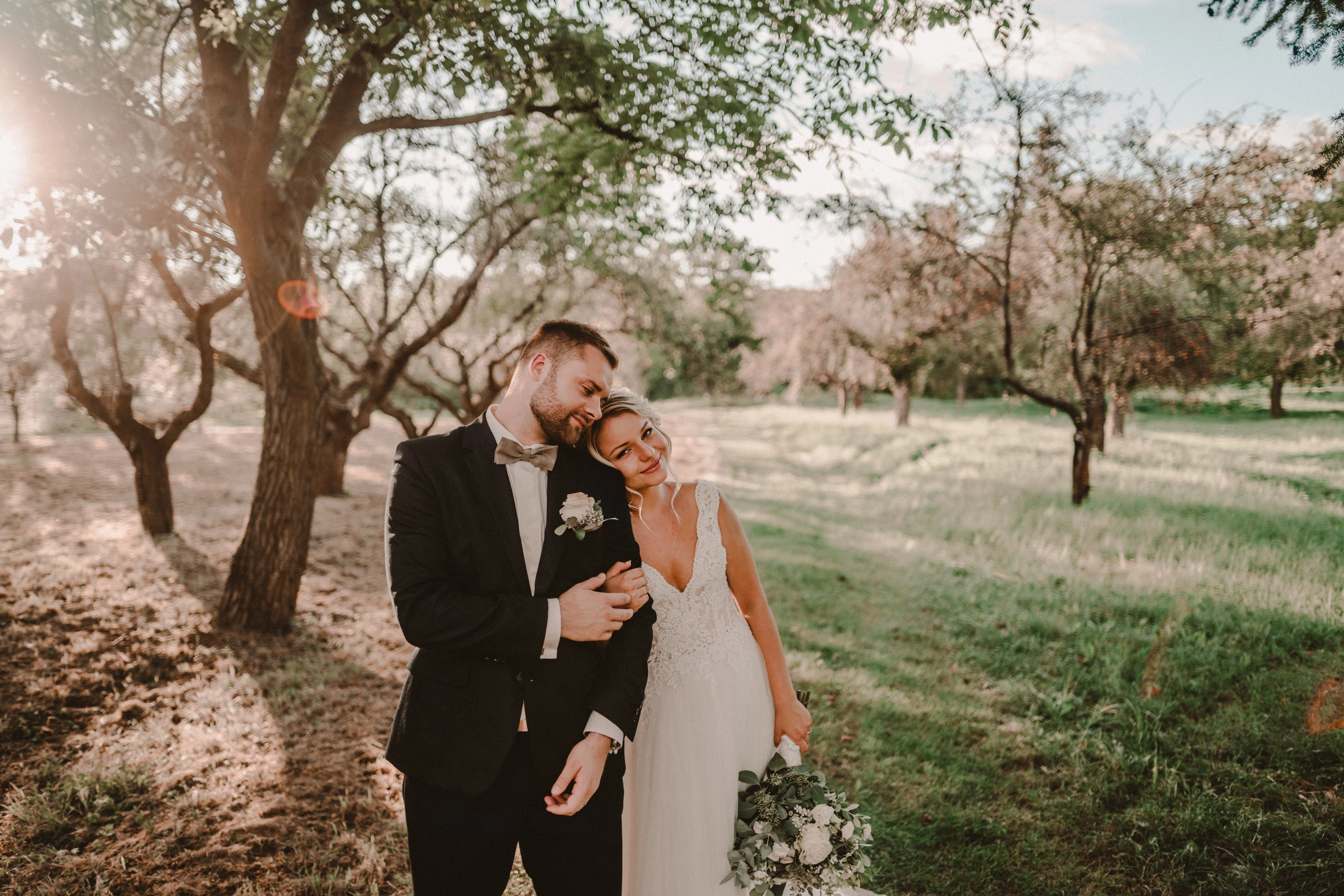
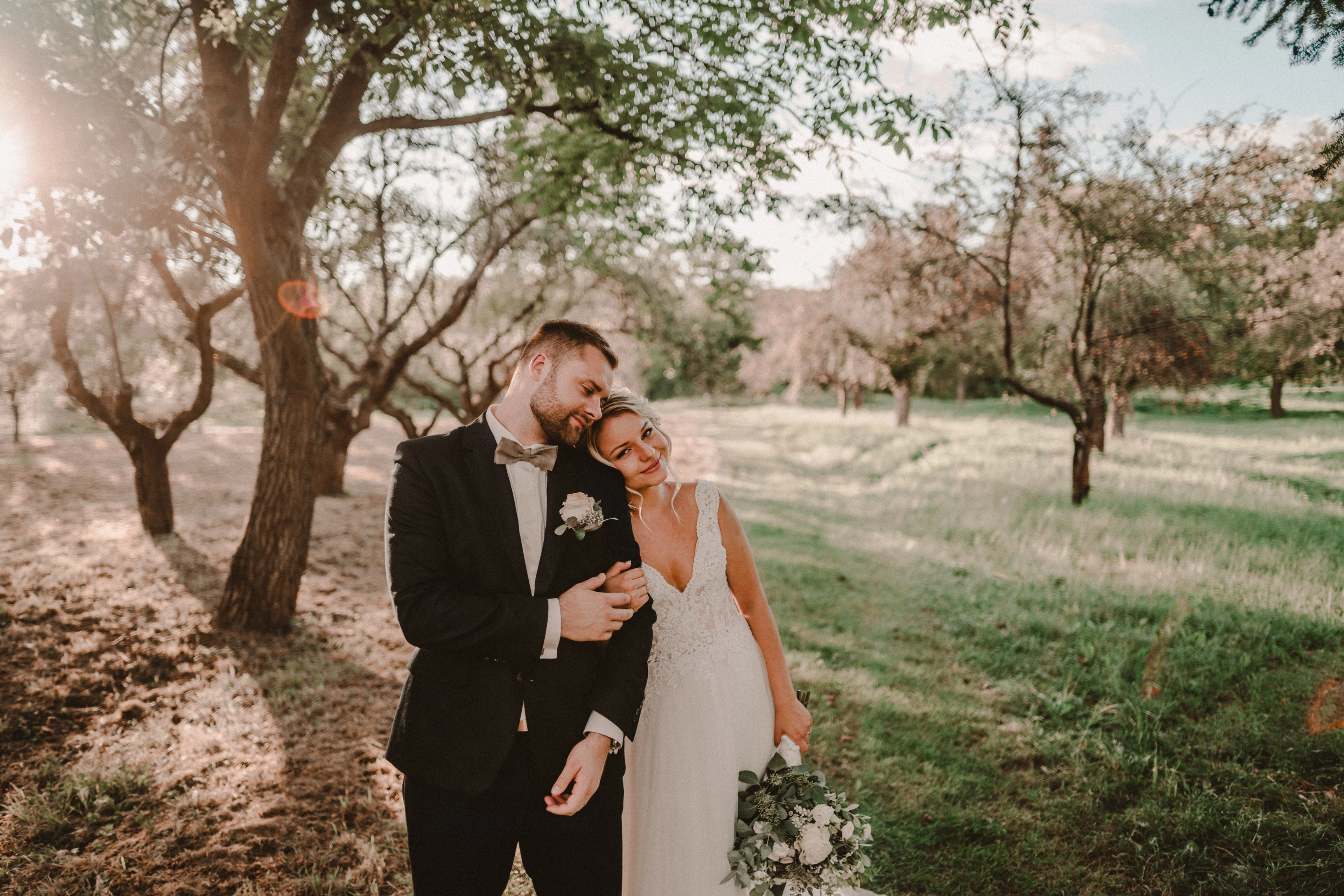
Photo exported after attaching a disk with the original photo:
This topic has been closed for replies.

162 replies

Known Participant
October 23, 2020

I've tested a new catalog. The picture (dng) in library is monochrome (not in color like the other) but also bad. 

TheDigitalDog
Inspiring
October 23, 2020

ACR shows me a awfully monochrome picture for one second, then it will be ok.

And that's what I see too. But on Mac. 

I wonder if you might try creating a new catalog. Import one or a few of these raws, having that catalog rebuild new previews for both Develop and the other modules. Any improvement or the same issue? 

Author “Color Management for Photographers" & "Photoshop CC Color Management/pluralsight"
Known Participant
October 23, 2020

Opening your DNG:

ACR shows me a awfully monochrome picture for one second, then it will be ok.

TheDigitalDog
Inspiring
October 23, 2020

Sorry: ACR is Adobe Camera Raw. Please also test in that Photoshop plugin and let us know what you see.

Author “Color Management for Photographers" & "Photoshop CC Color Management/pluralsight"
Known Participant
October 23, 2020

I don't know what ACR is. I only know the camera raw module in LR ans PS. I cannot find an application with this name in my cloud abo

Known Participant
October 23, 2020

No changes after deleting the cache.

Can we restart please.

1. The picture in library looks horrible (Fit Mode)

2. Switching to Develop the pic is also horrible, but only for one second then it will be better (Fit Mode)

3. Switching back to library the pic ist horrible (Fit Mode)

4. Zoom in (Library) and the pic will be better after 5 to 10 seconds

5. Back to fit mode 


After this the pic will be alright in library or develop.

Changing the grain and the game starts again

TheDigitalDog
Inspiring
October 23, 2020

( I think there ist something wrong on my LR

Which is why I asked if you'd also examine Adobe Camera Raw....

Author “Color Management for Photographers" & "Photoshop CC Color Management/pluralsight"
Known Participant
October 23, 2020

Interesting: Switching your DNG to monochrome, export it as a new dng and import this again, leads to a color picture 😞 I think there ist something wrong on my LR

TheDigitalDog
Inspiring
October 23, 2020

Library: Fit mode looks horrible, zoomin in takes 5-10 seconds, then it's ok

Let's do this slowly, one step at a time. This behavior where zooming is slow, is this a NEW behavior or you always had to wait 5-10 seconds for it to look OK in Library. 

Switching to develop from library without zoom in before, leads to an awful picture for one sedond, then it's ok. 

Awful looking in Library; yes or no? Because above you say something about 5-10 seconds. You must zoom in to see the preview in either module correctly. 

I understand we may have a language barrier here. So I can't help unless we break down exactly what is happening and where. Maybe you and draft a step by step of where and what's happening, like:

1. Go into Develop at 33%, preview looks >>>>> (good, bad?)

2. Zoom in at 1:1, it takes XX seconds and looks >>>

3. Go to Library at XXX Zoom, preview looks>>>> 

Has ANYTHING above changed behavior from your first post here since you deleted the ACR cache? 

Author “Color Management for Photographers" & "Photoshop CC Color Management/pluralsight"
Known Participant
October 23, 2020

Library: Fit mode looks horrible, zoomin in takes 5-10 seconds, then it's ok

But only if i never change the grain. if i change the grain then it's the same agin.

Switching to develop from library without zoom in before, leads to an awful picture for one sedond, then it's ok. but switching then back to library (without changes) leads to the same awful pic