
Inspiring
Oct 21, 2020 3:44 PM UTC
Released

P: Poor photo in the library and develop module - smart previews

I have a problem with version 10.0,
the photo is of poor quality in the library and in the develop module. I use smart previews (the disk with the original photos is disconnected).
smart previews in version 10.0 have poorer quality than in version 9.4
When I install the older version (9.4), the same photo with the same preset is of better quality (also smart previews).

It looks like there is a higher grain in the photo
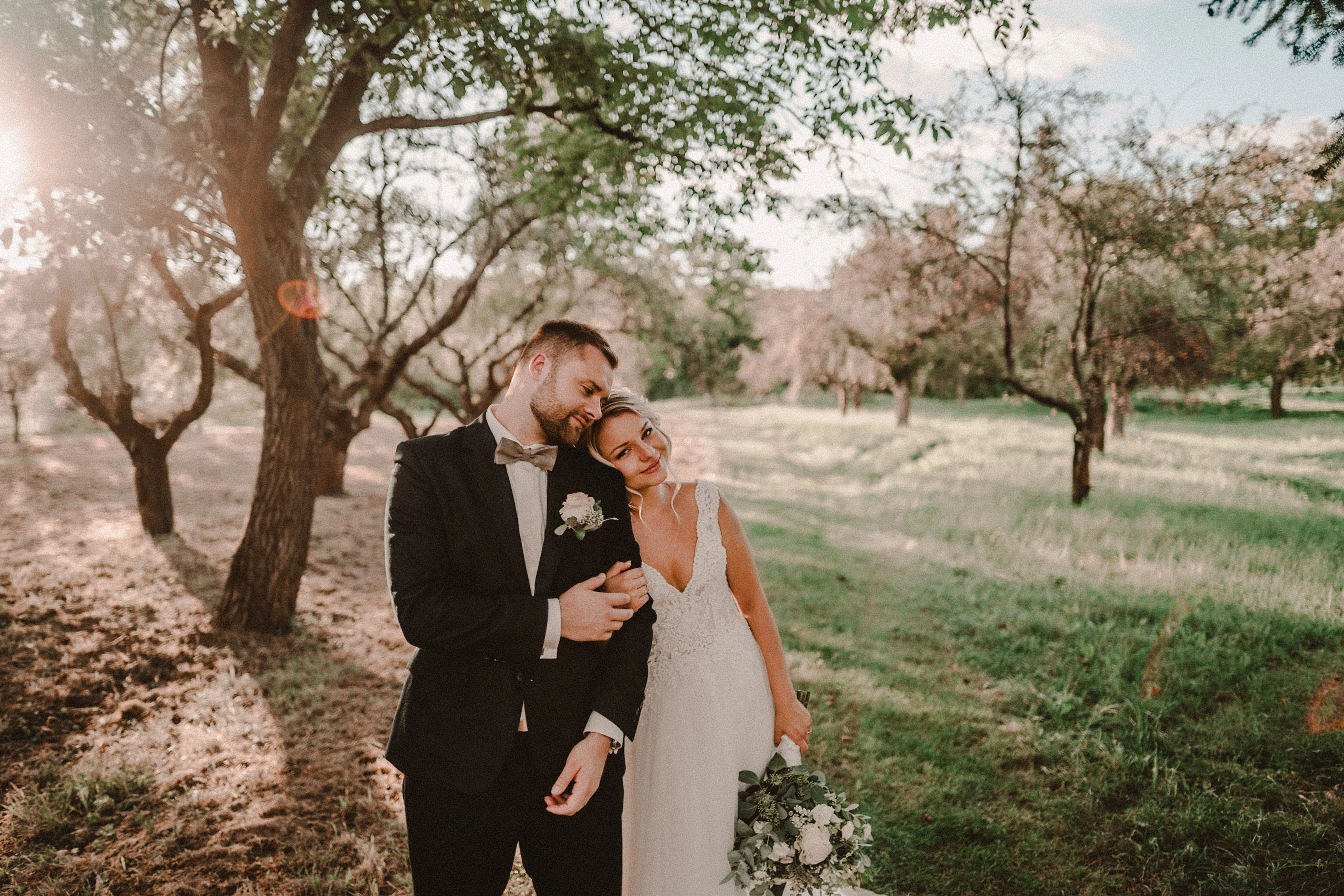
Here are photos exported from smart previews.

Tested on: Mac pro 2013 (6core, 16gb ram, D500)

Macbook Pro 2014 2,7 ghz 4 core, 16gb ram


10.0:
9.4:
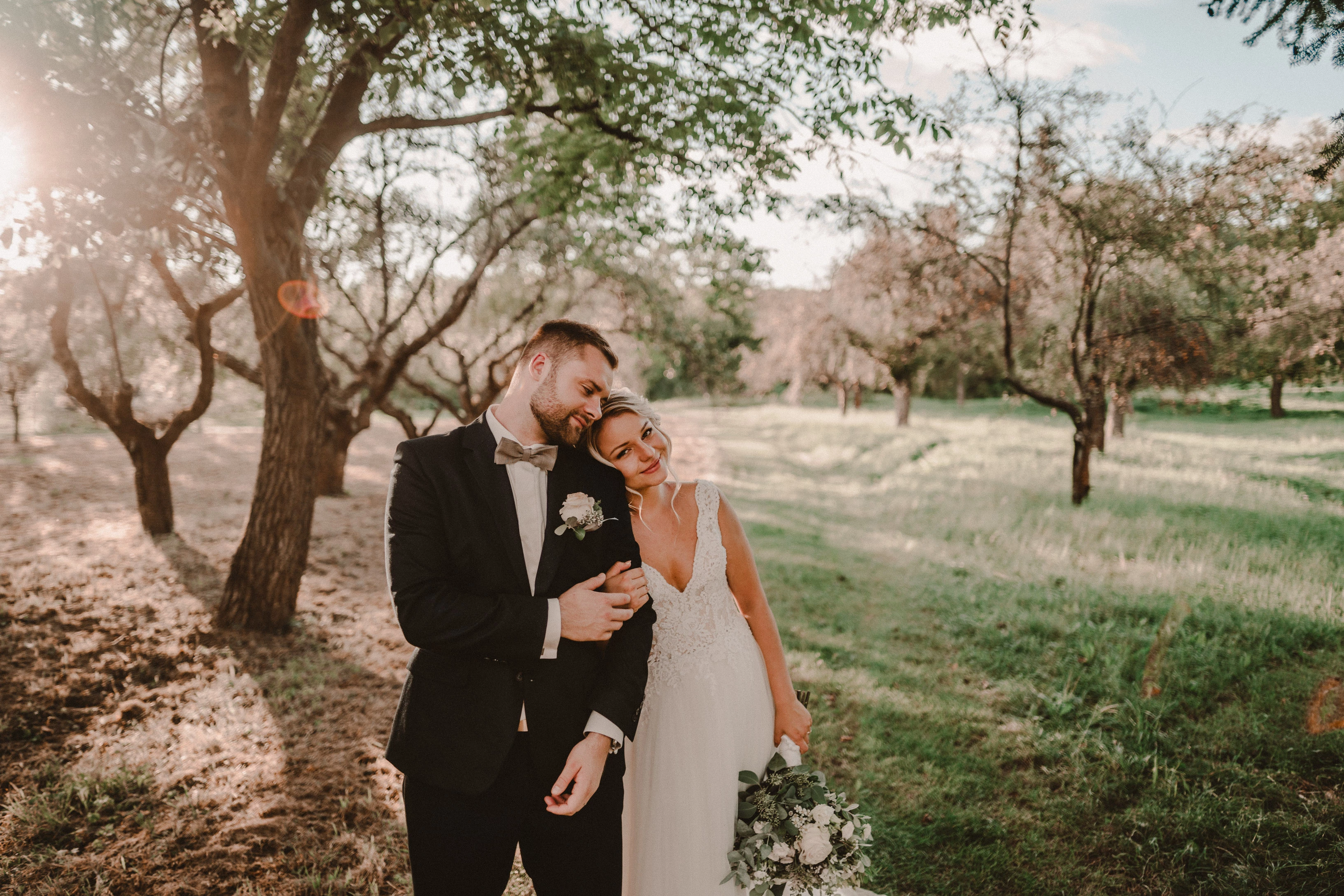
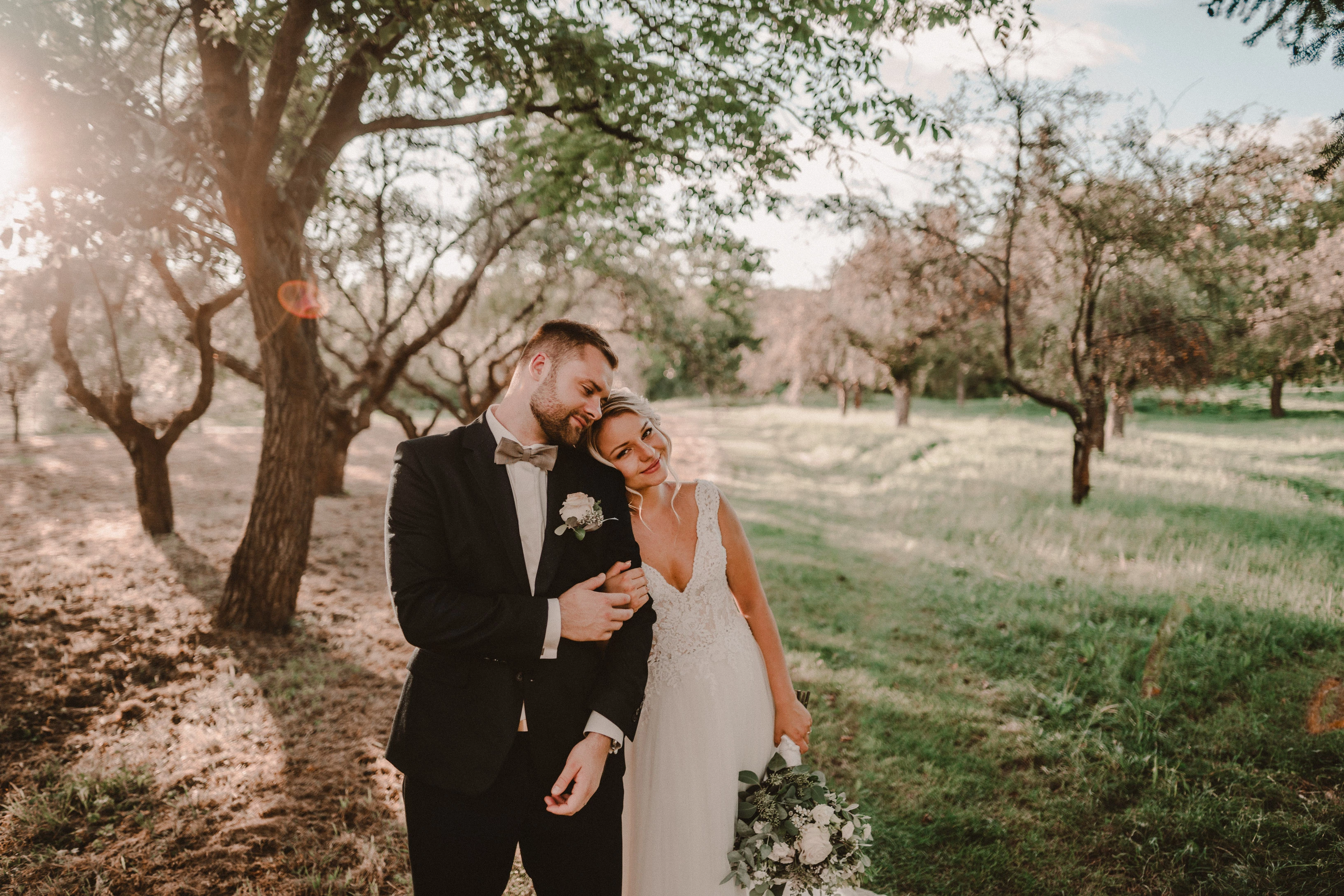
Photo exported after attaching a disk with the original photo:
This topic is closed to new replies. Start a new post to keep the conversation going.

162 replies

Participating Frequently
Oct 26, 2020 6:54 PM UTC

Just to pop back here (I left because predictably, as always seems to happen when people ask for advice online it turned into a slanging match)

I'm running the new Lightroom on an iMac (I don't know why some people have written that I've tried on both, I haven't and my issue is on Mac not on Windows)

The problem still persists.

There's a lot of overcomplicating going on in here. The simple problem is that when you look at an image applied with grain added it looks awful and no where near true to what it'll look like on export until you zoom in. When you navigate away from that photo and come back to it again the photo again looks terrible. 

I've tried changing the preview types, sizes etc. Same problem persists regardless of changes.

Translate
Inspiring
Oct 26, 2020 6:29 PM UTC

@Pavan_kumar 

@Rikk

could you please check?

Translate
TheDigitalDog
Inspiring
Oct 26, 2020 6:12 PM UTC

Next times opening LR, the preview in library was bad also.

But on this end, it updates correctly and depending on the size of the raw, nearly instantly. You see that behavior (update) or not? 

Translate
Author “Color Management for Photographers" & "Photoshop CC Color Management/pluralsight"
Known Participant
Oct 26, 2020 6:08 PM UTC

I can say, using ACR changes nothing. Next times opening LR, the preview in library was bad also.

Translate
TheDigitalDog
Inspiring
Oct 26, 2020 6:07 PM UTC

The photo in ACR is of poor quality, it loads after 1 second and is high quality. This is how I would expect it in LR, but it is not so.

Exactly, so why? This is how we can drill down data for Adobe to fix this for those (and why only those) who see this. 

Translate
Author “Color Management for Photographers" & "Photoshop CC Color Management/pluralsight"
Inspiring
Oct 26, 2020 6:03 PM UTC

you're right ... ACR is a module for PS, I forgot.

I tried it. The photo in ACR is of poor quality, it loads after 1 second and is high quality. This is how I would expect it in LR, but it is not so.

Translate
TheDigitalDog
Inspiring
Oct 26, 2020 6:02 PM UTC
Author “Color Management for Photographers" & "Photoshop CC Color Management/pluralsight"
TheDigitalDog
Inspiring
Oct 26, 2020 5:55 PM UTC

How did you do that? how do I open a photo in ACR?

I drag and drop over Photoshop, it opens in ACR (Adobe Camera Raw). Or just use File Open. 

Translate
Author “Color Management for Photographers" & "Photoshop CC Color Management/pluralsight"
Known Participant
Oct 26, 2020 5:55 PM UTC

I cannot answer your question on the other thread, beacuse i don't find the thread. It seems it will be deleted. But i can say, using ACR changes nothing. Next times opening LR, the preview in library was bad also.

Translate
TheDigitalDog
Inspiring
Oct 26, 2020 5:54 PM UTC

With the Boxer DNG image, which at least in the Mac Finder shows it's a larger file, in ACR, I do see the poor preview for a split second. 

So the question perhaps for Adobe is, what initially is used for the preview before the ACR cache updates a higher quality preview in Develop or ACR, could it be very low rez or 'corrupted', thus for some users, it shows a poor quality. 

On my end, I do not see this poor quality preview at any time. 

Could this be associated with edits using Effect (Grain?). Both DNGs have such edits among others. I've tried some differing and radical Gain settings and again, I cannot get the previews to show incorrectly. 

Translate
Author “Color Management for Photographers" & "Photoshop CC Color Management/pluralsight"