


Known Participant
March 1, 2024

P: SDK: photo:applyDevelopPreset(preset) can lockup LrC with AI Settings

  • March 1, 2024
  • 8 replies
  • 1751 views

when using 


photo:applyDevelopPreset(preset)​


 with a preset containing AI Settings, this will trigger the calculating ai settings dialog in newer LrC versions most of the times.


Issue 1)
When calling LrTasks.sleep(1) immediately after the call and keeping the withWriteAccess lock some time does prevent the dialog from showing up and seems to bring LrC in a state where it won't show the dialog anymore even without the LrTasks.sleep(1). This seems pretty random to me (maybe some race condition). But sometimes my LrC is in a state where it won't trigger the dialog.
This is rather annoying and inconvinient, but the more serious issue is:
 
Issue 2)
When LrC does show the dialog, it seems to show it for every photo separately, leading to many dialogs popping up and blocking each other as seen in my screenshot
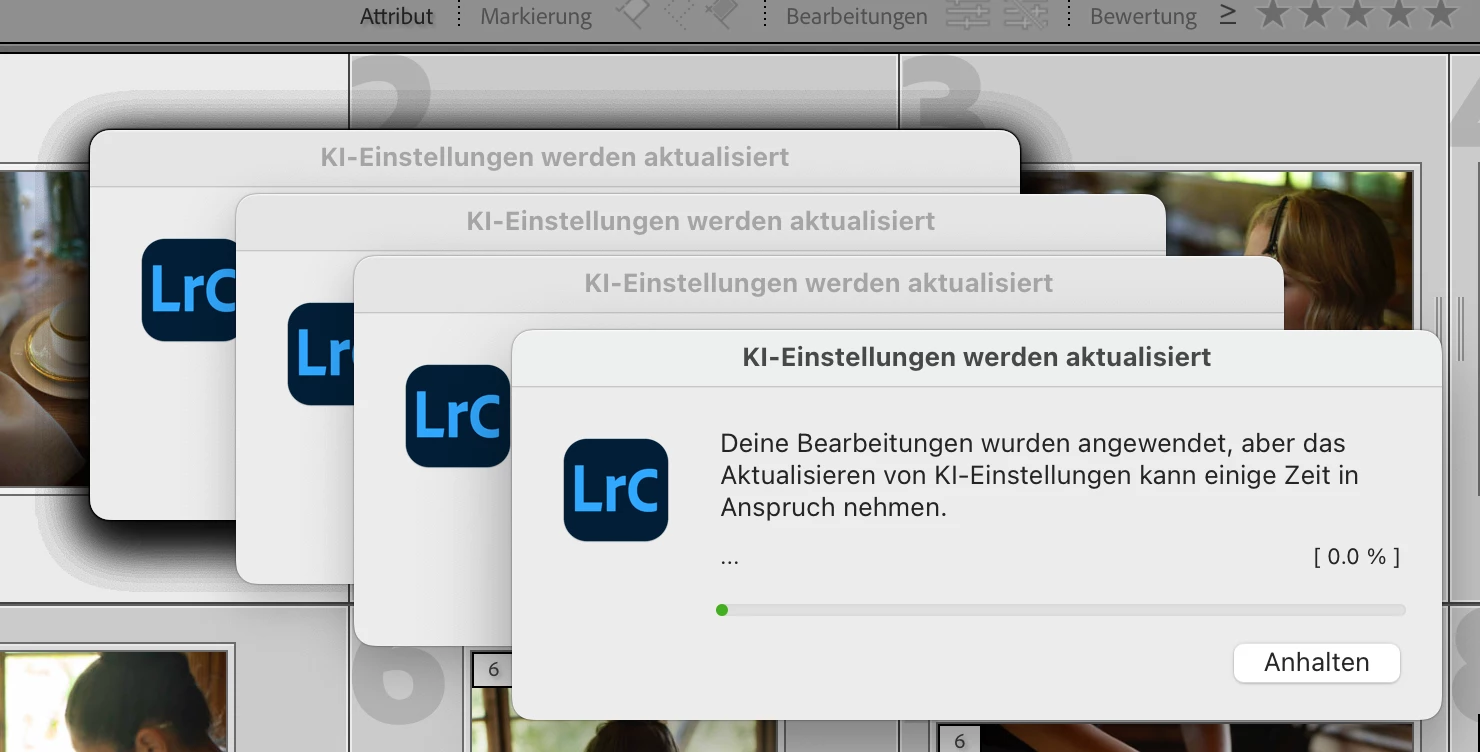


One cannot cancel the below dialogs and when trying to cancel the frontmost it just sits in the "stopping" state forever.
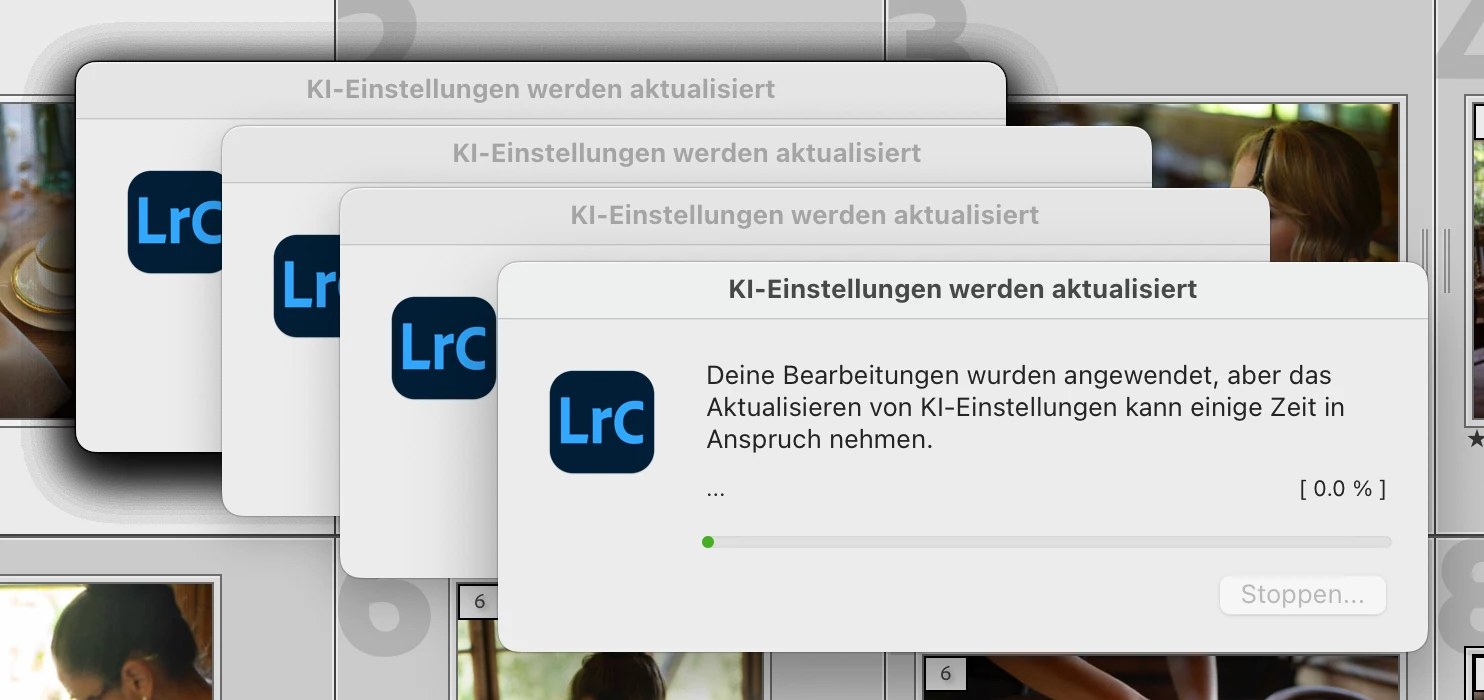


 Generally as i said it seems somewhat fragile to get LrC to show this dialog at all (sometimes it is in a state when it wont show it and sometimes it does). So there is some smell of race conditions.
Generally from my perspective the best solution would be to allow the plugin to trigger the AI Settings calculations via the SDK, so that it can be triggered under a controlled flow after all photos have been updated.
Alternatively it would probably be good to only trigger one update after all photos have been updated and the writeAccessLock has been freed.
 
In order to reproduce, one can use the following code


local LrTasks = import "LrTasks"
local LrApplication = import "LrApplication"
local LrDialogs = import "LrDialogs"

LrTasks.startAsyncTask(function()
    local success, error = LrTasks.pcall(function()

        local catalog = LrApplication.activeCatalog()
        local photos = catalog:getTargetPhotos()

        local presetUuid = "8A9FF6C8654BA338F601B854EF008497"
        local preset = LrApplication.developPresetByUuid(presetUuid)
        if preset then

            if true then
                -- we go through all photos and apply the preset
                -- this seems to trigger the "calculate AI settings" 
                -- for each photo and leads to a lockup situation
                catalog:withWriteAccessDo("Apply preset", function(context)
                    for _, photo in ipairs(photos) do
                        photo:applyDevelopPreset(preset)
                    end
                end)

            else
                -- for test, we apply the preset and sleep to give some time
                -- interestingly, this way does not trigger the "calculate AI settings" at all
                -- and once we ran like this, the other way also no longer brings up the 
                -- "calculate AI settings" dialog anymore until LrC is restarted
                for _, photo in ipairs(photos) do
                    catalog:withWriteAccessDo("Apply preset", function(context)
                        photo:applyDevelopPreset(preset)
                    end)
                    LrTasks.sleep(1)
                end
            end
        else
            LrDialogs.message("Preset not found", "Preset with UUID " .. presetUuid .. " not found", "critical")
        end

    end)

    if not success then
        LrDialogs.showError("Error: " .. tostring(error))
    end
end)


Somewhat related to the corresponding applyDevelopSettings discussion about triggering the "calculate AI settings" here: P: SDK: Provide photo:updateAISettings () to updat... - Adobe Community - 13371302
This topic has been closed for replies.

8 replies

C.Cella
Inspiring
December 3, 2024

This issue seems to be back.
The Update Ai Modal Progress Window is not always disappearing EVEN if the update of Ai has finished.
This happens when using the updateAiSettings argument in photo:applyDevelopPreset()

I can't steadily reproduce it but it has happened when applying a preset (with Ai mask) on multiple images...attempting to stop the Modal progress Dialog didn't work and I had to restart the app.

I am doing


        LrTasks.startAsyncTask(function()
            catalog:withWriteAccessDo("Apply Preset and Create Snapshot", function()
                -- Step 1: Apply preset to each target photo
                for _, photo in ipairs(photos) do
                    -- Apply the preset to the photo (virtual copy or original)
                    photo:applyDevelopPreset(preset, nil, nil, true)

                    -- Conditionally set the photo's copyName to the preset name
                    if setCopyName then
                        photo:setRawMetadata("copyName", presetName)
                    end
                end

             etc...


johnrellis
Legend
May 23, 2024

I confirmed that in LR 13.3 the bad symptoms are no longer triggered by script in the bug recipe.

Rikk Flohr_Photography
Community Manager
Community Manager
May 21, 2024

Greetings all, 


Updates for the Adobe Photography Products have been released.  The May 2024 updates contain an update for this issue. 

If you do not see the update in your Creative Cloud Application, you can refresh it by hitting [Ctrl/Cmd]+[Alt/Opt]+[ R ].

Note: It may take up to 24 hours for your update to be available in your Creative Cloud app.


Thank you for being so patient.

Rikk Flohr: Adobe Photography Org
johnrellis
Legend
March 5, 2024

"from my experience photo:applyDevelopSettings() does never trigger the update ai settings ... so they definitely behave differently. Or do you also mean that the resulting settings / values might differ?"


I suggested using applyDevelopSettings() as a workaround to avoid locking up LR. But definitely do check to make sure that the resulting settings are identical, since in the past there have been bugs where applying a preset didn't result in the same settings as using applyDevelopSettings().

sb-xAuthor
Known Participant
March 1, 2024

I used: Adaptive Sky - Blue Drama (but you can use any that has AI masks in it)

<x:xmpmeta xmlns:x="adobe:ns:meta/" x:xmptk="Adobe XMP Core 7.0-c000 1.000000, 0000/00/00-00:00:00        ">
 <rdf:RDF xmlns:rdf="http://www.w3.org/1999/02/22-rdf-syntax-ns#">
  <rdf:Description rdf:about=""
    xmlns:crs="http://ns.adobe.com/camera-raw-settings/1.0/"
   crs:PresetType="Normal"
   crs:Cluster="Premium 1.50"
   crs:UUID="AB589E0F78B544C49F0AADE488E9AF59"
   crs:SupportsAmount2="True"
   crs:SupportsAmount="True"
   crs:SupportsColor="True"
   crs:SupportsMonochrome="True"
   crs:SupportsHighDynamicRange="True"
   crs:SupportsNormalDynamicRange="True"
   crs:SupportsSceneReferred="True"
   crs:SupportsOutputReferred="True"
   crs:RequiresRGBTables="False"
   crs:CameraModelRestriction=""
   crs:Copyright="Adobe 2022"
   crs:ContactInfo=""
   crs:Version="14.4"
   crs:CompatibleVersion="234881024"
   crs:ProcessVersion="11.0"
   crs:HasSettings="True">
   <crs:Name>
    <rdf:Alt>
     <rdf:li xml:lang="x-default">Adaptive Sky - Blue Drama</rdf:li>
    </rdf:Alt>
   </crs:Name>
   <crs:ShortName>
    <rdf:Alt>
     <rdf:li xml:lang="x-default">Blue Drama</rdf:li>
    </rdf:Alt>
   </crs:ShortName>
   <crs:SortName>
    <rdf:Alt>
     <rdf:li xml:lang="x-default"/>
    </rdf:Alt>
   </crs:SortName>
   <crs:Group>
    <rdf:Alt>
     <rdf:li xml:lang="x-default">Adaptive: Sky</rdf:li>
    </rdf:Alt>
   </crs:Group>
   <crs:Description>
    <rdf:Alt>
     <rdf:li xml:lang="x-default"/>
    </rdf:Alt>
   </crs:Description>
   <crs:MaskGroupBasedCorrections>
    <rdf:Seq>
     <rdf:li>
      <rdf:Description
       crs:What="Correction"
       crs:CorrectionAmount="1"
       crs:CorrectionActive="true"
       crs:CorrectionName="Blue Drama"
       crs:CorrectionSyncID="B5C8A9EE3BE060B992B17A0764E33C5A"
       crs:LocalExposure="0"
       crs:LocalHue="0"
       crs:LocalSaturation="0"
       crs:LocalContrast="0"
       crs:LocalClarity="0"
       crs:LocalSharpness="0"
       crs:LocalBrightness="0"
       crs:LocalToningHue="0"
       crs:LocalToningSaturation="0"
       crs:LocalExposure2012="0"
       crs:LocalContrast2012="0"
       crs:LocalHighlights2012="0"
       crs:LocalShadows2012="0"
       crs:LocalWhites2012="0"
       crs:LocalBlacks2012="0"
       crs:LocalClarity2012="0.588211"
       crs:LocalDehaze="0.27061"
       crs:LocalLuminanceNoise="0"
       crs:LocalMoire="0"
       crs:LocalDefringe="0"
       crs:LocalTemperature="-0.099116"
       crs:LocalTint="0"
       crs:LocalTexture="0">
      <crs:CorrectionMasks>
       <rdf:Seq>
        <rdf:li
         crs:What="Mask/Image"
         crs:MaskActive="true"
         crs:MaskName="Sky 1"
         crs:MaskBlendMode="0"
         crs:MaskInverted="false"
         crs:MaskSyncID="98D29F5C711F4FF8AA182D10136AE85A"
         crs:MaskValue="1"
         crs:MaskVersion="1"
         crs:MaskSubType="2"
         crs:ReferencePoint="0.500000 0.500000"
         crs:ErrorReason="0"/>
       </rdf:Seq>
      </crs:CorrectionMasks>
      </rdf:Description>
     </rdf:li>
    </rdf:Seq>
   </crs:MaskGroupBasedCorrections>
  </rdf:Description>
 </rdf:RDF>
</x:xmpmeta>


C.Cella
Inspiring
March 1, 2024

@sb-x 

It's a good idea to use a preset all users can access.


The bug you discovred leads to another bug:

Presets that have been applied via the SDK and that are unmodified can be re-applied.


You could fix this by reading the preset settings AND compare them will all the photo settings.

If they match then the preset is already applied and should not be committed.


LrC should do it by its own.


johnrellis
Legend
March 3, 2024

[This post contains formatting and embedded images that don't appear in email. View the post in your Web browser.]


I also observed bad behavior when running your script:


With "if false":


- In Develop, with just 9 photos selected in the filmstrip, LR 13.2 / Mac consistently locks up while showing the dialog for the third or fourth time, and after clicking Stop I have to force-quit it:


- In Library Grid view with the same 9 photos selected, LR showed the bezel off and on and it didn't lock up:


While that was going, I noticed the CPU usage was high.


With "if true":


- In both Develop and Library, I see multiple dialogs pop up and clicking Stop shows "Stopping" but then LR locks up.


C.Cella
Inspiring
March 1, 2024

@sb-x 


I have hidden all those (quite useless) preset so the SDK can't summon them.

Please tell us the name of the preset so that we can enable the relative Group.


P.S.

I will attach script to a bug report I filed years ago.

This is yet another case the proves that we need the photo:updateAISettings ()  to properly call for an update of the Ai.

sb-xAuthor
Known Participant
March 1, 2024

Its one of the included Adaptive Presets in LrC, no special preset needed

C.Cella
Inspiring
March 1, 2024

You forgot to attach the preset.


The lack of photo:updateAISettings () is a massive problem and a big waste of time for users AND has only lead to history clutter.

To avoid catalog bloat more time needs to be wasted to manage history.


Terrible situation.


It's about time we get that API


.