
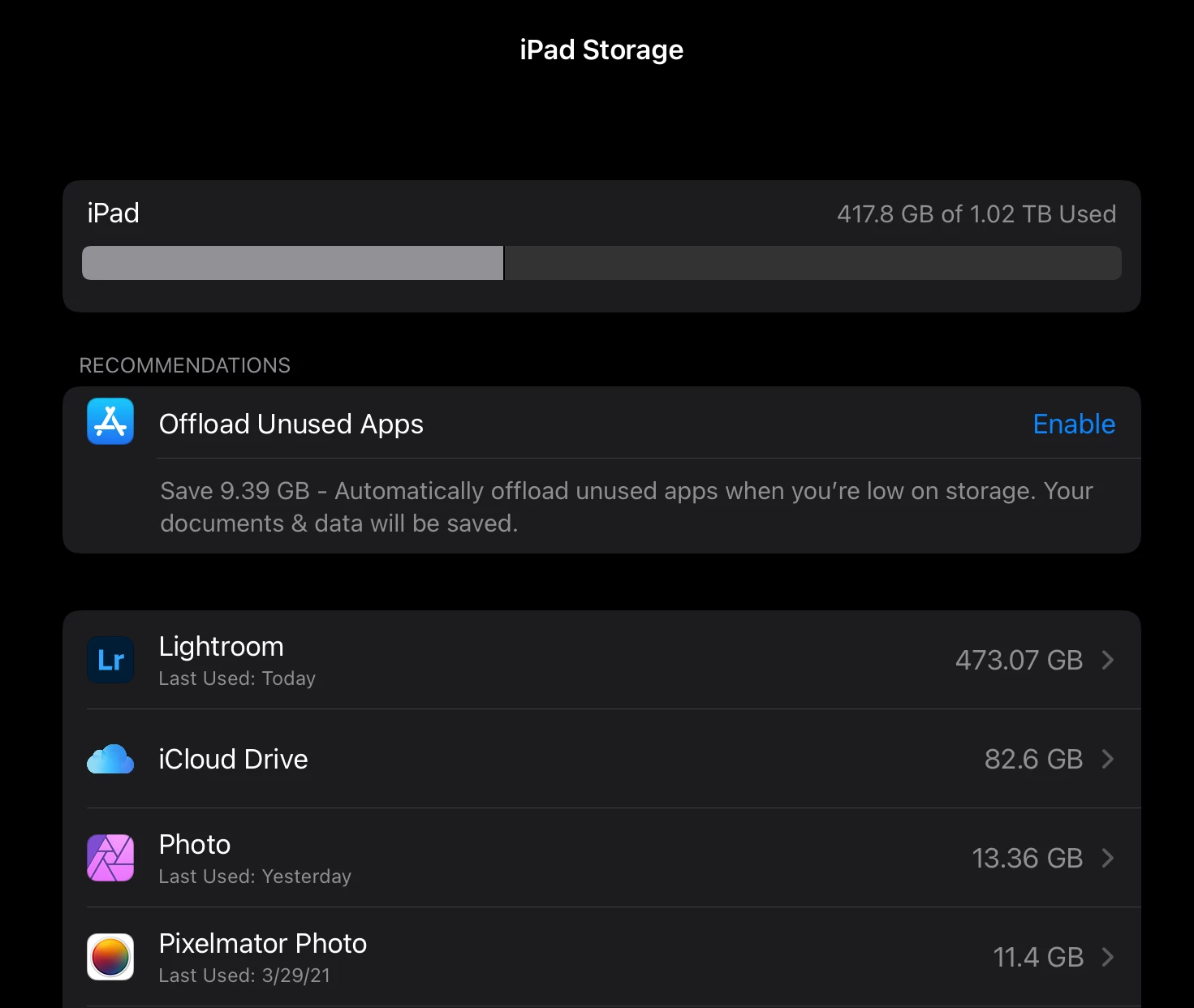
P: 6.2.1 on iPad 2020 12.9 1TB (with 500GB free) - Tried 2x with the same error
Hi Folks,
I have 30K pictures on my Adobe Cloud (also fully cached on my iPad) , I've selected 9289 good ones and I am trying to export (as is, no conversion) using the option "Export as original".
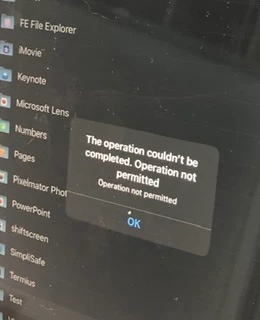
After 15 minutes thinking and validating I've got the prompt to save, so I've created a ipad folder called "test" and tried to "export". After 5 minutes I've got the error "The Operation couldn't be completed. Operation not permitted - Operation not permitted"
On the destination folder "test" only 2051 files (of 9289) was saved. As a former kernel developer (Solaris) I noticed that it is pretty close to 2048 (2x1024) limit, so I don't know if it makes sense but I can smell something as RFE for IPad OS or to Adobe.
Bottom line is:
* iPad with 500GB free
* 2020 12.9 6GB RAM (only running LR)
* Using local resources (iPad storage)
Please help! I don't know if anyone from Adobe could help me, otherwise I'd use my windows machine to get this done.
See attached pictures...


 AdChoices