Participating Frequently
July 8, 2025

P: In-camera star ratings from Fujifilm GFX100RF not importing

  • July 8, 2025
  • 3 replies
  • 941 views

Any star-ratings applied to RAF files coming from the new Fujifilm GFX100RF are not being recognized by Lightroom (nor Bridge). In-camera star ratings applied to GFX100RF JPG and HIF files are being imported recognized no problem.


I have tested with both uncompressed and compressed RAF files. No difference.


RAF files that were star-rated in-camera on my X100VI or X-T5 work properly; the ratings appear as expected in both Lr and Br. This problem only seems to happen with RAF files from the GFX100RF (for me).


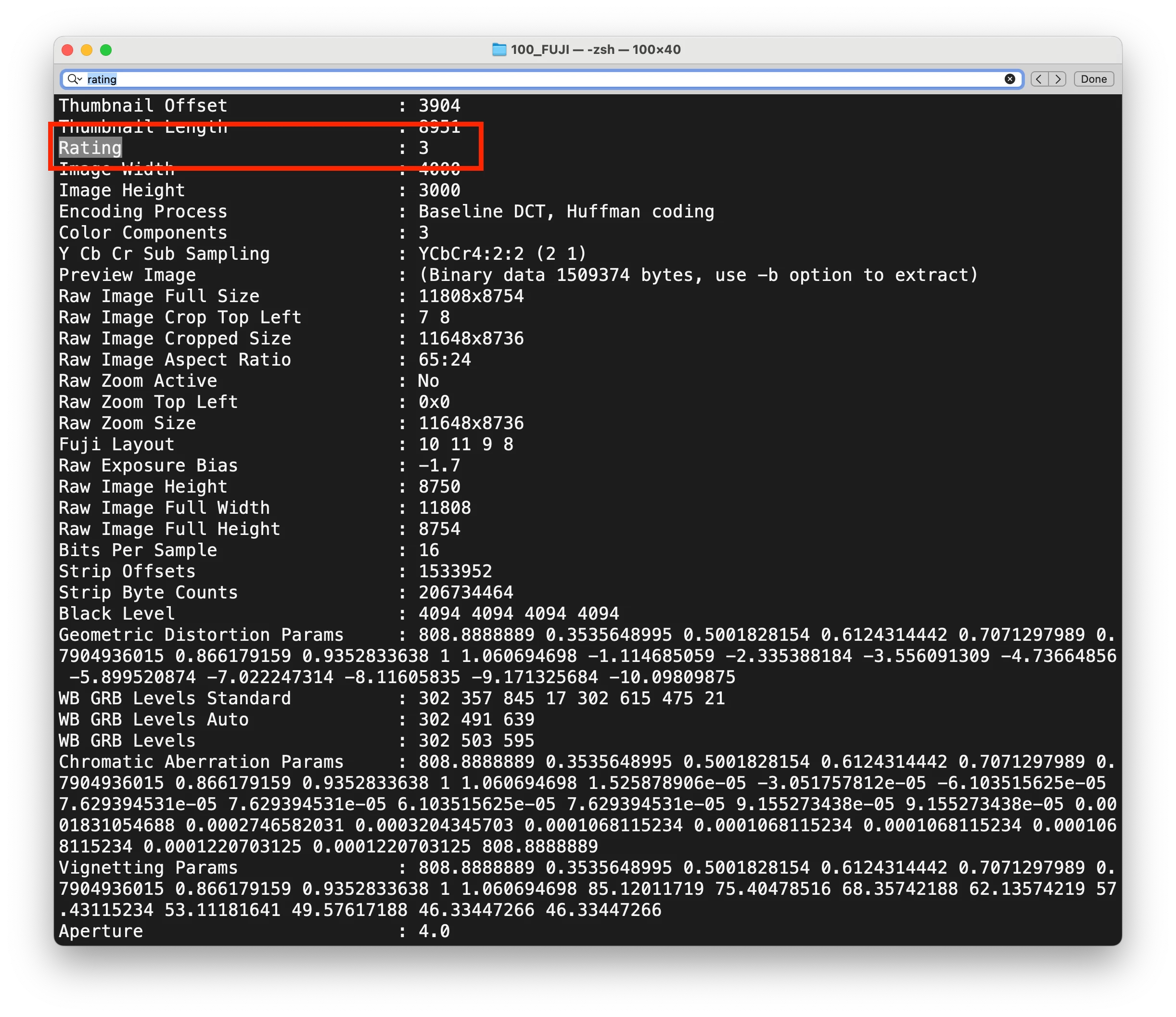
As a sanity check, the star ratings are clearly visible in the RAF files using EXIFTOOL, Photo Mechanic, and FastRawViewer.

I've tested this on the Mac, iPhone and iPad versions of Lr.


3 replies

Participant
October 22, 2025

Hello @Aleke, I am experiencing this issue. Just shot this past week with the GFX100sII - all ratings saved in camera did not transfer over to Lightroom Classic


Community Manager
July 17, 2025

Hi @emrold3742 and anyone else experiencing this,
Thanks for reaching out! The team will be looking into this issue, so please stay tuned to this thread for any updates. We really appreciate your patience while we investigate.

Thanks again!
Alek

*(If you mention me with an @, like @Aleke, I’ll get a notification and can respond faster.)*
Claire H.
Community Manager
Community Manager
July 8, 2025

Hi @380603 DeLorme, Thanks for reaching out and welcome to the Lightroom Forums! To better help you with this issue, we would like a few more details. Can you send your system info and a screenshot of the import dialog? You can find your system info by going to Help > System Info, copying and pasting it into a text file, and attaching it here. Thanks! ^CH

Participating Frequently
July 9, 2025

Hi. I'm not sure what system info you're looking for... from my Mac or from Lightroom? I'm also not sure what use that information is... this is clearly an issue with how Adobe's software is parsing RAF files from a new camera...


The import dialog doesn't reveal anything useful, but here you go anyhow. One of the two test photos has a star rating applied.

Import dialog:

After importing:


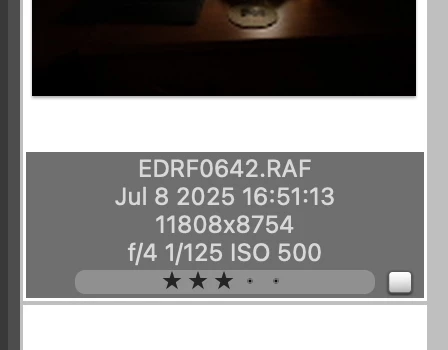
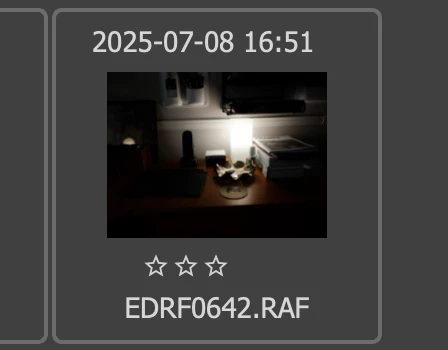
As you can see, neither of them has their star rating show. But, if you look at the RAF files with EXIFTOOL, one of them is clearly rated.

Meanwhile on the camera you can see that the second image (0644) is rated (look at the top-left of the screen just under the date).

Let me know if you need anything else. Thanks.

Community Manager
July 11, 2025

Hi @emrold3742 thanks so much for reaching out!

When you get a chance, could you check in Lightroom Web to see if the star ratings are also missing there? That’ll help us narrow things down a bit.

Also, if you're able to share a few sample files, we'd really appreciate it. We'd love to run some tests on our end to better understand what’s going on.

Thanks again!
Alek

*(If you mention me with an @, like @Aleke, I’ll get a notification and can respond faster.)*