January 4, 2021

P: Lightroom Mobile: iOS local storage

  • January 4, 2021
  • 23 replies
  • 1760 views

I have a 128gb iPhone 11.


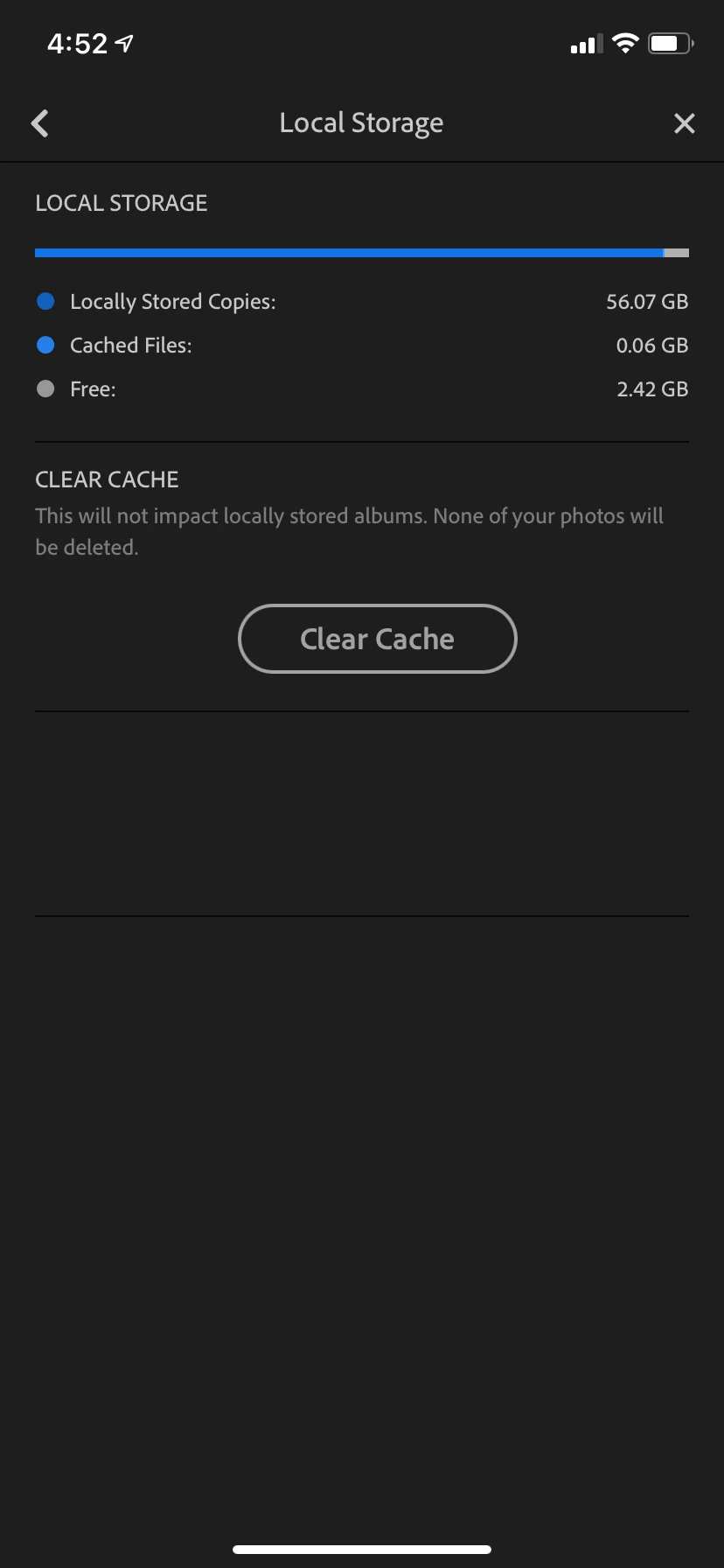
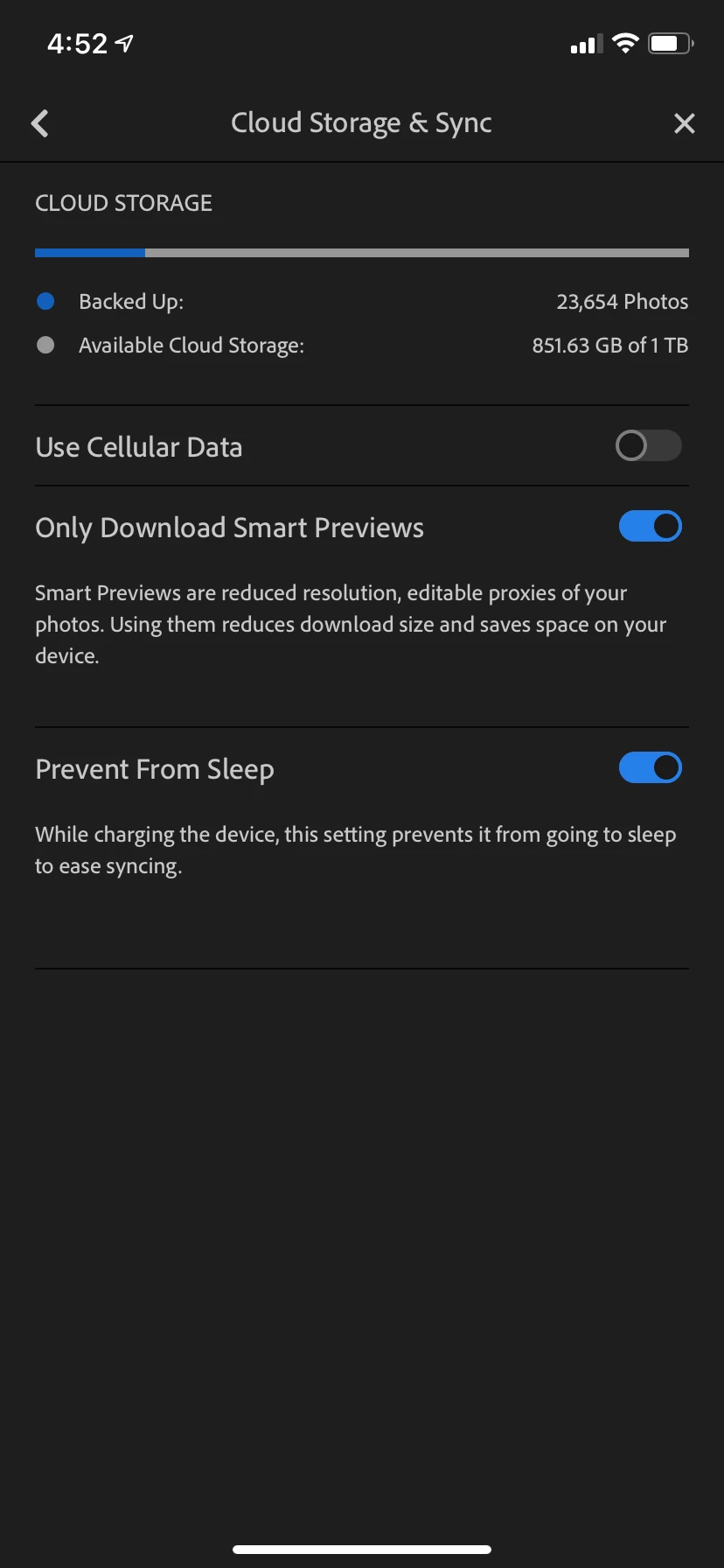
You can see my settings for Lightroom in the screenshots. You can also see how much local storage is being used by Lightroom - it is using 56.07gb of local storage. As a result, I am constantly getting the "Your iPhone storage is full" message, which makes my phone unusable for doing things like....taking photos. The irony!


I have already tried deleting the app completely and reinstalling, but the end result is the same. Am I missing something here or is this a bug of some kind?


Thanks


This topic has been closed for replies.

23 replies

January 4, 2021

Thanks both for the replies. I have double checked and cannot find any album marked to Store Locally. And as G_Reule pointed out a clean install should have removed that setting. 


51gb is close to half a third of my library and I don’t have any albums nearly that big. 

What else could be causing this?

greule
Community Manager
Community Manager
January 4, 2021

From your screenshot it looks like that you have "store-locally" enabled for an album. But as you mentioned that you were seeing this after a clean re-install I'm wondering if that is the case. Could you you double check and let me know. - Guido/ Lr Mobile QE

Victoria Bampton LR Queen
Community Expert
Community Expert
January 4, 2021

It looks like you have some albums marked to "store locally", which you'll find in the albums' ... menus in the library view. Go through and turn those off them come back and hit that clear cache button to clear space.

Victoria - The Lightroom Queen