


1mpala
Participant
March 23, 2026

P: Recommended Presets Not Working

  • March 23, 2026
  • 207 replies
  • 5068 views

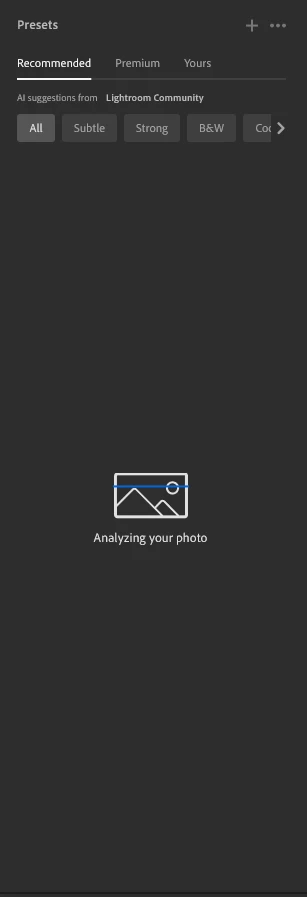
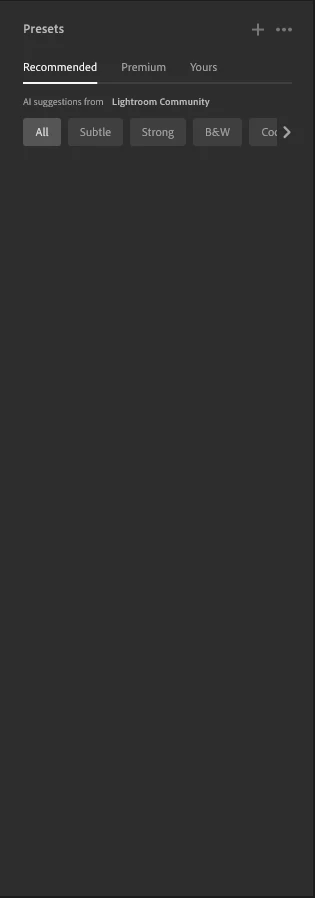
The recommended presets aren't loading anymore; it says they're being analyzed, but nothing happens. It used to work before—how can I fix this?
 

207 replies

JAgostinho
Participating Frequently
April 17, 2026

Just to share my experience with customer service. Due to this issue [now finally solve] I ask for a compensation and adobe customer service [via chat] gave me one more month of subscription [I have the 20GB full year service]. If you were affected give it a try. Best regards.

 
Amanda Fisher
Participating Frequently
April 16, 2026

I just updated my Adobe Lightroom (4/16/26), the newest update worked and fixed this issue!! Yay!! 

Yevgeniy38068222bw0x
Participant
April 16, 2026

Looks like it’s working now! When can we expect refunds for our subscriptions for the time it wasn’t working? We shouldn’t be paying for a product that doesn’t work.

JAgostinho
Participating Frequently
April 17, 2026

Ask for it, they gave me one more month of subscription  ;)

 
cb804
Participant
April 16, 2026

Yes,, v9.3 seems to have resolved the preset issue. Thank you Adobe.

83stef
Participant
April 16, 2026

Hello, the latest update v 9.3 seems to have fixed the problem, thank you Adobe.

Rikk Flohr_Photography
Community Manager
April 16, 2026

Greetings all,  


A new update for the Adobe Photography products has been released.  The April release (x.3) contains an update regarding this issue. 

If you do not see the update in your Creative Cloud Application, you can refresh it by pressing  [Ctrl/Cmd]+[Alt/Opt]+[ R ].

Note: It may take up to 24 hours for your update to be available in your Creative Cloud app.


Thank you for being so patient.  

Rikk Flohr: Adobe Photography Org
Tatiana39072461e4vn
Participant
April 16, 2026

gj

Nikkispikkies
Participant
April 15, 2026

I wonder if anyone can help me with this. I no longer have the recommended presets. I seems to start to scan the image and then just stops. Any suggestions?

default496uwuv25r36
Participant
April 15, 2026

Hi everyone,

I’m having an issue with the “Recommended” AI presets in Adobe Lightroom (desktop version). They simply won’t load.

Here’s what I’ve already tried:
- Reinstalled Lightroom completely  
- Cleared local cache (Lightroom CC + CameraRaw folders)  
- Disabled GPU acceleration  
- Logged out and back into Adobe Creative Cloud  
- Tested different networks (including mobile hotspot)  

Important detail:
The feature works perfectly in Lightroom Web, but not in the desktop app.

Because of that, I assume it’s not an account or server issue, but something local on my system.

Has anyone experienced the same problem or found a fix?

I’m using:
- Windows 11 (latest version)  
- Latest version of Lightroom  9.2

Any ideas would be really appreciated!

cb804
Participant
April 15, 2026

Why is it taking so long for the presets issue to be resolved?

Boooyah1706
Participant
April 15, 2026

Lightroom presets on my pc does not load up post Lightroom update on creative cloud desktop.
