Participant
March 22, 2023

P: Video edits are not exporting

  • March 22, 2023
  • 38 replies
  • 19805 views

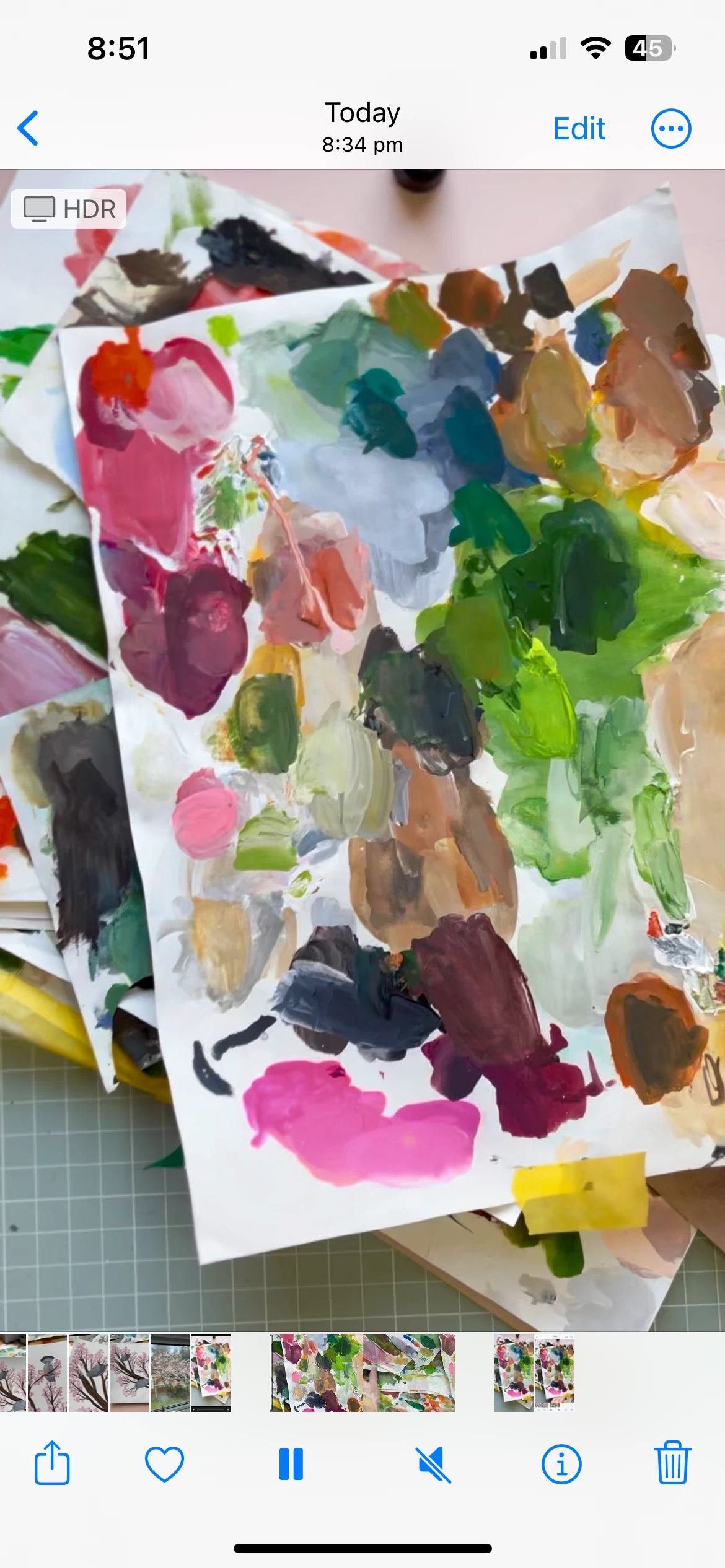
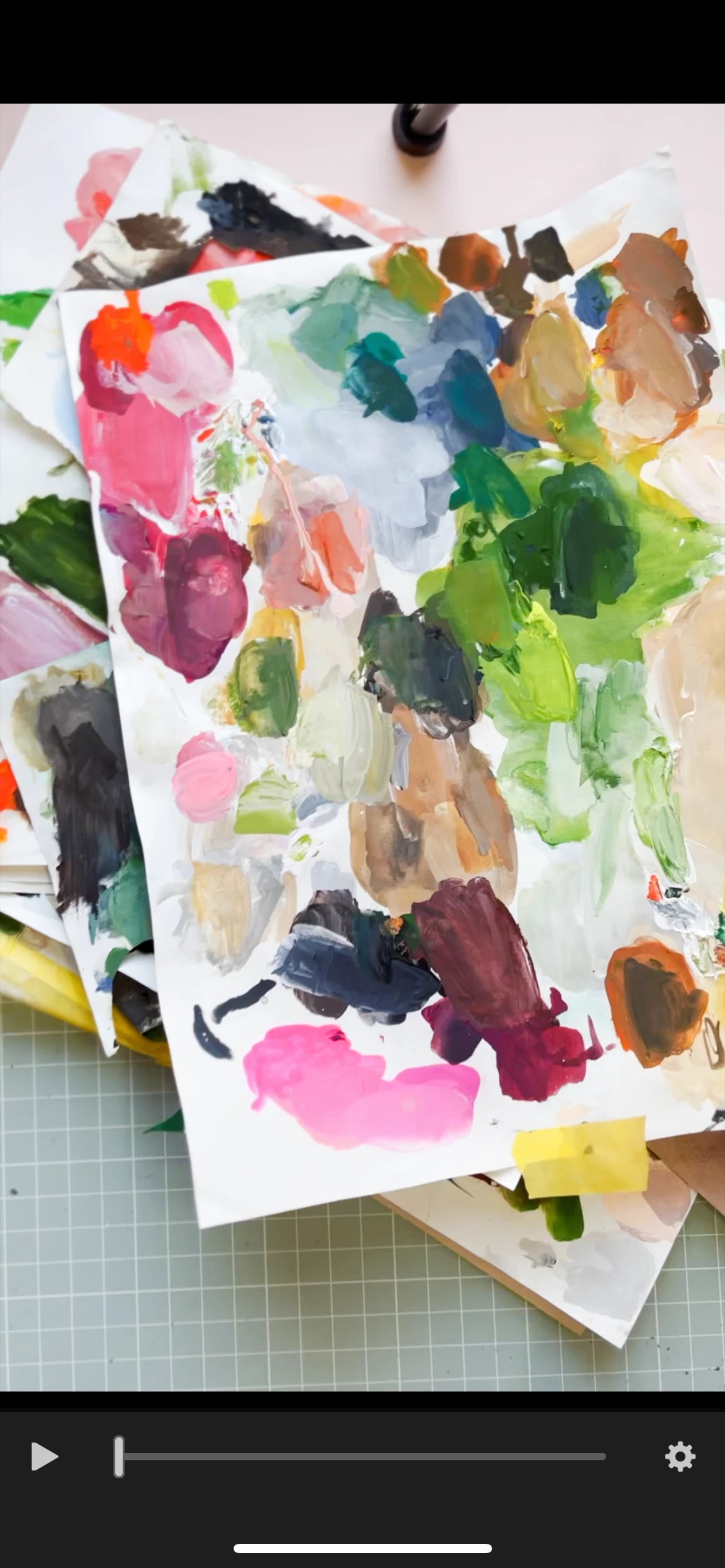
I have been trying for hours to export / save my edited videos from Lightroom app on my iPhone. Every single time the video is just exporting as it was originally before I edited it. I have tried so many suggestions on other message boards such as making sure I am not ticking 'original' when exporting. Nothing and I mean nothing is working. I am so frustrated and feel like giving up. Please someone help me. I have taken a screen shot from with the app (where you can see the colour adjustment) and then a screenshot of the exported video where the edit has not been saved. Please help. 
38 replies

Participant
May 19, 2024

I'm using Lightroom on my Mac laptop. The edits to the video (originally shot on iPhone) still don't export. And yes, I'm exporting as MP4; the edits aren't there. That's very frustrating. 

Participant
May 16, 2024

I am also having the same issue! Upon researching i found this threat. Its May 2024 and still having this issue. I never had this problem before! This is for the mobile version.

Participant
April 17, 2024

I also found this issue even I've tried to export edited video. My LR app is latest version with iOS 17.3.1


I also tried to export as .MP4 but the exported video still my original video. Pls help to fix this issue asap.

Community Manager
April 15, 2024

@erika36717728zmc0 


More info would help.  Are you saying your videos do not export at all?  Or they export, but without edits?


Please try: Export As.. and choose MP4, not Original.  When saving as MP4, edits should show.


If videos do not export at all, please answer some questions: 

Are you updated to the latest Lightroom app version?

What device and operating system version are you using?  

Are you able to reproduce this problem with an unedited video you just imported from your camera roll?

Participant
April 14, 2024

It still doesn't work for me. My videos aren't saving/exporting with my edits. What's the point of subscribing to premium if this doesn't work??

Community Manager
April 10, 2024

@Spencer36636984m6yf 


The original issue above has been fixed, where videos with trimmed playback lengths were not exporting well.  

Can you elaborate on specific steps you use to see the issue?  Or can you share a screen recording of the failure?

Was the original video recently imported, or are you editing a video that is synced from Lightroom's cloud storage?


Does this happen with any video you import?  Does this happen with specific edits, or even happen when no edits are applied?

I cannot immediately reproduce on my own iOS 17.4 iPhone with LR iOS 9.2.1 installed, so it would help a lot if you can share specific info

Participant
April 10, 2024

I am having the same issue and I have updated the app and tried every workaround suggested and the app will still not export the edited version. How can I get this fixed?

Participant
February 29, 2024

I am still having the issue-

Community Manager
February 26, 2024

Hello @Adrian Borek 

I cannot immediately reproduce any video export trouble on the latest app update, version 9.2


Can you share more info that might help us reproduce the problem you see, so we can debug it?
- is there something special about the source video?  (is it very long, very short, or some unusual file format?)

- what kinds of edits do you have applied?

- are you able to export the original?

Participant
February 24, 2024

Hello, I am sorry, but the issue is still existing. I made sure that I have the latest version also I deleted and downloaded the app again. Also I have the latest version of iOS.