


Participating Frequently
October 15, 2024

Colour error after update to v. 26.0

  • October 15, 2024
  • 14 replies
  • 1592 views

Today Photoshop was updated to v26.0 (Photoshop 2025), but as happened previously there an error in colour pallette, as you can see:
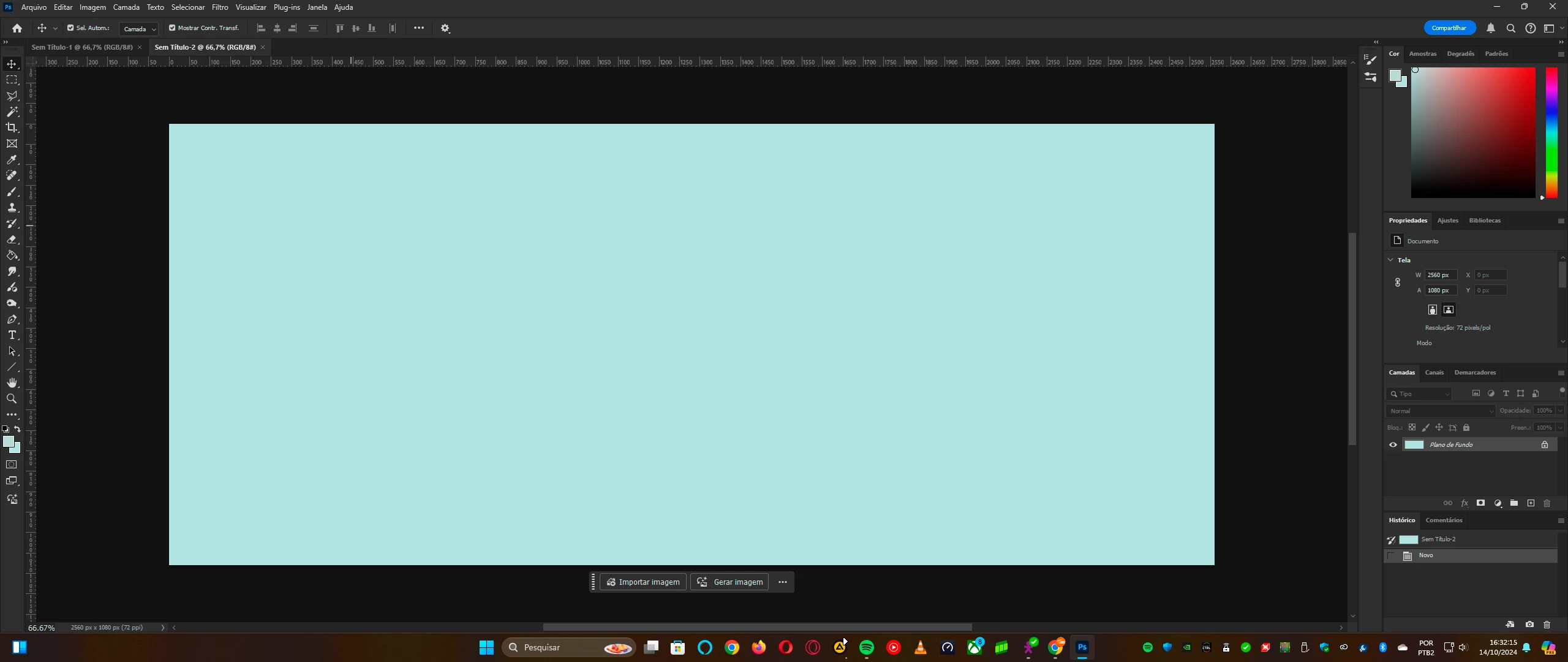
 

The white simply isn't white, but cyan. This error happened also when the version 2023 was updated to 2024. As happened in previous version, the support suggested to install the old version until the proper correction was made.


So until this new version be update, I installed the previous version, and you'll can see the colours are correct:
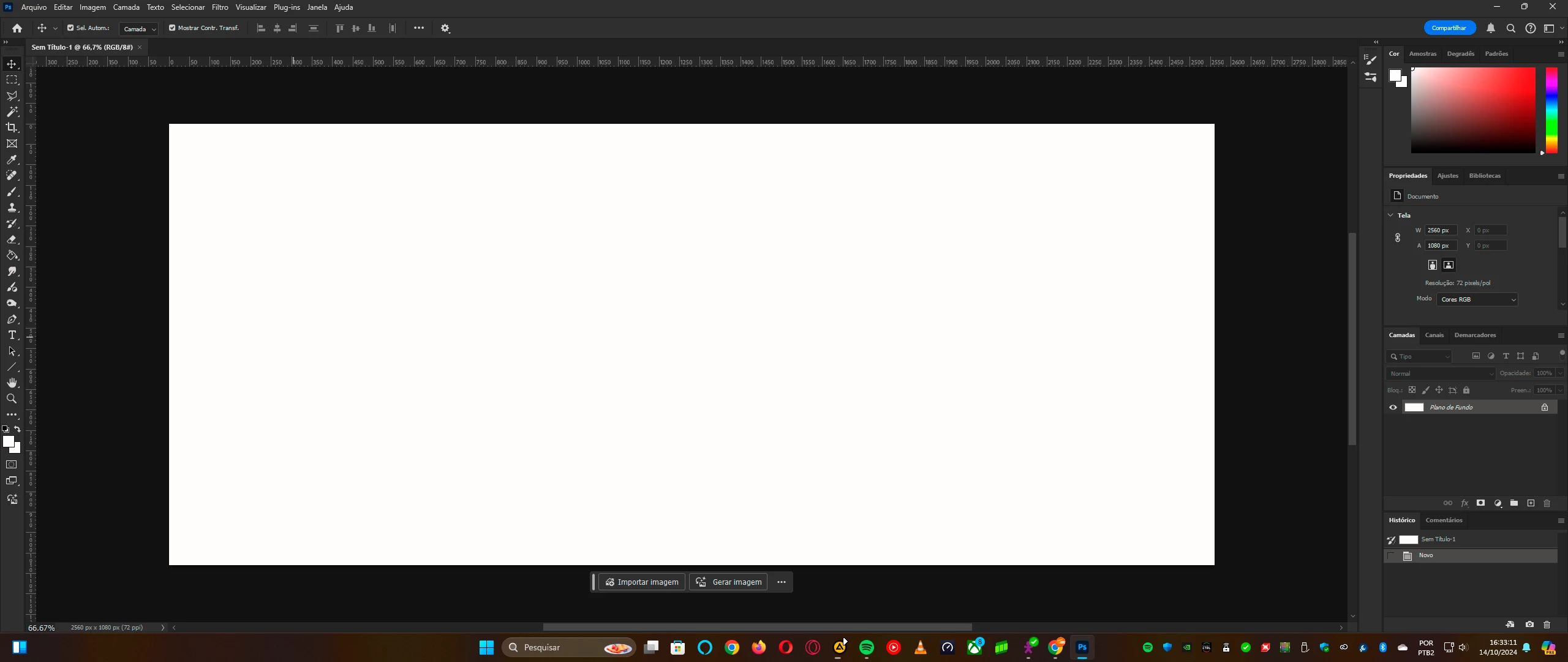
By the way, this isn't an issue of my computer neither the video card (nVidia GeForce RTX 3050)


I ask the support to see what's happening with the new Photoshop's version v26.0 released today (October 14)

14 replies

D Fosse
Community Expert
Community Expert
October 18, 2024

@mahabub_9109 

That's not a solution.


Proof to Monitor RGB disables color management and thus bypasses the monitor profile.


In other words, it proves that either your monitor profile is bad, or that the conversion fails (which is executed in the GPU).


There are ways to test each of those two - replace the profile, or turn off the GPU, which shifts color management back to the CPU.

Participant
October 18, 2024

"Proof setup" solve worked for me, from https://graphicdesign.stackexchange.com/a/26117
Hope that helps you.

rbenettiAuthor
Participating Frequently
October 17, 2024

Unfortunately isn't my monitor (I tried also this alternative to calibrate, and looks the same in Photoshop 2025). But using the previous edition, it works with no problem as the image I attached.


Like I said: this happened also when changed 2023 to 2024 version, and in the first update they corrected this issue. 

D Fosse
Community Expert
Community Expert
October 15, 2024

How do you calibrate and profile your display? This looks like a broken monitor profile.