



alvarobuenol
Participant
February 7, 2026

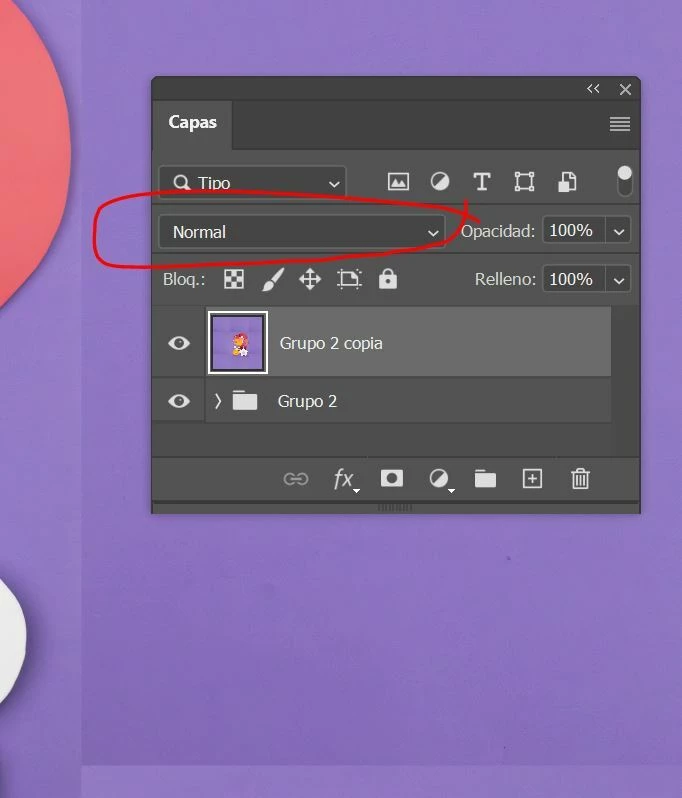
I can't change the blending mode on a layer using the mouse scroll wheel

  • February 7, 2026
  • 1 reply
  • 12 views

I updated Photoshop to the latest version and now I can't change the blending mode on a layer using the mouse scroll wheel, nor do the arrow keys work to switch between blending modes and quickly see the effect. Now I have to click on the drop-down menu each time and choose an option. 
 

    1 reply

    Trevor.Dennis
    Community Expert
    Community Expert
    February 8, 2026

    I can still use + and -  with the Shift key held down, and the Move tool selected.  It doesn’t matter where the cursor is.  Google thinks that we should be able to use the mouse wheel, but that does not seem to be the case any more.