


Known Participant
July 12, 2024

I keep getting pop-up "Help" or "Tips" or whatever, but the "No Thank You" button doesn't work

  • July 12, 2024
  • 21 replies
  • 2790 views

Bad enough that there's no option to disable "popups on startup" that I could find in the settings.
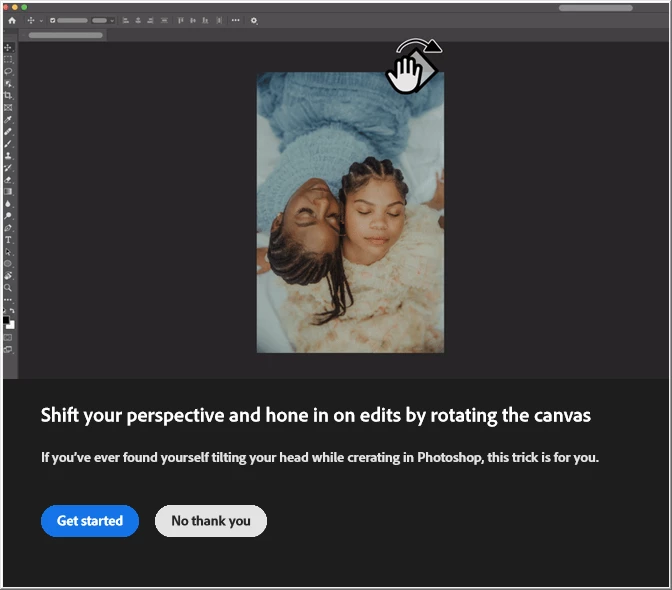


I clicked on "No thank you" a dozen times and it wouldn't go away.
my computer beeped me when I tried to click outside of the modal.

I had to force-close Photoshop and Re-open it.

21 replies

Jeff Arola
Community Expert
Community Expert
July 12, 2024

In Photoshop go to Edit>Preferences>Tools and uncheck Show Rich Tooltips and see if that makes a difference.

Known Participant
July 12, 2024

it was already unchecked. I assumed that was for things like when you hover over, say, the paintbrush in the tool pallette, but even so, it was unchecked.