
If I click on a PDD file or a BMP file, I can't get past the opening screen in Adobe Photoshop Elements 2024, running Windows 11 on a Dell xps8940. JPG files seem to work
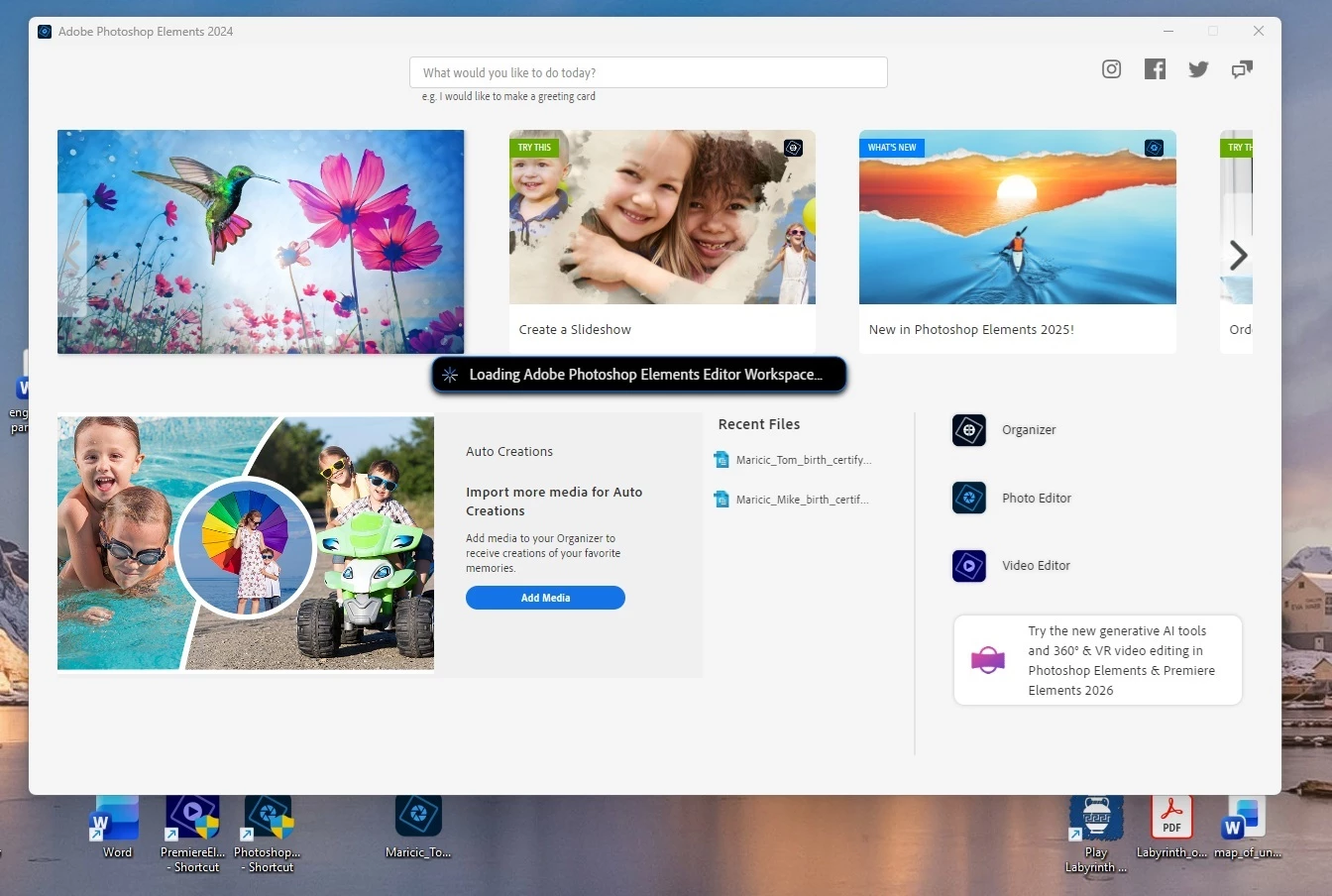
The program used to work. I haven’t tried it on this computer in a while. I clicked on a PDD file and it hung up on the opening screen. When I clicked on the shortcut I had placed on my desktop, I got the same thing. I followed some online instructions to make a new shortcut, and that opened up the editor. But I could not drag my PDD file into that editor.
I’m wasting my life here. And it is not fun. Why is this happening? Who is going to fix it for me?


 AdChoices