Cerezine
Known Participant
July 24, 2024

Legacy Healing Brush on Photoshop 25.11.0

  • July 24, 2024
  • 29 replies
  • 3711 views

Hi!
I just updated to the latest Photoshop version (25.11.0), and my Legacy Healing Brush is creating jagged borders after brushing. This occurs when I'm working directly on the layer. If I try to use "current & below" on a blank layer, nothing happens—it's like I'm not brushing at all. This is happening with both large and low-resolution files.

I have already reset the Healing Brush tool and my preferences. The standard Healing Brush works fine; this issue only occurs with the legacy version.

Notes: This is happening in different files. All of them are set to 100% opacity and fill, with no holes in the layers, and all blend modes are set to "normal". The Healing Brush blend mode is also set to normal.

I'm running Photoshop on an M1 MBP with macOS Ventura.

Attached images for better understanding. 
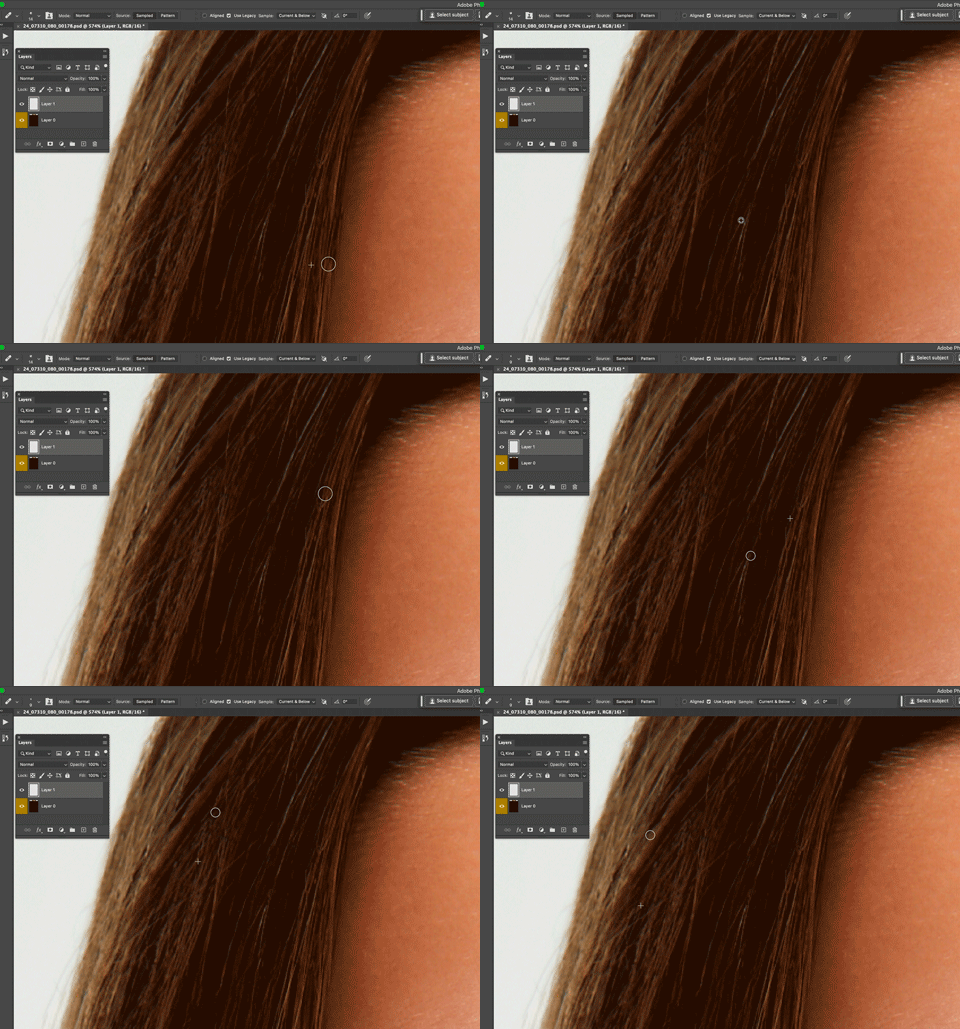
for better understanding.
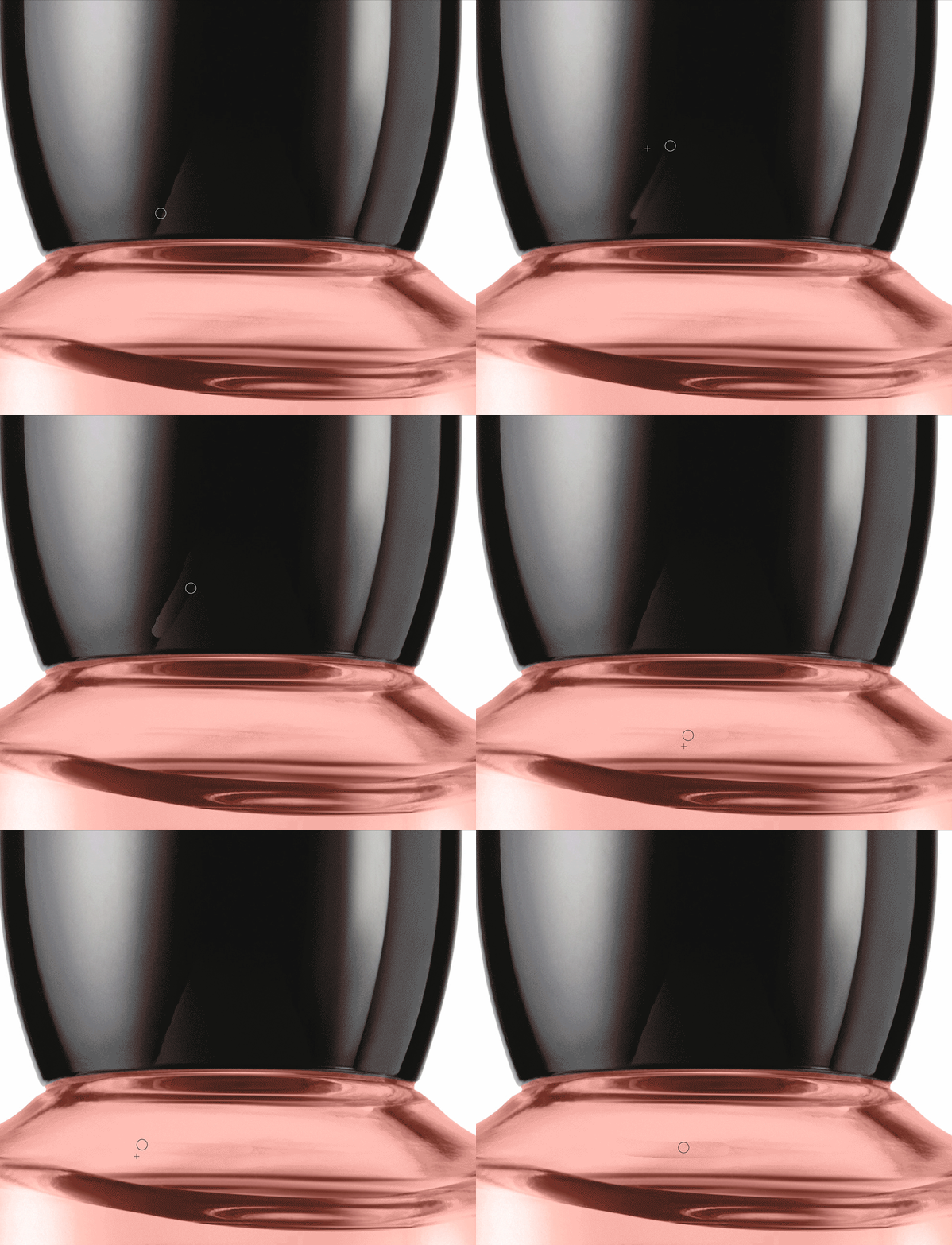
29 replies

Michael Elmkjær Madsen
Known Participant
October 8, 2024

This is MAJOR bug - total dealbreaker for pro retouch work - THIS STILL NOT FIXED - MONTHS AFTER DISCOVERY ??? It was discovered in 25.11 and not included in 25.12! We'ved avoided anything beyond 25.09 and run production on 24 - but come on Adobe ! 
Again, useless "features" and degrading UX tweaks being rolled out all the time but not ensuring core functionality. 

CMass
Legend
October 8, 2024

Hi everyone, please follow this post (https://adobe.ly/3YjKdAI) for updates regarding this issue and add your vote. ^CM

NICKSUSHKEVICH
Participating Frequently
September 30, 2024

This is not the right solution, I, as a subscriber to very expencive software should have all my tools worked in a main releases of the software. People have their customized layouts, plugins/panels and scripts that are not easily transferable to beta releases. Do not be an enabler for Adobe.

dianer_macperson
Inspiring
September 11, 2024

You have a choice to upgrade. You should do it. If you want to be a photoshop professional, upgrade. It's free. I see no downside to using beta. Only takes a few minutes to export your settings and import them to beta. I did it, so can you. 

Participating Frequently
September 11, 2024

It's a major problem and they fixed it only in beta?

I'm not really want to be that beta tester for adobe, for me I feel enough beta testing in final releases...

They really should update the final release as fast as possible.

Catalin Muntean
Inspiring
September 10, 2024

Yes, Legacy Healing Brush is working in the beta version, but I want to use the normal version because many presets, actions, luts, and settings are not synced with the beta version. Adobe please fix it! 

dianer_macperson
Inspiring
September 10, 2024

dianer_macperson
Inspiring
September 10, 2024

dianer_macperson
Inspiring
September 10, 2024

I'm using 25.13. So maybe it's not available for your platform ? It's in the beta app section. 

Catalin Muntean
Inspiring
September 10, 2024

I just updated Photoshop to ver. 25.12 and Legacy Healing Brush only work if you use it on the background layer. If you duplicate the layer and start working on it, the healing brush is still broken....

dianer_macperson
Inspiring
September 10, 2024

Are you looking in the beta apps section?