
Inspiring
November 12, 2020

P: Brush and Folder navigation lag on macOS

  • November 12, 2020
  • 46 replies
  • 2854 views

https://www.youtube.com/watch?v=rrFkrDoxjZo&feature=youtu.be


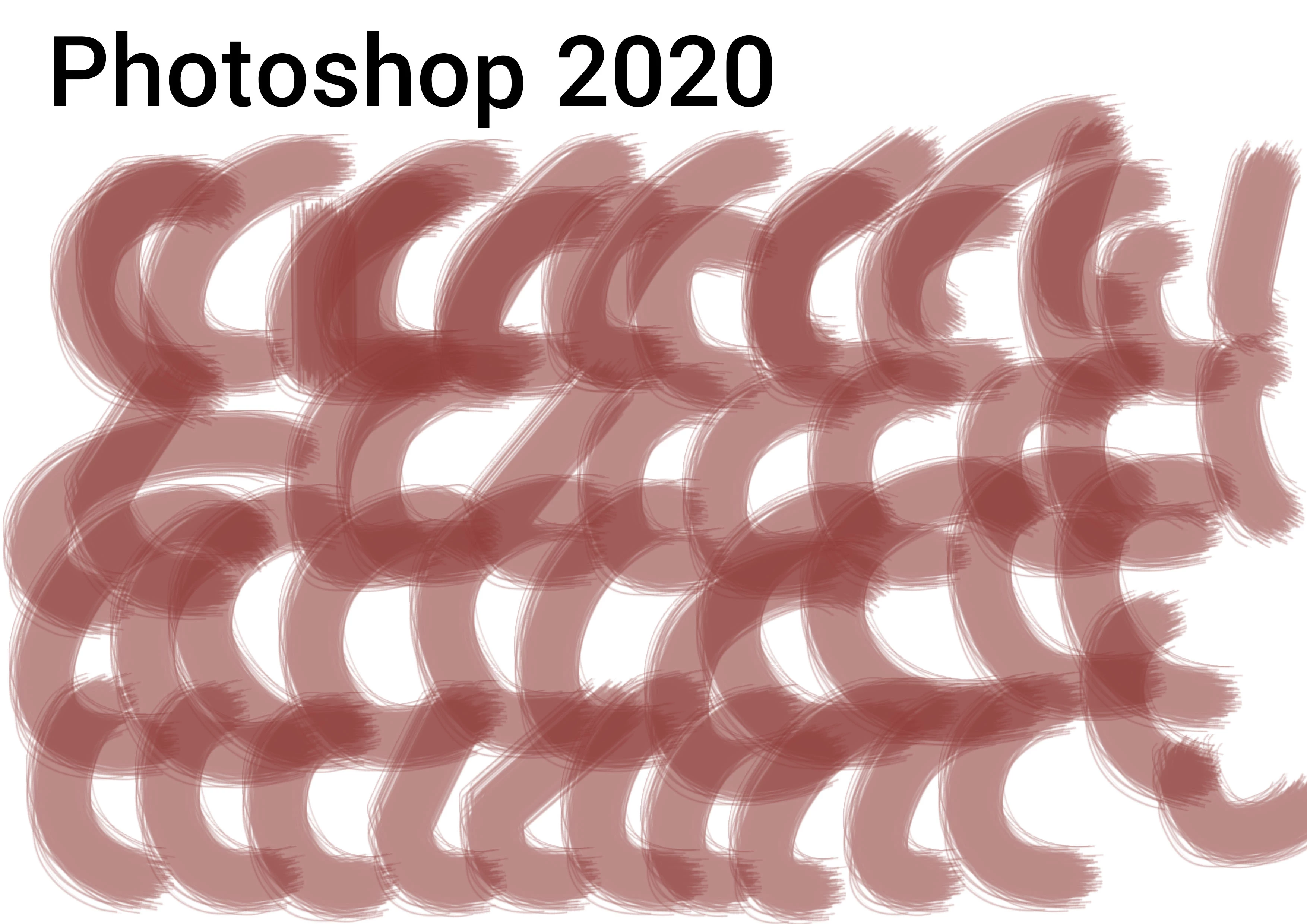
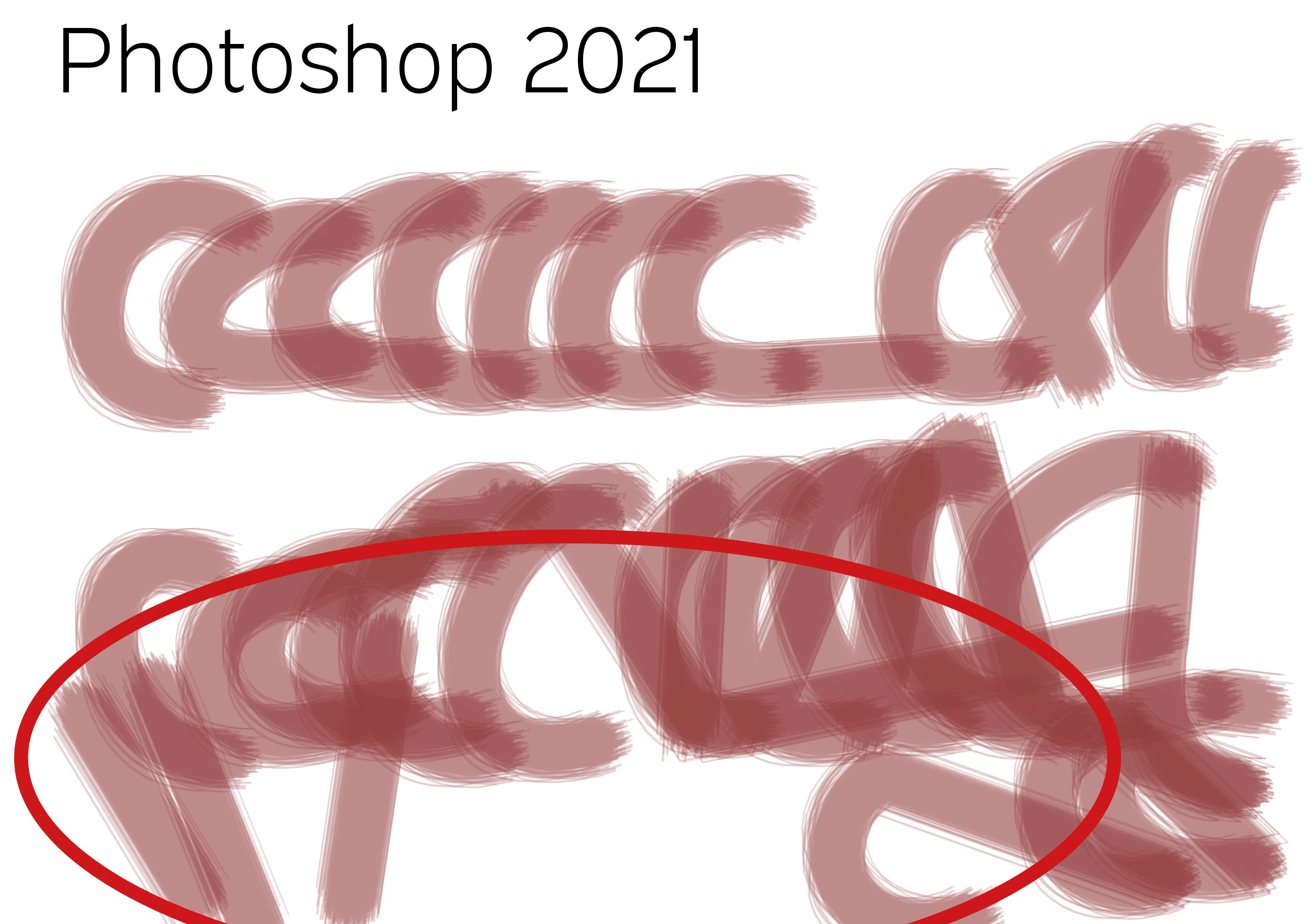
PS20 / PS21 Brush lag comparison with identical system and program settings! It is unusable. Finder latency, brush lag. What a crap! Any idea... It does not deal with brush smoothing (deactivated), it does not deal with GPU (iMac Pro with 120 GB memory and Vega Graphiccard) and it does not deal with cache, as both documents are opened just right before.


Test with identical brush strokes, color, transparency and speed. Such a mess...


PS 20
PS 21


46 replies

chad.rolfs
Participating Frequently
January 13, 2021

Ah, you'll need to update to the latest Wacom drivers; 6.3.41-2.  Can you try updating let me know if that makes a difference?

Someone75Author
Inspiring
January 13, 2021

There is no Tip-Up assistant

chad.rolfs
Participating Frequently
January 13, 2021

Thanks @Charts If you go into Wacom Pen Settings and click on the Options button, is Tip-Up Assist enabled?  If it is, can you disable it and try.  Let me know if that makes a difference. 

Someone75Author
Inspiring
January 13, 2021
  • Device Driver 6.3..39-1 (but is not related to this driver, earlier versions show same behavior)
  • Lack is in all brush sizes, but the bigger the stroke, the longer the delay
  • Opacity seems to have no influence as it is already the same behavior with 100%
  • DPI does not influence it very much, example is already with small, common Print 300dpi resolution on a Din A5 size
  • Just normal paint mode
  • Just one layer in document (The video is just a ne Din A5 document, opened and drawing...)

chad.rolfs
Participating Frequently
January 12, 2021

We have a bug on this and we are trying to reproduce/recreate the bug.

Can you give us as much detail as possible?

What Wacom device and driver version? (is Tip-Up Assist enabled? If you go to Pen Settings and click on Options)

  • Which brush?
  • What brush size?
  • What opacity?
  • What document size (width height ppi)?
  • What mode?
  • How many layers?

If possible could you just attached the brush?

Thanks

Someone75Author
Inspiring
November 16, 2020

This is typical Adobe Support: No answer for years...