
Inspiring
November 12, 2020

P: Brush and Folder navigation lag on macOS

  • November 12, 2020
  • 46 replies
  • 2854 views

https://www.youtube.com/watch?v=rrFkrDoxjZo&feature=youtu.be


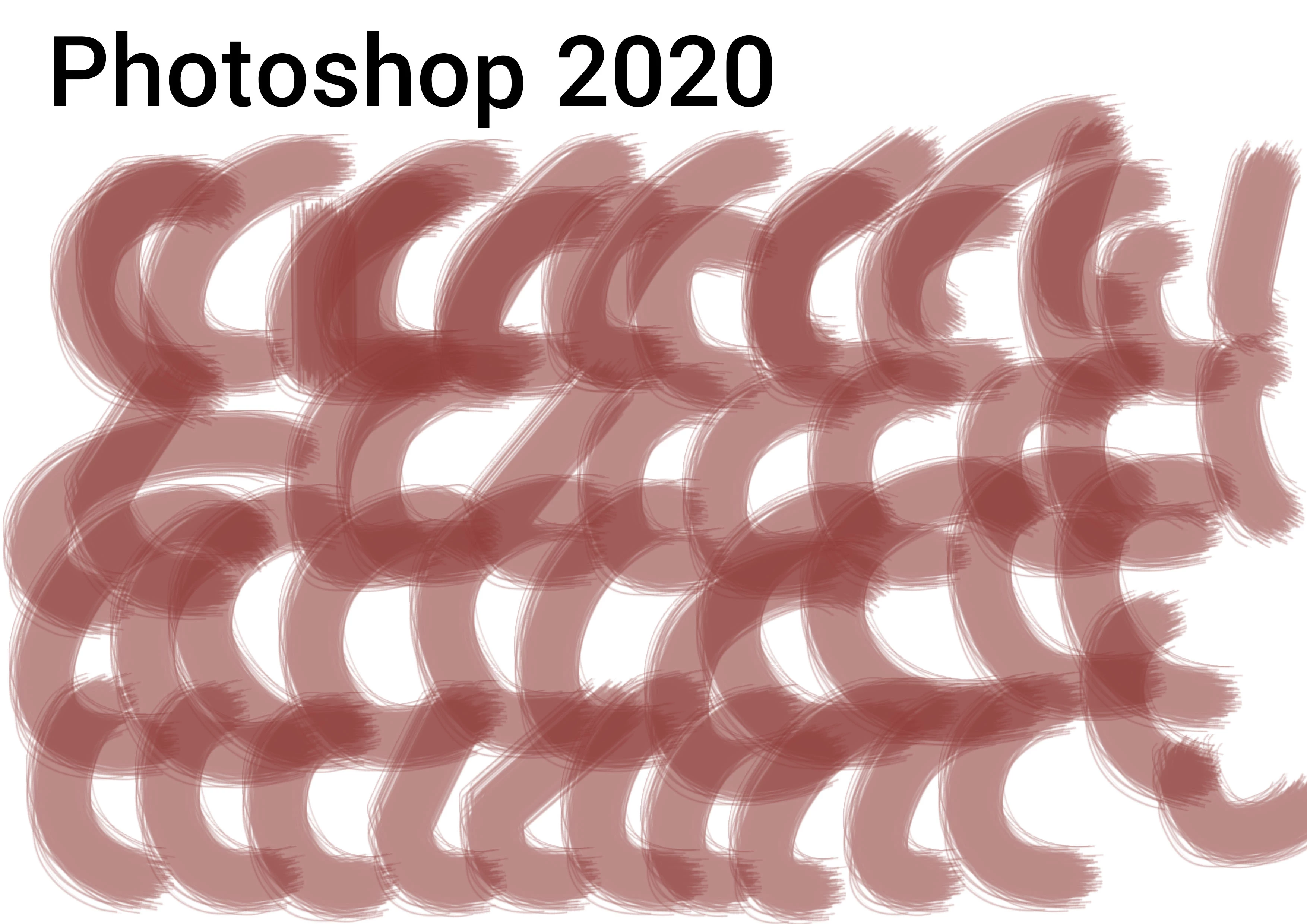
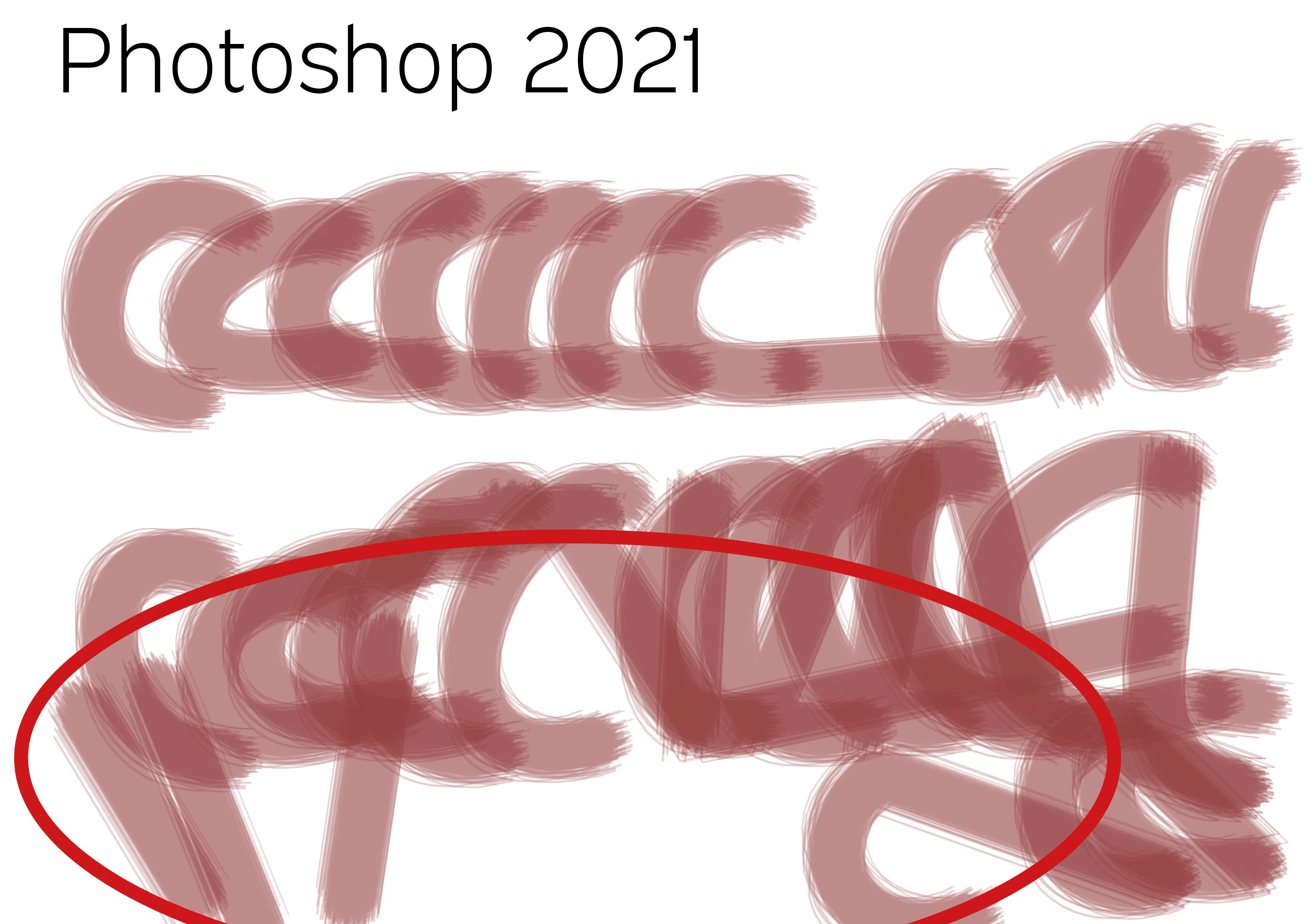
PS20 / PS21 Brush lag comparison with identical system and program settings! It is unusable. Finder latency, brush lag. What a crap! Any idea... It does not deal with brush smoothing (deactivated), it does not deal with GPU (iMac Pro with 120 GB memory and Vega Graphiccard) and it does not deal with cache, as both documents are opened just right before.


Test with identical brush strokes, color, transparency and speed. Such a mess...


PS 20
PS 21


46 replies

chad.rolfs
Participating Frequently
March 9, 2021

@antonia allan are you running 10.15.7 by chance?

Participant
February 17, 2021

I have this same problem and I'm just using the touch pad on my MacBook Pro. Updated photoshop yesterday, the lag is still there.

Someone75Author
Inspiring
February 12, 2021

@chad_rolfs What exactly did you think you fixed? No change in the brush lag. The "export as" is not fixed at all, too. It takes ages to open folders and go back and forth in folder hierarchy.

Brush and folder navigation work perfectly in Photoshop 21, still (with every update).

But one cannot work with Photoshop 22 as the brush lag has no fix at all and there is something working in the background, what makes it impossible to navigate folders on external volumes, like a NAS, while trying to export an image...

I could send you a vid, where you can see, no change at all...

chad.rolfs
Participating Frequently
February 12, 2021

@Charts We put in a fix in the most recent update (22.2) that went out this week.  Can you try that and let me know if it has fixed the lag for you on your machine?  Thanks.

Inspiring
February 11, 2021

@charts exactly what I have been doing, it's not ideal at all! 

Someone75Author
Inspiring
February 11, 2021

 *cubpaw actually I use different version of Photoshop (installed parallel) at the moment (!) just to do different things in different program versions. That's a shame...

Inspiring
February 11, 2021

Hi I have been having issues with the eraser tool and pencil tool in Photoshop for 2 years now. Both tools are super slow and laggy, it's just impossible to get anything done or get a smooth line. It started with an update to either my Mac OS or my Wacom, I can't even remember. To be safe I have not updated either because when things go wrong, they seem to go very wrong and I can't have that kind of downtime in my work. I can't seem to go past Ps 19.1.8. This is super annoying because there are new features in updated Ps versions I use, so I have to flip back and forth between updates when I am working. I am on an iMac from 2013 OS Mojave 1.14.6- Graphics NVIDIA GeForce GYX 780M 4GB and have a Wacom Intuos Pro which I believe is from 2016. I am not sure if you need more info than this to give advice. 

Someone75Author
Inspiring
January 21, 2021

@chad@zewg.com_rolfs O.k. it was just the newly installed Photoshop. It came back now and is lame as it was...

Such a mess. One cannot draw in Photoshop 21?! the brush just draws straight lines instead of following a fast gesture. 21 like a charm 22 broken....

I made a new video but it's the same as it started in this chat.... and 21 and 22 are identical installations!

chad.rolfs
Participating Frequently
January 14, 2021

Great news, thank you!

Someone75Author
Inspiring
January 14, 2021

I also updated Photoshop today and now it is working. I do not know weather it is the Wacom Update or Photoshop Update.

The Option does not change anything, but it is essential, as otherwise elements are jumping around, when moving them with the pen in Photoshop: https://feedback.photoshop.com/conversations/photoshop/photoshop-2020-wacom-tablet-problem-jumping-elements/5f5f462b4b561a3d4277a688