
Inspiring
November 12, 2020

P: Brush and Folder navigation lag on macOS

  • November 12, 2020
  • 46 replies
  • 2854 views

https://www.youtube.com/watch?v=rrFkrDoxjZo&feature=youtu.be


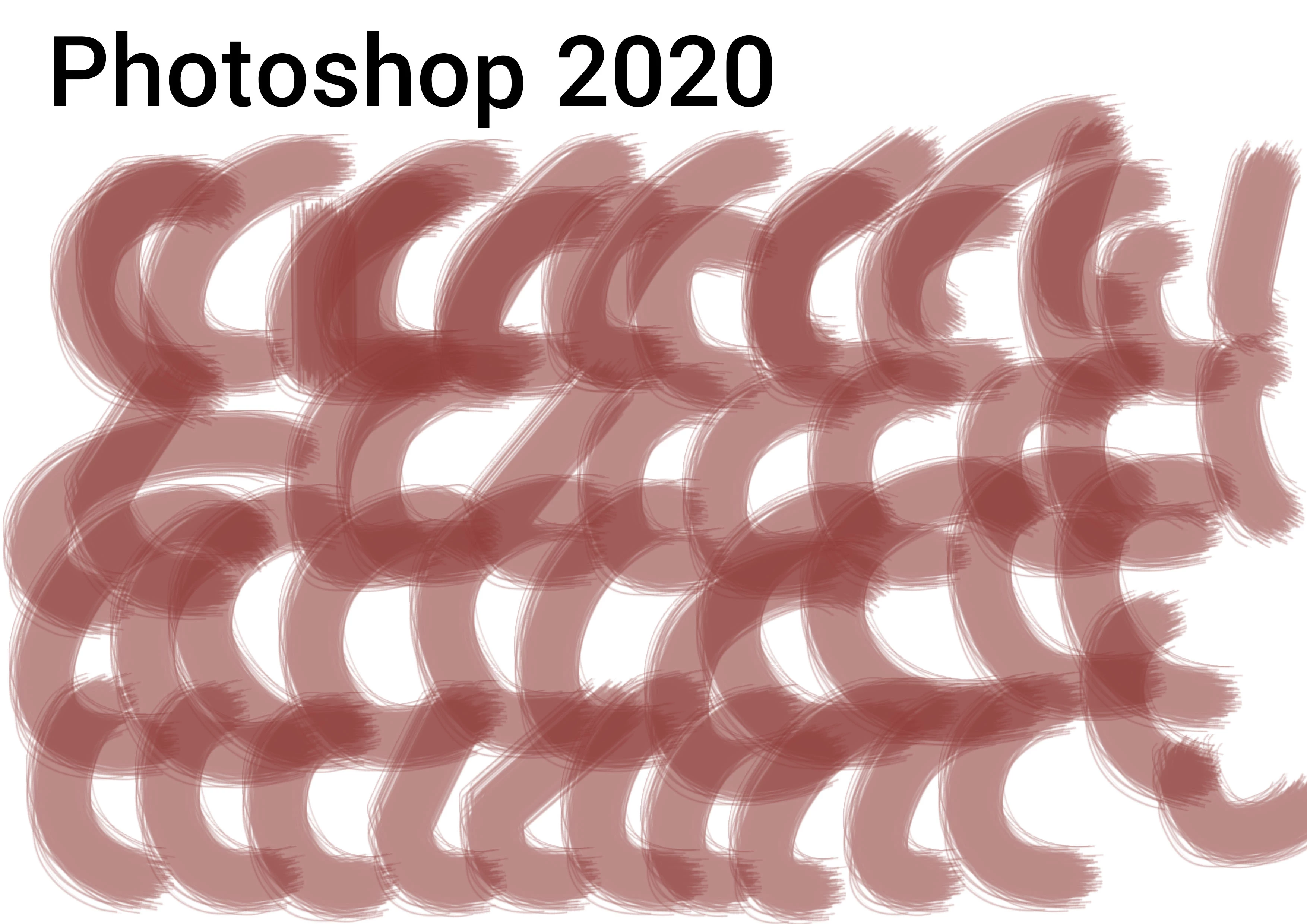
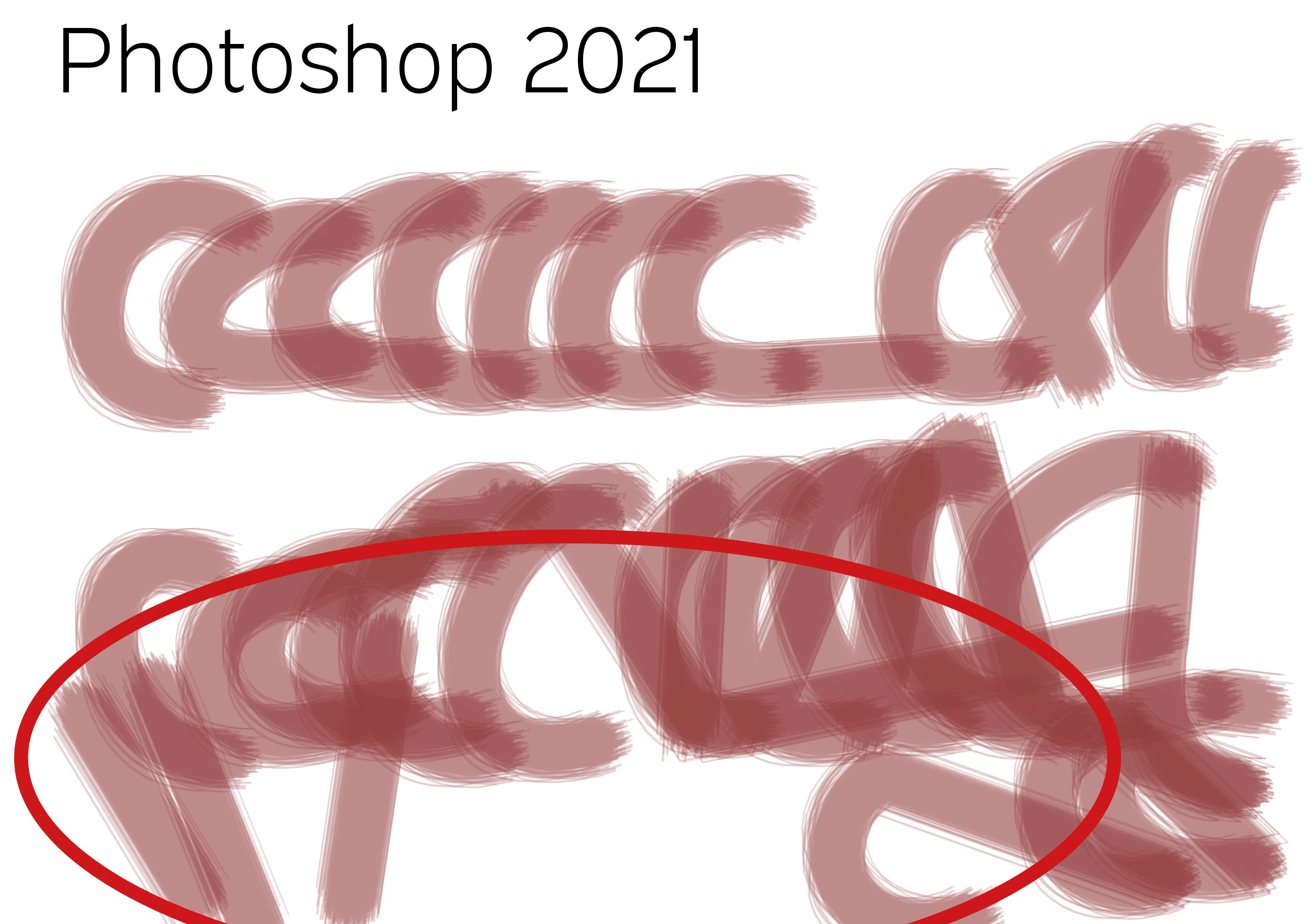
PS20 / PS21 Brush lag comparison with identical system and program settings! It is unusable. Finder latency, brush lag. What a crap! Any idea... It does not deal with brush smoothing (deactivated), it does not deal with GPU (iMac Pro with 120 GB memory and Vega Graphiccard) and it does not deal with cache, as both documents are opened just right before.


Test with identical brush strokes, color, transparency and speed. Such a mess...


PS 20
PS 21


46 replies

chad.rolfs
Participating Frequently
March 29, 2021

We're working on it.

Inspiring
March 28, 2021

Just an FYI everyone. I hit "RESET ALL PREFERENCES ON QUIT", in preferences > general. Shut down Photoshop CC21, and rebooted it after 5 minutes. The brush lag seems to have disappeared. Fingers crossed it's a long term solution and doesn't go back to lag. 

Inspiring
March 28, 2021

Your YouTube example seems faster than what I'm experiencing. I make a brush stroke and it literally takes 3 seconds for the stroke to show up on the page. 

Inspiring
March 28, 2021

Has anyone solved this issue????????? This lag is crazy in CC21. Definitely makes photoshop unusable on a professional level. NEED FIX ASAP.  The lag is not seen when working in CC20, although there are other bugs - When you copy and move an object is snaps back to its original position (so irritating for workflow), if you move the object manually with arrow point by point it works. But that is ridiculous as it takes forever. 

My details are:

Wacom Cintiq 24" Pro (latest driver - 6.3.42)

Working in PS21 CC and PS20 CC (all up to date)

Macbook Pro OS - Big Sur version 11.2.3

Processor: 3.1 GHz quad-core intel core i7

memory: 16GB 2133 MHz LPDDR3, Intel HD graphics 630 1536 MB

We need a fix please STAT Adobe. This is unacceptable for workflow, speed and accuracy. HELP.

Known Participant
March 27, 2021

The brush lag is killing me, practically unusable. can't accurately paint in a mask because the lag is so severe. I tried changing the drawing mode, tried using native GPU acceleration, tried everything suggested in this thread.

Here are my details:

Macbook Pro OS 11.2.3 Big Sur

processor: 2.6 GHz 6-Core Intel Core i7

memory: 16 GB 2667 MHz DDR4

graphics: AMD Radeon Pro 5300M 4 GB & Intel UHD Graphics 630 1536 MB

Photoshop cc 22.3 (updated a day ago!)

Wacom Intuos Pro 6.3.42-1 (up to date driver)

Please please please fix this...it's making my job so painfully impossible.

Inspiring
March 14, 2021

I am also experiencing some pretty frustrating brush lag trying to make very simple marks on pretty small images. I have even set the Drawing Mode all the way down to Basic to try and smooth this out. I'm using an 8Gb MacBook Pro M1 running Big Sur 11.1. Also, I'm just using a trackpad for the input, there are no added drivers or anything to update. 

chad.rolfs
Participating Frequently
March 11, 2021

*Ayakoinu  We just released 22.3.  There's one fix in there and another one coming in the next release.  Let me know if it's improved at all.  Also can you tell me what OS (10.14.6? 10.15.7? 11.1? 11.2?), what your graphics card is (Radeon Pro 550 / Intel HD Graphics 630?), and finally if you go to Preferences > Performance, is Use native operating system GPU acceleration (in Advanced Settings...) enabled or no?  If you enable it, does that help at all?

Inspiring
March 11, 2021

Still having brush lag issue, I have done everything. I have the lastest drivers. Still lag.

Participant
March 9, 2021

@chad@zewg.com_rolfs yep I am.

Someone75Author
Inspiring
March 9, 2021

No my OS version is 10.14.6