


Known Participant
October 23, 2017

P: Brush *resizing* lag with Brushes panel visible

  • October 23, 2017
  • 16 replies
  • 1144 views

This may be related to the healing brush lag, but I've noticed myself accommodating a lag in brush resizing that's taking almost twice as long as 2017 and is very jittery instead of smooth.  
Test was done on 3,000px x 3,000 canvas in both programs starting with a 1px brush and rapidly resizing to edge of canvas. Both installs have the same performance settings

2018
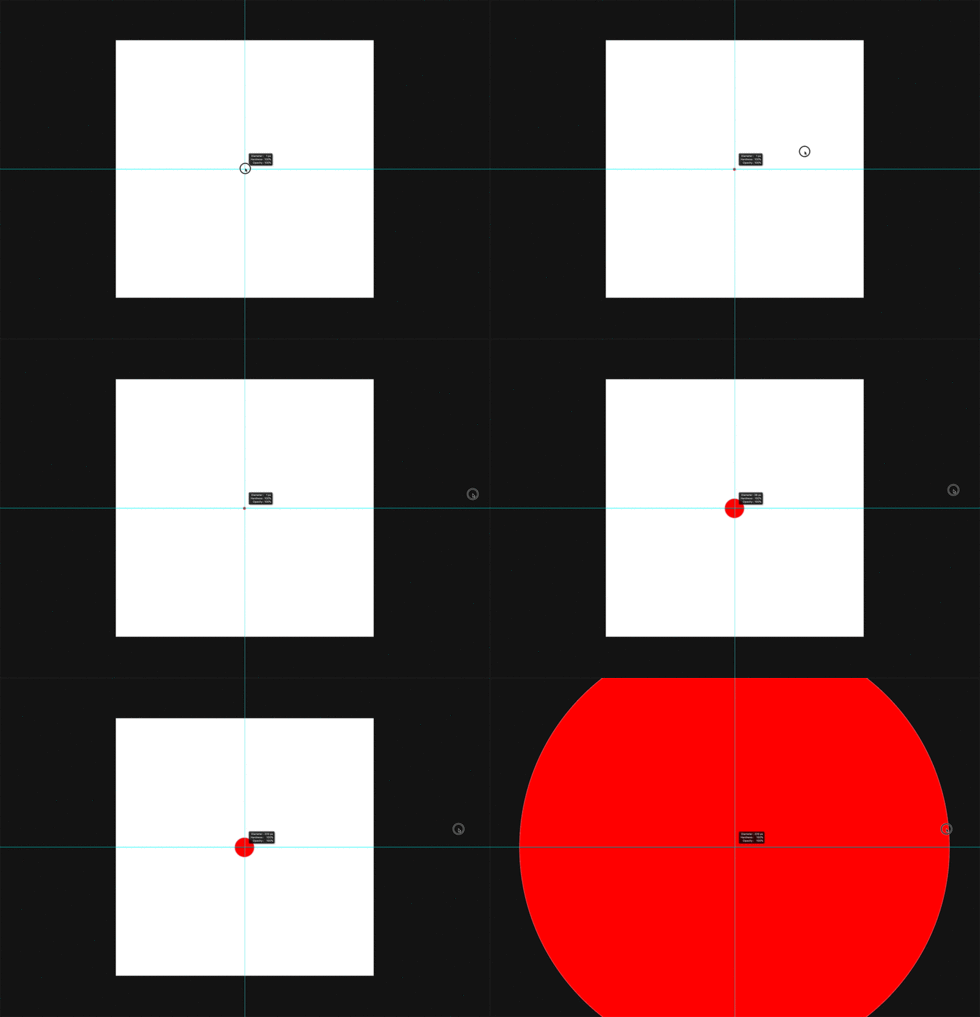
25 frames between start of drag and visual representation of final brush size
1 transition frame
15 frames before any size change in brush 

2017
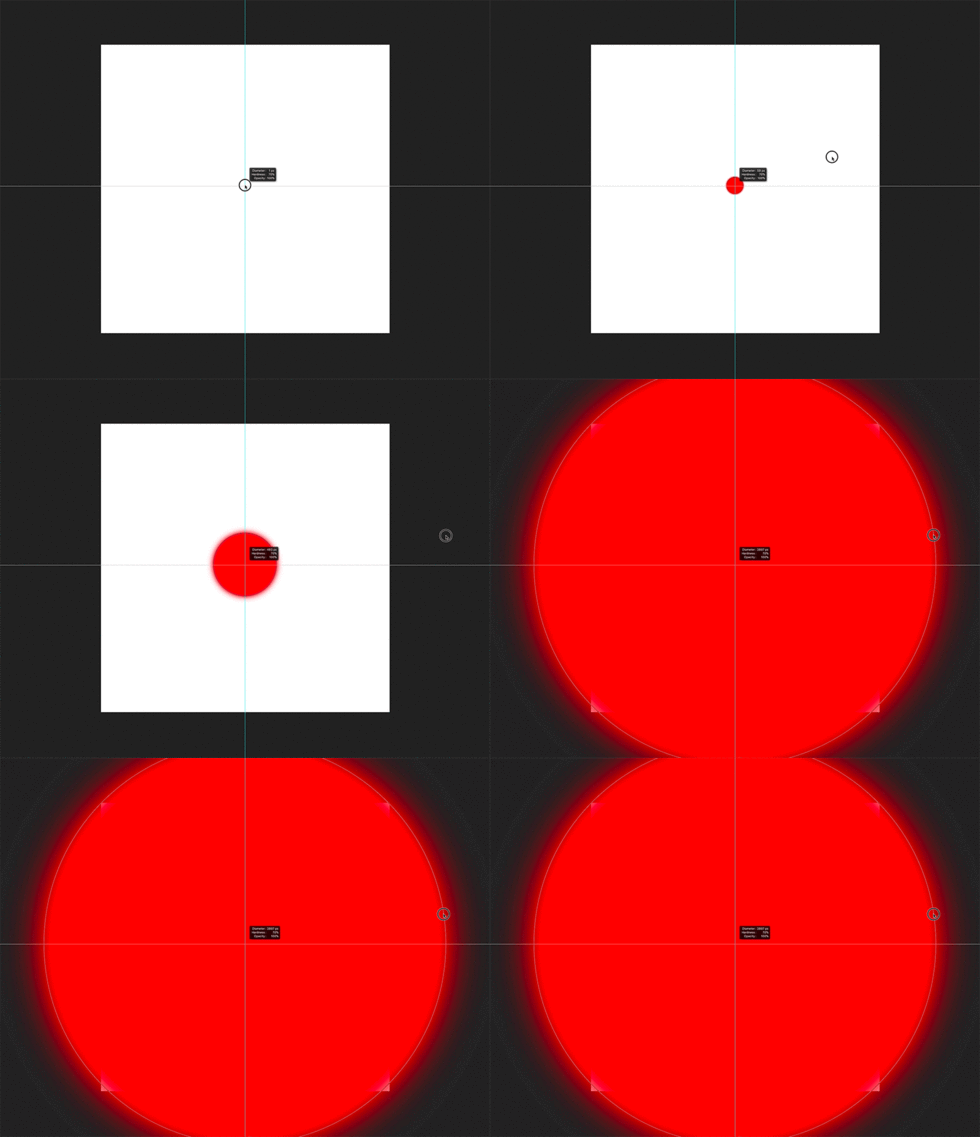
15 Frames between start of drag and visual representation of final brush size
4+ transition frames
5 Frames before size change in brush

This is really frustrating when frequently changing brush sizes.


MacBook Pro Late 2016 spec'd out 
Updated OS and PS

(Animations slowed down)

This topic has been closed for replies.

16 replies

Known Participant
January 25, 2018
Hey Eartho, 
Are you referring to stroke or resizing? This post is only referencing the bug that caused the graphical representation of size to have a low framerate when resizing a brush. A laggy brush stroke would technically be a different issue, I believe. Is there an official report for this issue somewhere else?
But if you are talking about stroke, yes, the mixer brush is definitely slower than a normal brush when stroking with larger brushes, even on a good machine, but it is doing a lot more computation as well and I don't have 2017 installed anymore to compare.
Earth Oliver
Legend
January 25, 2018
Jeff, this is still an issue with the mixer brush and visible panels. It doesn't kick in until you try and make a stroke with a big brush, but definitely still buggy.

Stephan, can you try and reproduce using a maxed out mixer on a large canvas? And by the way, i'm also a retoucher and have found amazing uses for the mixer brush in my workflows...!
Known Participant
January 25, 2018
Jeffrey,
This has been resolved for me in the latest update... SOO nice to not feel like I'm working on a 10 year old machine when I change brush sizes, much more fluid now. Thanks for prioritizing this.
Legend
January 24, 2018
This should be corrected in the 19.1 update that was released yesterday. Let us know if you're still having trouble.
Known Participant
November 15, 2017
Great to hear! Thanks Pete, good luck
Pete.Green
Community Manager
Community Manager
November 14, 2017
Hi Stephen, 

This issue is on our list of bugs to fix, but not quite ready for 19.0.1. Hopefully you'll can work around this one for the time being. Sorry for the annoyance. 

Regards
PG
Known Participant
November 14, 2017
19.0.1 Update
Problem persists
Known Participant
November 14, 2017
Hey Mike, 
This bug is not fixed in the 19.0.1 update. 
Can you give an update?
Known Participant
October 24, 2017
Ok, yea, testing the mixer brush is worse in 2018 as well. This posting is just for the "resizing" of the brush, but maybe it's all related. I'm a retoucher so I don't use the mixer brush often, but I can see how it would kill your workflow if you did!
Switching to windows isn't even on my radar. My Macs pay for themselves very quickly, and I can't remember the last time I had to interrupt my work needing to "troubleshoot" something related to it.
Inspiring
October 24, 2017
Resizing, no issue. Painting? That's always been another matter. First stroke with a very large Mixer brush takes forever. Continue after that and it's starting to be possible. Any softness, though, is an increase in delay. I have to wait every stroke for the start each time. I don't see the change, however, from working with large brushes over the past few builds. They've always been painful.

I also rarely paint with such large brushes, and my largest files are from my D750. I do stamp with large brushes, but it's one click and wait a bit. And it's not the Mixer Brush.  These brushes are, and have always been, slow. Maybe for some they're now even slower.

I did observe that trying to change brushes with the B key after using a huge Mixer brush was a problem. In fact, just adding an empty layer was a problem. The painting was long done, so it wasn't that. It was just not responding, and not until I was able to resize a brush smaller was I able to page through brushes using the B key. It would get stuck on the Color Replacement brush and refuse to show me the big Mixer brush. The outline of the brush would flicker, but then go away, and I still then had the Color Replacement brush. Or the Pencil. Once I reduced the size of the Paintbrush, I could get to the Mixer Brush.

It works okay up to about 1500 px.  Not if I were trying to paint quickly, I imagine, since it never has done well painting quickly. From there on up, I start to be unable to paint with it. So anyone who works with very large images and needs really big Mixer brushes is SOL, far as I can see. Even the basic paintbrush slows down.

The again, try using Corel Painter. They've always been worse with much smaller brushes, and I don't even try with larger ones. I have no idea how either company can make painting less of a hurry up and wait proposition, but I wish it would happen.

> A few of my retoucher friends have already transitioned to win10 and after 25+ years of Mac, i might soon have to do the same =(>

Thankfully, I'm not going to have to put up with Windows 10 if I don't really want to. I actually thought for a split second with Win8 that I could go back to Windows, but they lost me with their shenanigans, forcing updates down their customers' throats, and they haven't exactly improved since. The price for Apple is becoming extortion, but I can still manage to live with a plain ole' iMac, not even the Pro version. I just don't want to spend even that much money without seeing my options.