Participant
October 29, 2014

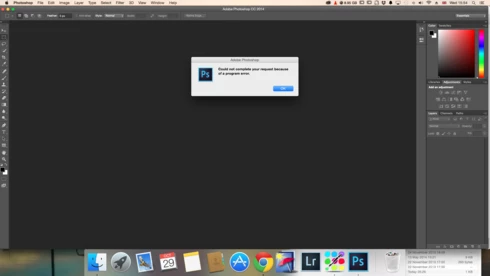
P: Could not complete your request because of a program error.

  • October 29, 2014
  • 170 replies
  • 3340 views

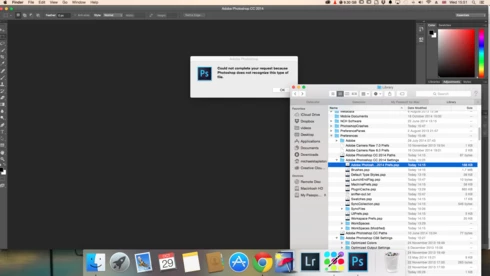
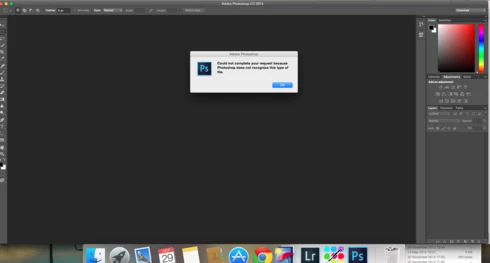
i keep getting this message when i try to do anything in photoshop a second time what i mean is when first opened photoshop works when i close the first image the go to do anything else i get the message: Could not complete your request because of a program error.i have uninstalled and reinstalled photoshop cc but no difference i have taken a couple of screen shots which i hope will give you more information
i hope you can solve this problem as i am at my wits end

This topic has been closed for replies.

170 replies

Inspiring
January 16, 2015
Hi all, I'm another one with this same problem. I tried various suggestions in this thread, but to no avail.

Here is my strange circumstance though. If I am in Photoshop CC and try to hit command + O as I commonly do to open an additional file, I get the error. However, if I go to a Finder window and double click the file, it will open. I've tried it several times, back and forth.

I can open from Finder, but not Photoshop. So at this point its just an annoyance, but regardless, I would like it to work either way as intended.

I don't know if my little addition helps narrow the problem or not.
Inspiring
January 11, 2015
to resolve this problem to Edit / Preferences / Type and change the Type Engine from East Asian to Middle Eastern and restart Photoshop. it worked for me
Inspiring
January 9, 2015
I'm having the same problem as well. I go to open a 3rd or fourth file and it says the sam error. I save and restart PH and same thing happens.
Thanks
Legend
January 8, 2015
Earlier in the thread you said the issue went away for you with a new Admin user account. Are you still using that new Admin user account and having the problem again?
Biddlebugs
Participating Frequently
January 8, 2015
No, does not go away.
Legend
January 7, 2015
Does the problem go away if you change the Finder view to Icons, List or Coverflow?

http://feedback.photoshop.com/photosh...
Legend
January 6, 2015
Even with the new user account that was created?
Biddlebugs
Participating Frequently
January 6, 2015
Just tried with "application frame" not selected and was able to open a few more files before the error message appeared.
Biddlebugs
Participating Frequently
January 6, 2015
Was using columns, have tried the others w/the same result.
Biddlebugs
Participating Frequently
January 6, 2015
So..... still having the same issues....no resolution here.