Participant
October 29, 2014

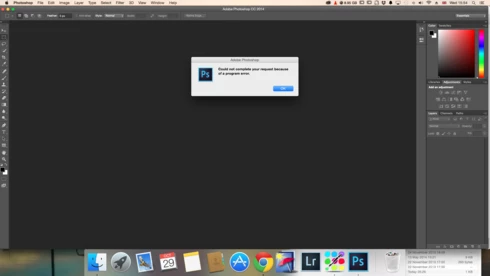
P: Could not complete your request because of a program error.

  • October 29, 2014
  • 170 replies
  • 3340 views

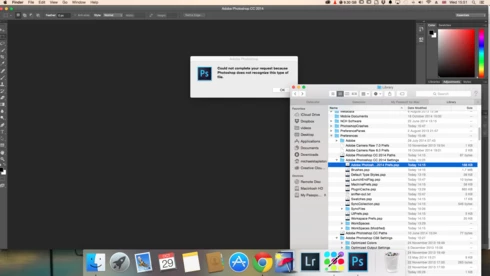
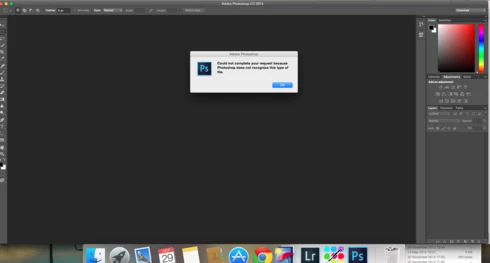
i keep getting this message when i try to do anything in photoshop a second time what i mean is when first opened photoshop works when i close the first image the go to do anything else i get the message: Could not complete your request because of a program error.i have uninstalled and reinstalled photoshop cc but no difference i have taken a couple of screen shots which i hope will give you more information
i hope you can solve this problem as i am at my wits end

This topic has been closed for replies.

170 replies

Legend
February 8, 2015
Thanks Brian, if you go back to Column now that you've removed "USB Overdrive" do you still get the error?
lexblog-brianbiddle
Participating Frequently
February 6, 2015
Ha! - So, I've done two things that seems to have fixed the issue for me.

1. Finder is now set to list (was on columns)
2. Removed USB overdrive (3rd party plugin)

So far so good.
Inspiring
February 6, 2015
That is a completely different issue, caused by an OS bug in MacOS 10.10.
lexblog-brianbiddle
Participating Frequently
February 6, 2015


Screenshot showing an error that has shown up in Photoshop using the keyboard shortcut to open files (cmmd + o)

This is on a brand new macbook pro, fresh install of Photoshop CC14, and new user profile.
lexblog-brianbiddle
Participating Frequently
February 5, 2015
On a completely new setup with same problem. (new macbook, new PS install, new user profile)
lexblog-brianbiddle
Participating Frequently
February 5, 2015
Removed the swatches palette and reopened photoshop. Was able to open a handful of PSD files 20 or so...but eventually the same error message reappeared.
lexblog-brianbiddle
Participating Frequently
February 5, 2015
Also seeing the same error message when I try to load new swatches.
lexblog-brianbiddle
Participating Frequently
February 4, 2015
I've not posted to this issue in over 20 days...hoping a new macbook and fresh user profile would resolve this issue for me.

I'm on a new install of CC2014, New user profile and yet I'm still having the same issue. I can open files on 1st launch. Then after two or three files have opened I get the old: "Could not complete your request because of a program error."
Inspiring
January 16, 2015
I am using 10.10.1. Hopefully they will get it fixed soon, it'd be nice for it to work properly.
Inspiring
January 16, 2015
Are you on MacOS 10.10? The open/save dialogs have a few problems on 10.10, the worst of which was fixed in 10.10.1, but there are still some odd errors happening that Apple is still trying to fix.