Participant
October 29, 2014

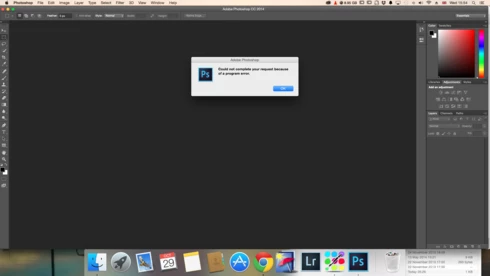
P: Could not complete your request because of a program error.

  • October 29, 2014
  • 170 replies
  • 3340 views

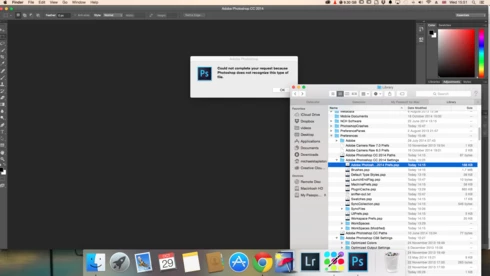
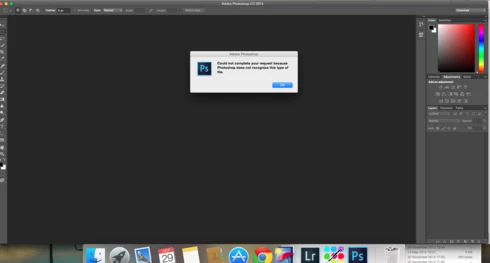
i keep getting this message when i try to do anything in photoshop a second time what i mean is when first opened photoshop works when i close the first image the go to do anything else i get the message: Could not complete your request because of a program error.i have uninstalled and reinstalled photoshop cc but no difference i have taken a couple of screen shots which i hope will give you more information
i hope you can solve this problem as i am at my wits end

This topic has been closed for replies.

170 replies

splashby2
Participating Frequently
February 23, 2015
I could not get it to work in my profile... Another user profile is of not much use... I do not have info how to resolve permissions on my own profile... I tried all the advice and no luck...so I now use older version of PS... A small nuisance and not ideal, but workable
Legend
February 23, 2015
Try creating a new Admin user account and run Photoshop from the new user account to see if the problem goes away: http://blogs.adobe.com/crawlspace/201...
Legend
February 23, 2015
But it sounded like your issue was caused by user permissions. When you created the new user account it worked correctly, no?
splashby2
Participating Frequently
February 23, 2015
not me.
Ldp11566442
Participant
February 23, 2015
Well, I've read the responses but understand half of the things said. So how do I get my problem solved. What kind of information do you need?
Inspiring
February 22, 2015
Please read the existing responses -- every case is different, and we need more information to figure out what exactly is going wrong in your case.
Ldp11566442
Participant
February 22, 2015
Is there a solution yet? I'm also getting really frustrated. I've upgraded to Yosemite 10.10.2 and am using Creative Cloud Adobe
Legend
February 10, 2015
For the other folks on this thread, how many of you are using "USB Overdrive"?
Legend
February 10, 2015
The best test would be whether column view works without "USB Overdrive" installed. That way we could tell whether USB Overdrive is the root of the problem or if it's the OS by itself.
lexblog-brianbiddle
Participating Frequently
February 10, 2015
Funny enough - I've added USB Overdrive back while still in list view for the finder and no problems so far.