


Participant
October 29, 2021

P: Error while creating a PDF presentation with Photoshop Version 23.0 - Windows

  • October 29, 2021
  • 34 replies
  • 15624 views

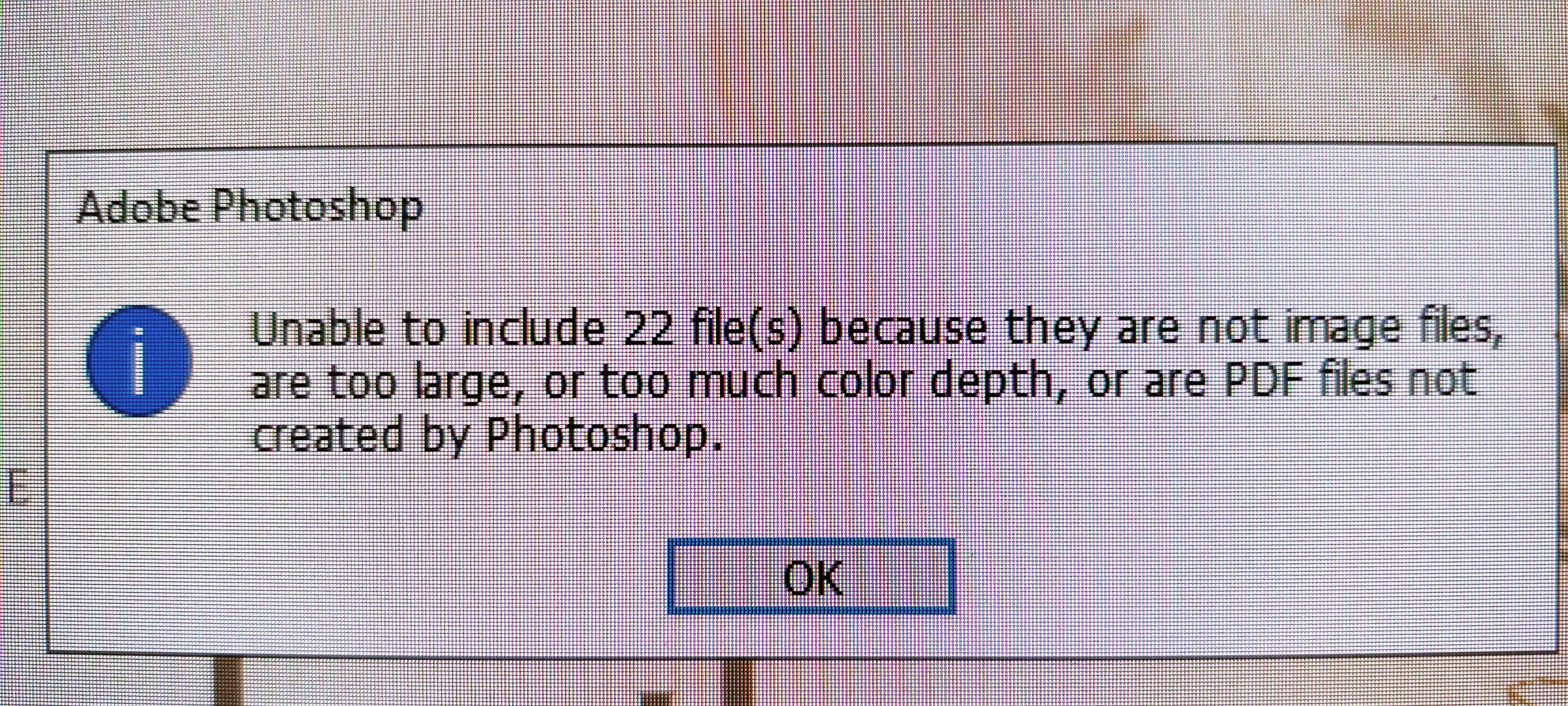
Yesterday i updated Photoshop to version 23.0. After the update, i tried to create a PDF presentation with Multiple image files. and this error occurred "unable to include 22 file(s) because they are not image files are too large, or too much color depth, or are PDF files not created by photoshop." i have attached an Image of the error with this message. when i tried to create a PDF presentation with the same image files with the previous version of photoshop, i didnt face any issues. Please Fix this issue, or tell me a way that i could use to fix it.
This topic has been closed for replies.

34 replies

Participant
November 12, 2021

Yep, im also getting this error - 23.0 broke the PDF automation - doesnt matter what kind of files you feed it, it errors on a few of them. I've tried so many different files, it's random.

Even something simple like 1920x1080 white jpegs in srgb 8bit. But then it will process an 8k 16bit tiff fine.


to be clear, you can take any image, duplicate it 15 times and try PDF them - it'll fail on several even though it's exactly the same image

JJMack
Community Expert
Community Expert
November 12, 2021

How do you know the message is referring to your duplicated files. Are your duplicated files listed in the error message.  If they are the error message is incorrect. For you file are supported and not overweight.  There is an issue in Photoshop the error message is incorrect or Photoshop is trying to process files you did not select to be in the PDF presentation.  Adobe needs toe address the issue.

JJMack
Legend
November 11, 2021

Would it be possible to get a small set of files that produce this error?

Participating Frequently
November 6, 2021

Version 23.0.0 of Photoshop will not correctly create PDF file of multiple image files (JPEGs). It leaves some of the images out, leaving a dialogue box that says files were omitted because of one or more of the following reasons: files weren't images, or were too large, or color depth was too great. Version 22 of Photoshop will process the same files correctly, creating the proper PDF.

Legend
November 6, 2021

Could you attach some of the JPEGs that cause this problem? (or zip them up and share via CC or Dropbox)

JJMack
Community Expert
Community Expert
October 29, 2021

What OS are you using. Try resetting your Photoshop preferences. I just create a PDF presentation form two opened image in Photoshop one 8MP portrait the other a 16MP landscape.  I can import the image from the pdf into Photoshop. Windows 10 PS 23.0 The Image seem to be converted to 8bit if there 16bit color file when saved into the PDF.  They retain their colorspace. 

22 Jpg File also worked

JJMack
Legend
October 29, 2021

@Qboid5CE2 , are these files in tiff?

Qboid5CE2Author
Participant
October 29, 2021

No, they're in JPEG format.