

Released
P: Export as SVG - black holes in logo
When I want to export as SVG, some black holes appear on my shape. It is visible on the image below. [Product: Adobe Photoshop 2020]
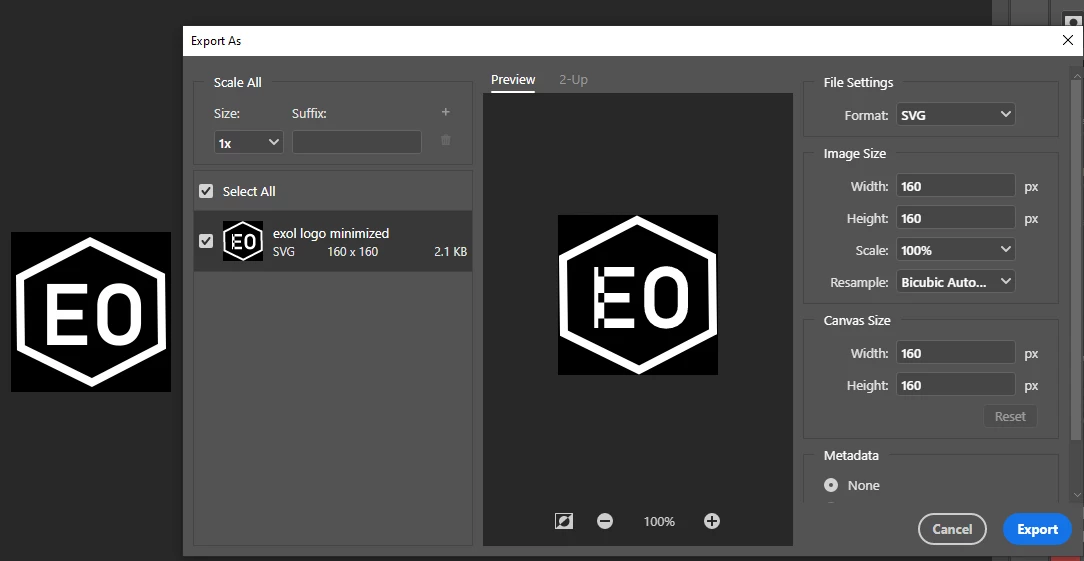

When I want to export as SVG, some black holes appear on my shape. It is visible on the image below. [Product: Adobe Photoshop 2020]
Already have an account? Login
Enter your E-mail address. We'll send you an e-mail with instructions to reset your password.
 AdChoices