



P: "Fit on Screen" (Cmd+0) works strange when using arranged windows (tiles)
When you have 4 documents open and arrange them via Window > Arrange > Tile you get something like this:
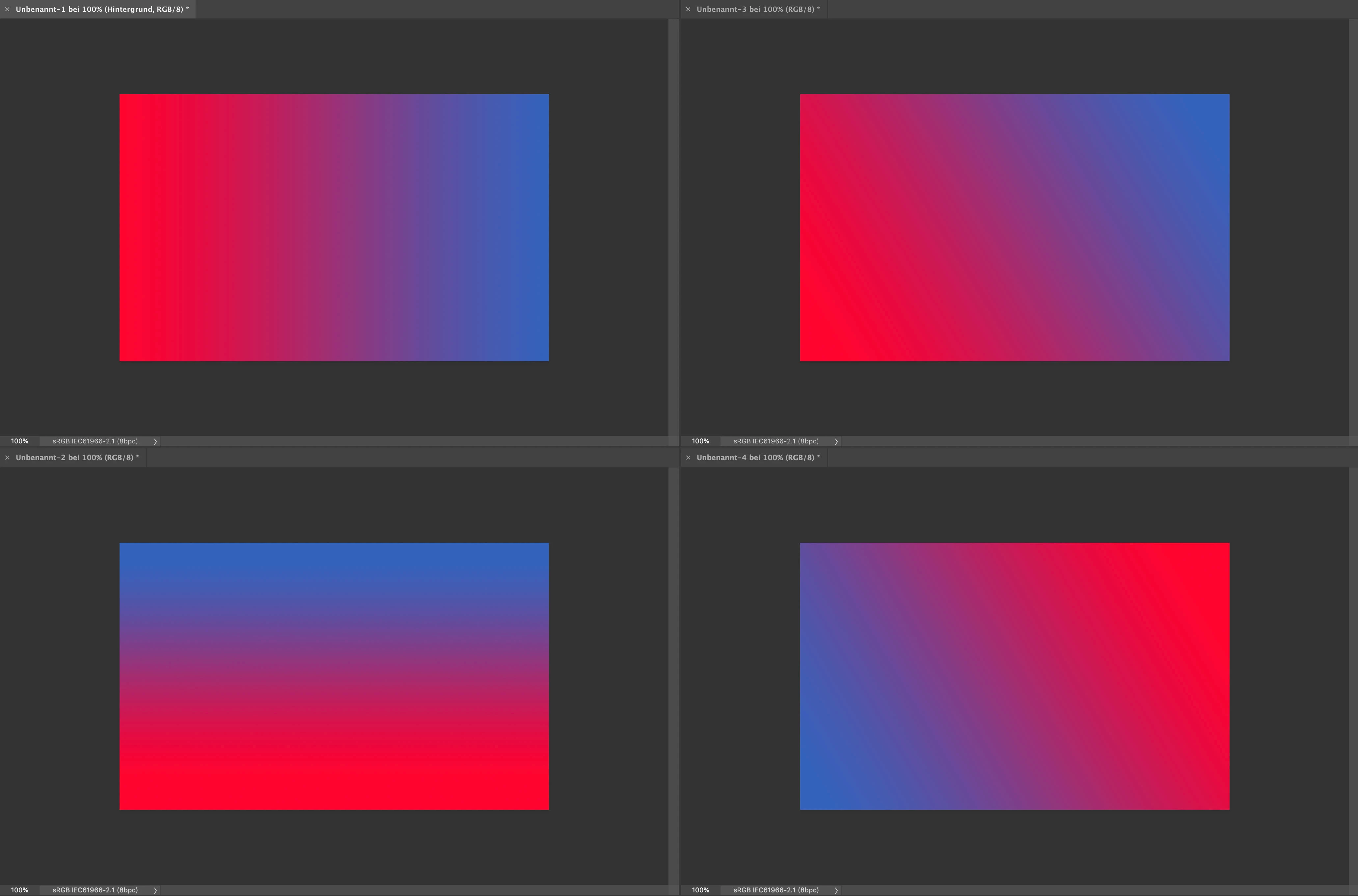
(I used the application frame in this example.)
When you now hit Command+0 on one of the documents it zooms to 313 % which is the same as it would do when you only have one document visible on your screen. Which means that the document is displayed a lot too big for the currently given window. I mean yes the command is titled "Fit on Screen" and actually it's still fits on the screen, but nonetheless that's an awkward behavior. I would expect Photoshop to be smart enough, so that it zooms to about 151 % so that the document fit's to the window (like in the manually zoomed example > lower right-hand corner:
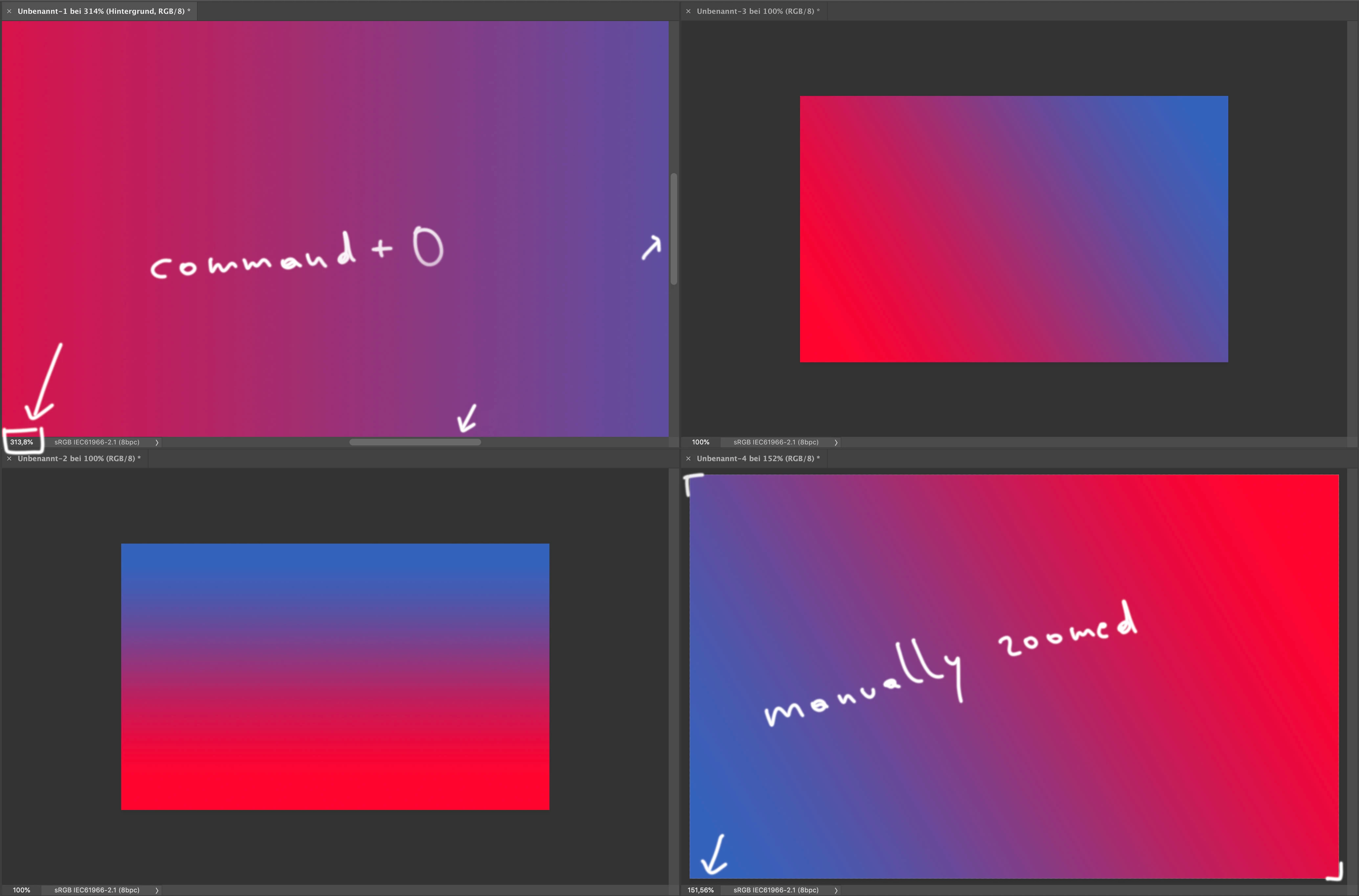
Maybe I miss something here, but I my opinion that's more a bug than a feature ...
 AdChoices