


Investigating
P: Launch Error - Could not apply the saved panel configuration, resetting to default
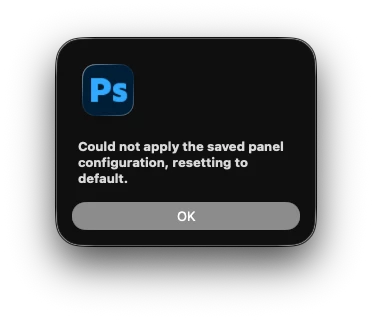
When launching Photoshop the following error appears on screen:
“could not apply the saved panel configuration, resetting to default”
After the application starts up, workspace can be restored back to the saved preferred layout and everything function correctly.
This started with 27.1 and has continued in to 27.3
There was also already a thread on here where Adobe said it was being looked in to and myself and others had submitted error logs to show where it appeared to flagging the error. After the community change here, that previous bug report has disappeared from the link resolving there or finding it via search so adding a new till it gets addressed.
 AdChoices