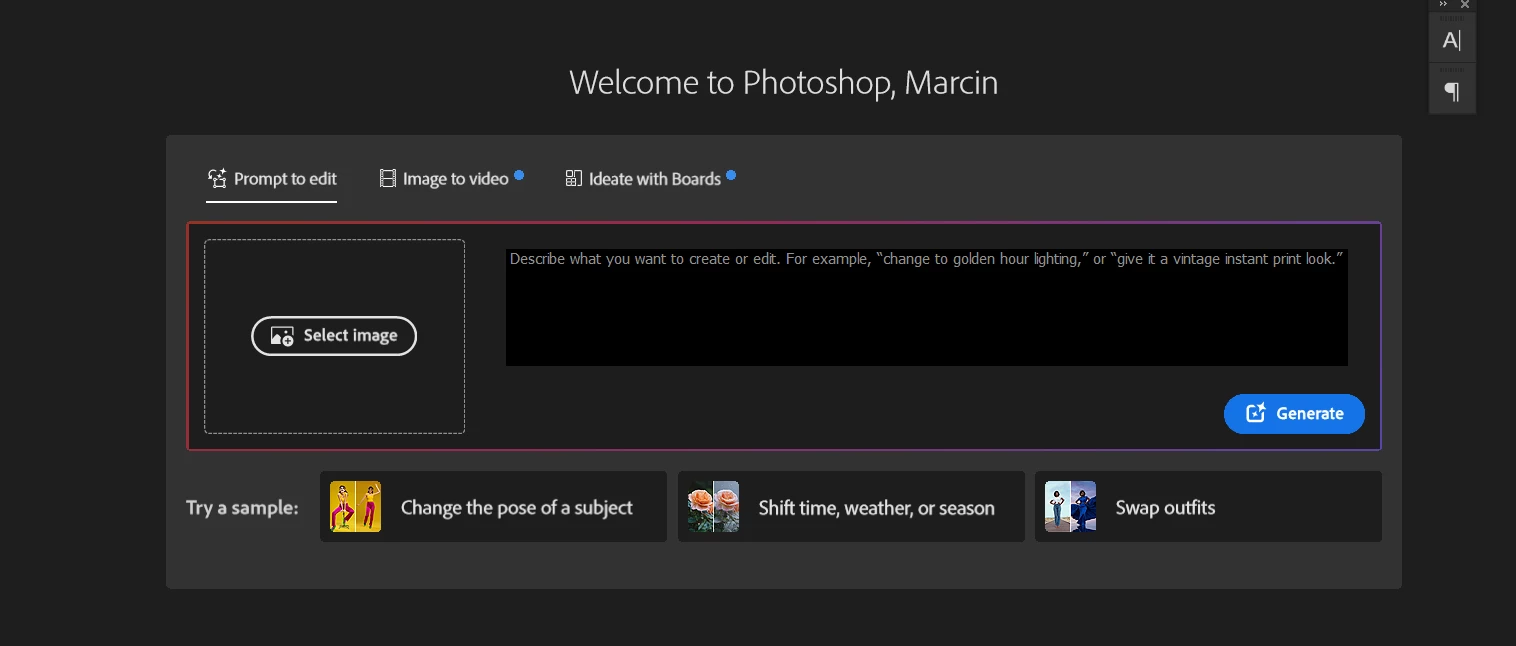
How to disable/hide this thing in home screen of photoshop?
Pinned Reply By Anshul_Saini
Hi Everyone,
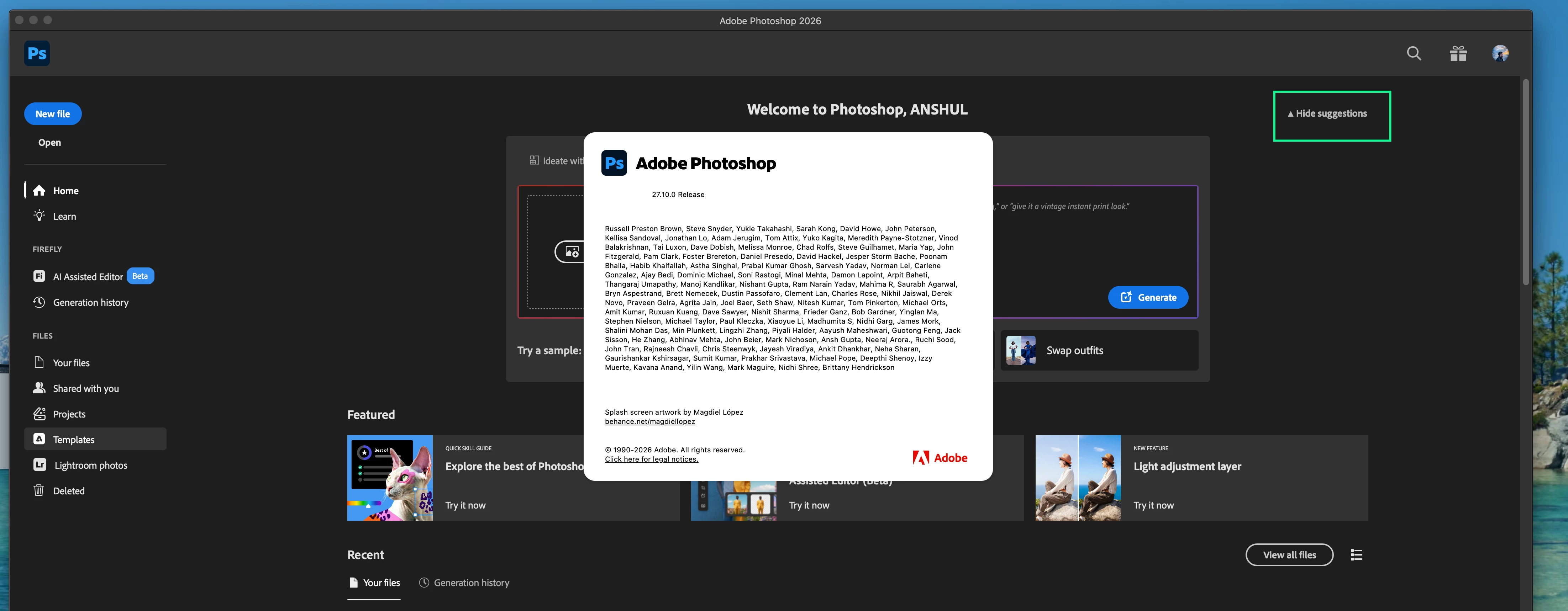
Thank you again for all the feedback and patience on this. Please update to 27.10 and check the Home Screen again.
After updating, look for the “Hide suggestions” option on the Home Screen. Please toggle it and confirm whether it hides this modal and gives you the Home Screen experience you were looking for, with your recent documents more readily accessible.
If you do not see the Hide Suggestions option in Photoshop 27.10, or if using it does not hide the modal discussed in this thread, please let us know and, if possible, share a screenshot of your Home Screen and copy & paste your System info from PS Help > System info here.
it was usefull because it shows your recent files, but right now you have giant box with some not needed ai randomizer at your face and you have to scroll down for recent files, there SHOULD be option to hide it for people who don't care about it





 AdChoices