


Participant
December 11, 2019

P: Starting in v 23.1.1 - keeps nagging me to save to Creative Cloud

  • December 11, 2019
  • 81 replies
  • 34537 views

I've been paying for / using Photoshop for many years (since way back to version 3 in 1996).


I don't use the Creative Cloud for saving files, and don't want to.


However, starting with version 23.1.1 whenever I create new file from an image I've copied to the PC's clipboard and then paste it into the blank PSD and Save, it now prompts me to save the file to the Creative Cloud.


The first time it popped-up (today) I made sure to put a check mark in the "Dont Show Again" box and chose "Save to your computer".


Yet it's still popping-up the "Save to Creative Cloud" prompt every time and still forcing me to make the extra step of choosing "On your computer" , every time. (Screenshot attached).


This is insanely annoying.


At first I thought hmmm... OK maybe just a glitch, so I shut down PhotoShop and restarted my PC. Problem still happens. I can't seem to find any way to change it in the settings.


Has anyone else encountering this bug? Know of a solution?

Many thanks for any input!
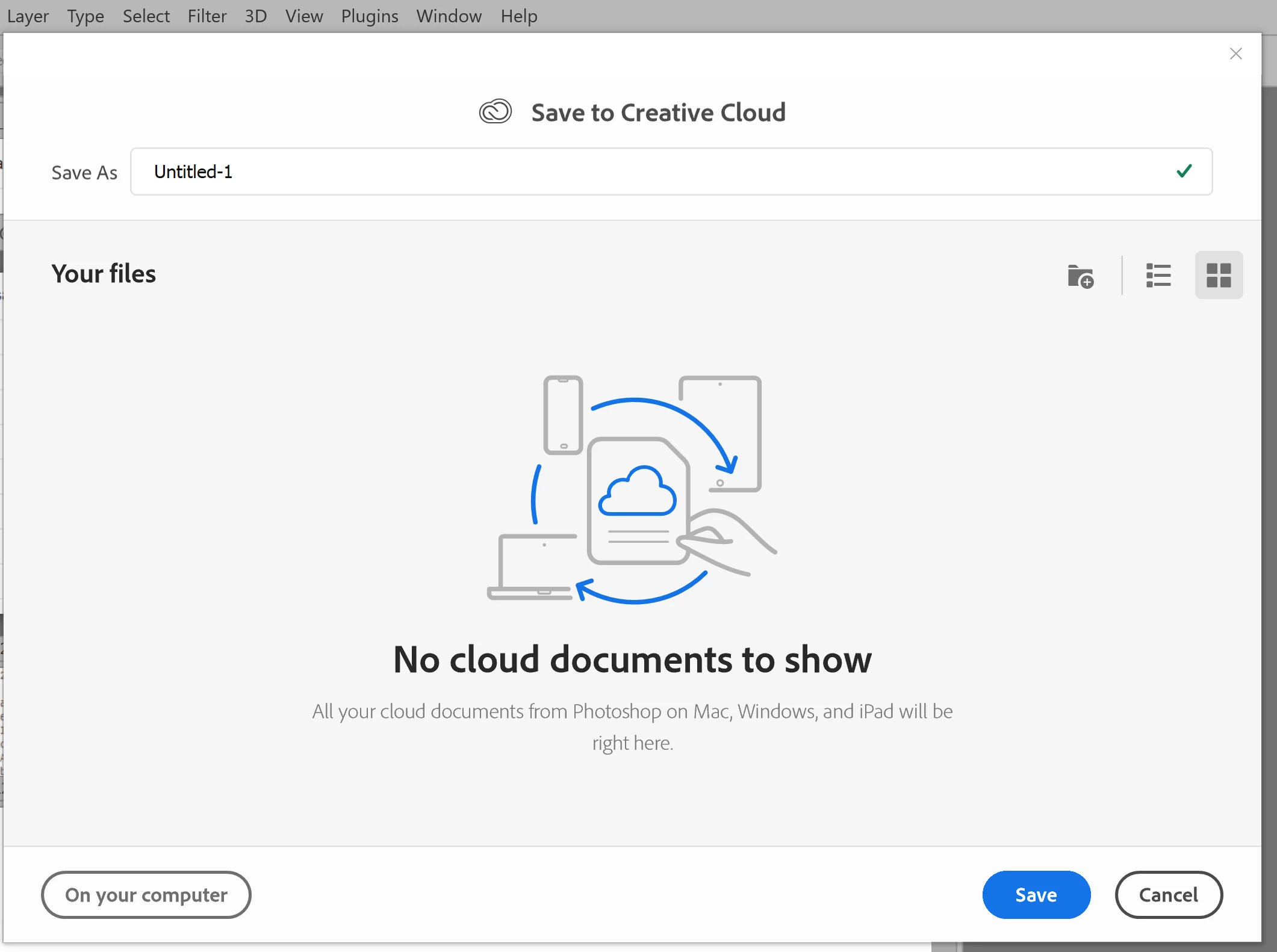


81 replies

Dave Creamer of IDEAS
Community Expert
Community Expert
November 21, 2022

I'm on Windows 10 (Home, but I doubt that makes a difference with this issue) and v20.0.1.

I have the following options:


David Creamer: Community Expert (ACI and ACE 1995-2023)
Legend
November 21, 2022

I doubt there is a "feature flag." More likely if I reset preferences/warnings, it would reappear.

Participating Frequently
November 21, 2022

Interesting. That supports the feature flag hypothesis: that Adobe has the feature disabled for a subset of users/regions. 

Legend
November 21, 2022

I have 24.0.1 and it does NOT have that preference on Windows 10 Pro.

Community Expert
November 21, 2022

It's back with the latest update. Be sure to update the File Handling preference with that option to enable it.

Participating Frequently
November 21, 2022

It seems like some people have the option in 24.0.0 and others do not. Cloud software is deployed with feature flags that permit a feature to be enabled through a configuration file. Perhaps this feature is sitting behind a feature flag and Adobe was running an experiment where they disable it for a subset of users to see how many people complain when they take it away?

jessamy444
Participant
November 21, 2022

This worked for me.

Participating Frequently
November 20, 2022

@jane-e 

Debbie, one thing we see is that folks have the newest version installed, but have opened an older version. Can you go to Help > About and tell us which version you have open?  You can also launch v. 24.0 directly from the Creative Cloud app.


I have been using Photoshop and Lightroom regularly and for many years.  As I travel around Australia without internet coverage in many cases, I have to keep my programs up todate otherwise I can't access them.  Until Adobe started pushing the Cloud I never had a need to go on this forum. Thank you for trying to help but I did communicate with Adobe direct a couple of days ago, pointing out that their 24.0 version did not have the option.  Version 24.01 which I have just updated with now has the option.  Hopefully it will stay there perminately. 

Participating Frequently
November 20, 2022

@frontendnerd 

thank you, I didn't think I was going mad.  I'm just updating version 24 to version 24.0.1.  

Inspiring
November 19, 2022

It's definitely there. I haven't upgraded to 24.0.1 yet and I have the option to save locally.