


Participant
December 11, 2019

P: Starting in v 23.1.1 - keeps nagging me to save to Creative Cloud

  • December 11, 2019
  • 81 replies
  • 34537 views

I've been paying for / using Photoshop for many years (since way back to version 3 in 1996).


I don't use the Creative Cloud for saving files, and don't want to.


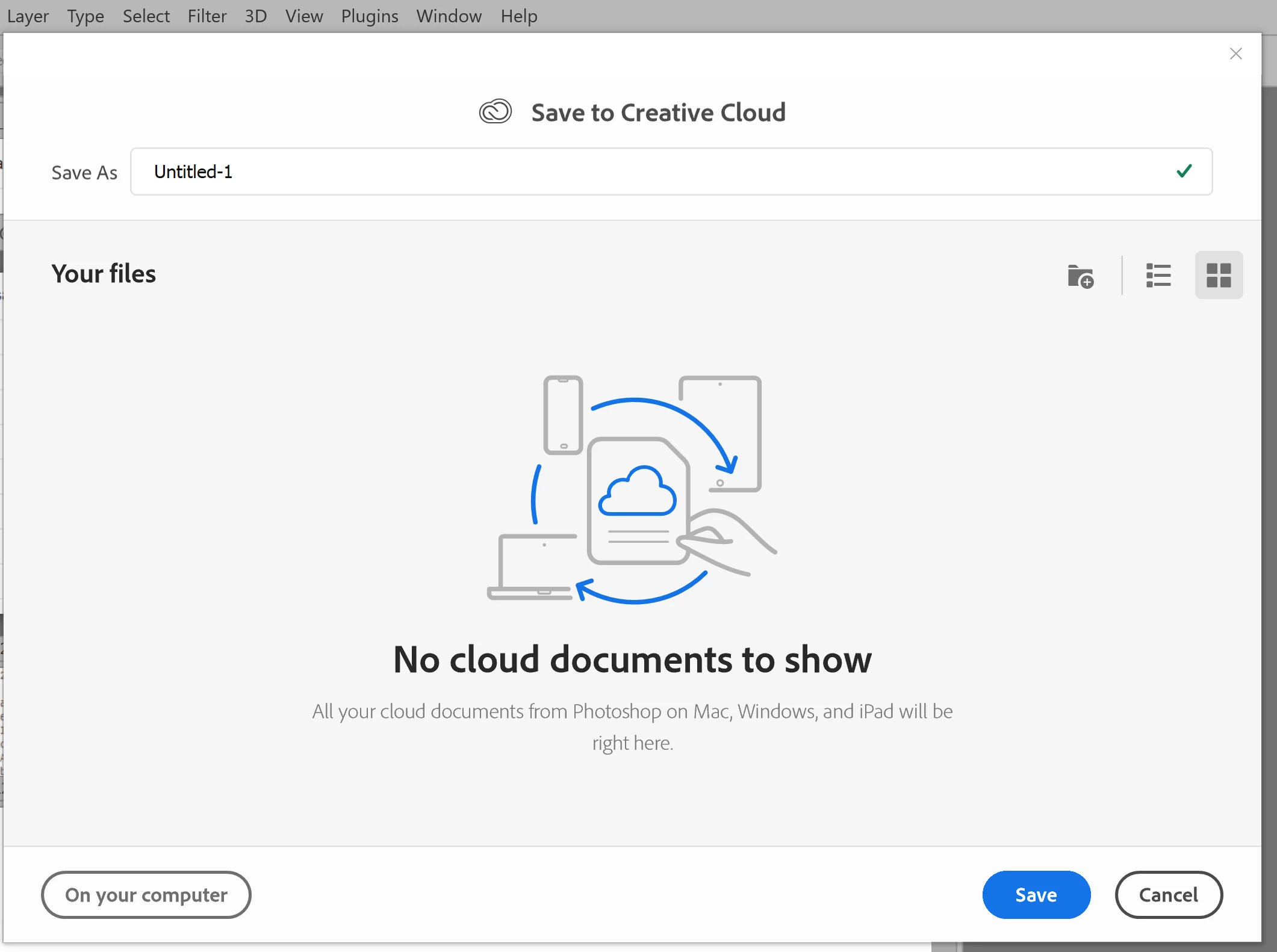
However, starting with version 23.1.1 whenever I create new file from an image I've copied to the PC's clipboard and then paste it into the blank PSD and Save, it now prompts me to save the file to the Creative Cloud.


The first time it popped-up (today) I made sure to put a check mark in the "Dont Show Again" box and chose "Save to your computer".


Yet it's still popping-up the "Save to Creative Cloud" prompt every time and still forcing me to make the extra step of choosing "On your computer" , every time. (Screenshot attached).


This is insanely annoying.


At first I thought hmmm... OK maybe just a glitch, so I shut down PhotoShop and restarted my PC. Problem still happens. I can't seem to find any way to change it in the settings.


Has anyone else encountering this bug? Know of a solution?

Many thanks for any input!


81 replies

Participating Frequently
November 18, 2022

It looks like 24.0.0. had a regression, since earlier versions had this option.

Participating Frequently
November 18, 2022

Fix is to get 24.0.1 update. 24.0.0 does NOT have ability to disable the default of saving to cloud. They fixed it in 24.0.1. 

jane-e
Community Expert
Community Expert
November 18, 2022


@debbieh50552977 wrote:

I have version 24.0 as per the photo I put up previously it shows nowhere to change to save to computer


Debbie, one thing we see is that folks have the newest version installed, but have opened an older version. Can you go to Help > About and tell us which version you have open?


You can also launch v. 24.0 directly from the Creative Cloud app.


Jane


Participating Frequently
November 18, 2022

Hi I have version 24.0 as per the photo I put up previously it shows nowhere to change to save to computer 

Known Participant
November 16, 2022

Well, I thought I was the only one or (still) crazy about this "saving of one's work" to the cloud. The person that thought that one up as a default should spend a few days on the beach. Thank you very much for making the update to that. The cloud is useful, but I'll bet most users want their work closer to home but do appreciate the option. 

Nancy OShea
Community Expert
Community Expert
November 16, 2022

@debbieh50552977,

Which operating system?

Do you have the latest OS updates?

Go to File > SaveAs...  Select a folder on your local hard drive for which you have both read & write permissions.


Nancy O'Shea— Product User & Community Expert
Participating Frequently
November 15, 2022

this is what version 24.0 looks like and nowhere can I change back to my computer.  Adobe, it would be appreciated if you could correct this so we have a choice.  Cloud is not suitable for those who live outside major cities in Australia. 

Participating Frequently
November 15, 2022

Not everyone wants to save to cloud.  Some people don't have the data and in my case travelling around Australia we don't always have internet in certain areas.  I prefer to save to my computer and have control off line.  I have PS 24.0 and there is nowhere to change in file handling to save direct to my computer.  I have to go through several steps once I've completed my project to save.  If it's not broken why try to fix it. 

khellstr
Known Participant
August 28, 2022

Just let me ALWAYS save my files on my Computer and STOP pushing your cloud which is cluttered with problems every 2 weeks. 

There is enough "malwate" already to disable with windows, I don't like my tools to be one of those. 

Participant
August 26, 2022

Thank you! This worked for the same problem with Illistrator, except that AI wouldn't even save a file. It wouldn't bring up the OS window that lets you select where to save. It seemed [removed] bent on making go ont othe CLoude- which I absolutely refuse to do. My work is private. The "reset warnings" in preferences was all I had to do.