This might work if it was for windows and not a Mac. I fibally tryed to install the version before the 26.5since it worked before the last update. I got it to work one time and it has gone back to stalling after 10 seconds again. I have to close PS using Task Manager and lose all my work.
The post from Hannah is directions for a Mac. I have windows 11. I thought maybe if I tried to install the 25.5 it might work since it stopped working when it updated to 26.5 or whatever the latest was. Wishful thinking because it didn't work.. So someone said I can still create a video in PS. But how do I save it so I can render it elsewhere? I spent 45 min splicing three videos together and lost all my work because when it rendered it, at the end it said ' can't render video there is a problem with media encoder. Or it will hang after 10 sec. and I have to use task manager to close PS losing all my work.
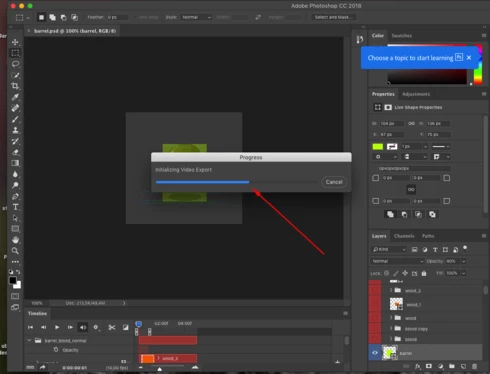
I am completely updated on my photoshop, I have tried literally everything that I have found that have offered solutions and I still am unable to render a video or even get through the initializing process in photoshop.
To check your Photoshop version and make sure you are up to date, please go to Help > System Info. In the top line you should see "20.0.1," which is the current version of Photoshop.



 AdChoices