

26.3.2 Type Tool Cursor and Boundary Box Disappears
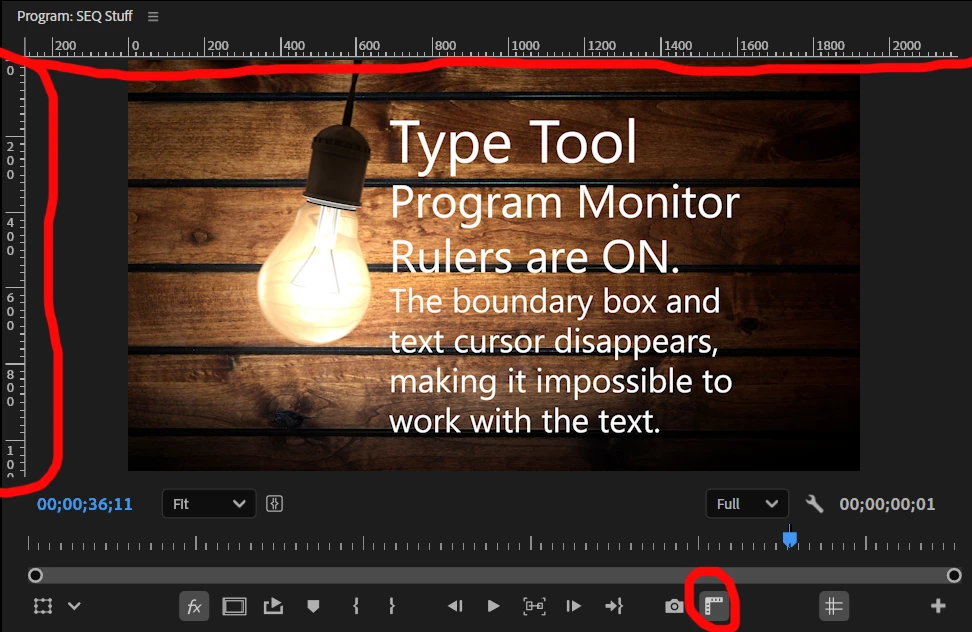
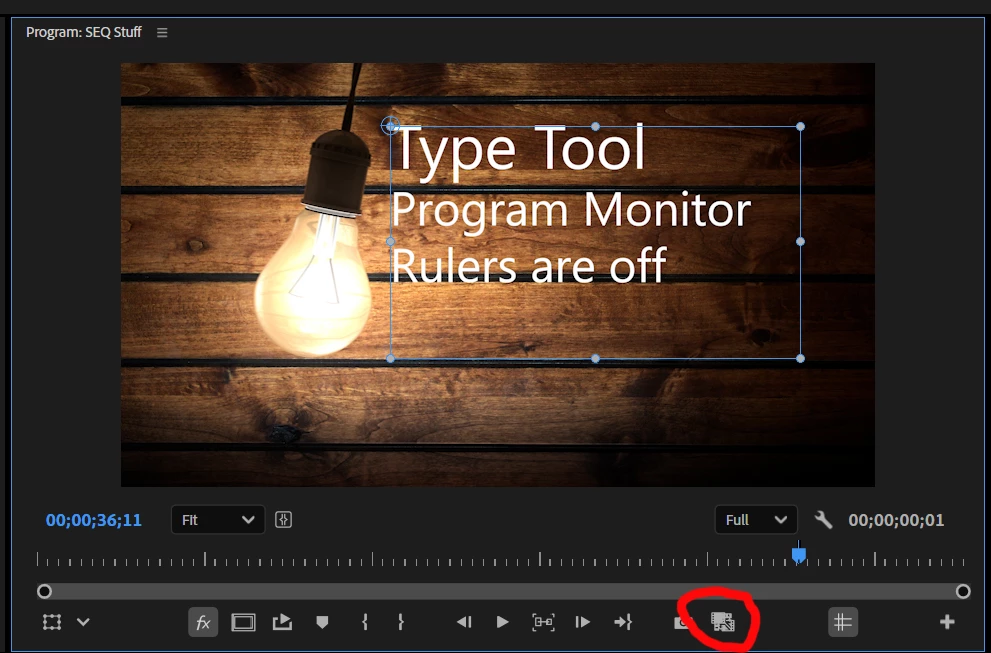
I placed the Type Tool Cursor on the program monitor and the cursor disappeared, but I typed some text anyhow. Grabbed my Select tool to click on the text and there was no Boundary Box (or whatever its called). Figured something was wacky, so I “toured” the Premier layout, clicking this ‘n that. Finally found the culprit: The Rulers selection on the program monitor. If Rulers are ON, the vanishing act takes place. OFF, the Type Tool cursor and boundary box return. I’ve attached a couple of screen captures showing before and after. Btw, that Rulers Icon looks a bit funky when OFF.


 AdChoices