
Betreff: AI-based Face Blur / Pixelation Workflow in Premiere Pro – Out-of-the-box Feature Request
Repeated System Crashes with BCC+ Witness Protection ML in Premiere Pro – Even After Full Cache Offloading
System Specs:
- iMac 27" Retina 5K (2020)
- 3.8 GHz 8-Core Intel Core i7, 128 GB DDR4 RAM
- AMD Radeon Pro 5500 XT 8 GB
- macOS Ventura
- Premiere Pro version: Adobe Premiere 25 – Version 25.2.1 Build 2
- Boris FX Continuum version: Most recent version (updated)
Issue Description:
I’m experiencing persistent system crashes when rendering even short sequences (under 1 minute) using the BCC+ Witness Protection ML effect inside Adobe Premiere Pro. These crashes occur:
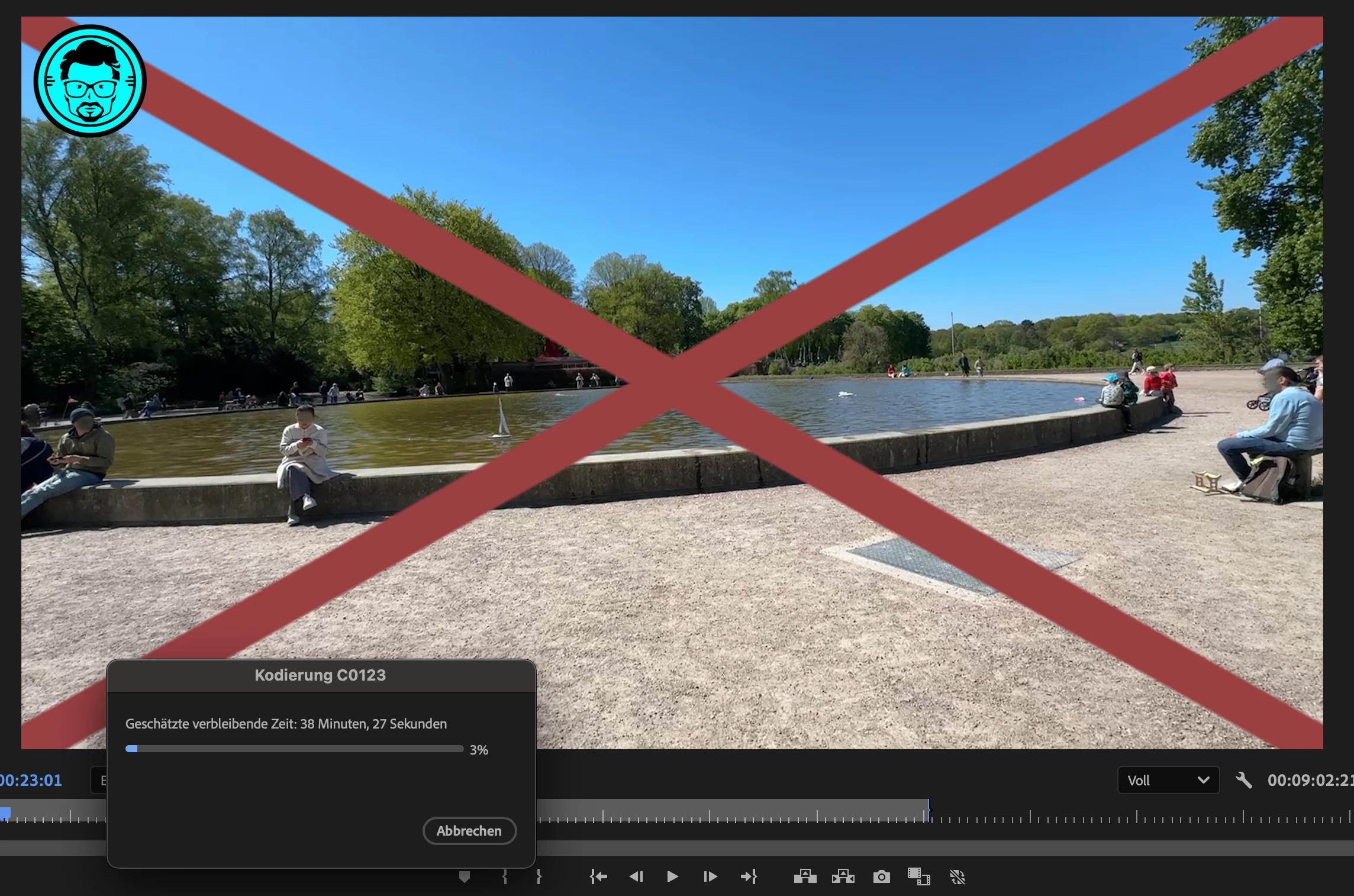
- During export (encoding stalls, then freezes or crashes)
- Occasionally during real-time preview scrubbing
What I’ve already done:
- Media Cache & Database fully offloaded to external PCIe SSD (TEKQ Veloce, 4TB, 3.2 TB free)
- Confirmed rendering via Metal GPU Acceleration, not Software Only
- Enabled automatic media cache cleanup after 167 GB
- Firewall re-enabled after testing with it disabled (no impact)
- Export location is external SSD, not Macintosh HD (which only has 18 GB free)
- Footage is standard 4K MOV (iPhone footage) with minimal effects
Observations:
- When BCC+ Witness Protection ML is removed, the same clip renders in seconds
- With the effect enabled (even at defaults with Face Detection 1.0), render time explodes to 40+ minutes for a 1-minute video
- In some cases, Premiere Pro crashes or the system freezes completely
Questions to the community and Boris FX:
- Is this a known issue with BCC+ Witness Protection ML on macOS?
- Are there limitations or incompatibilities with Premiere Pro 2025 / Metal rendering?
- Are there background processes (like the Mocha ML engine) that could overload GPU or memory?


 AdChoices