
Known Participant
July 21, 2024

Button Editor Partially Hidden

  • July 21, 2024
  • 11 replies
  • 605 views

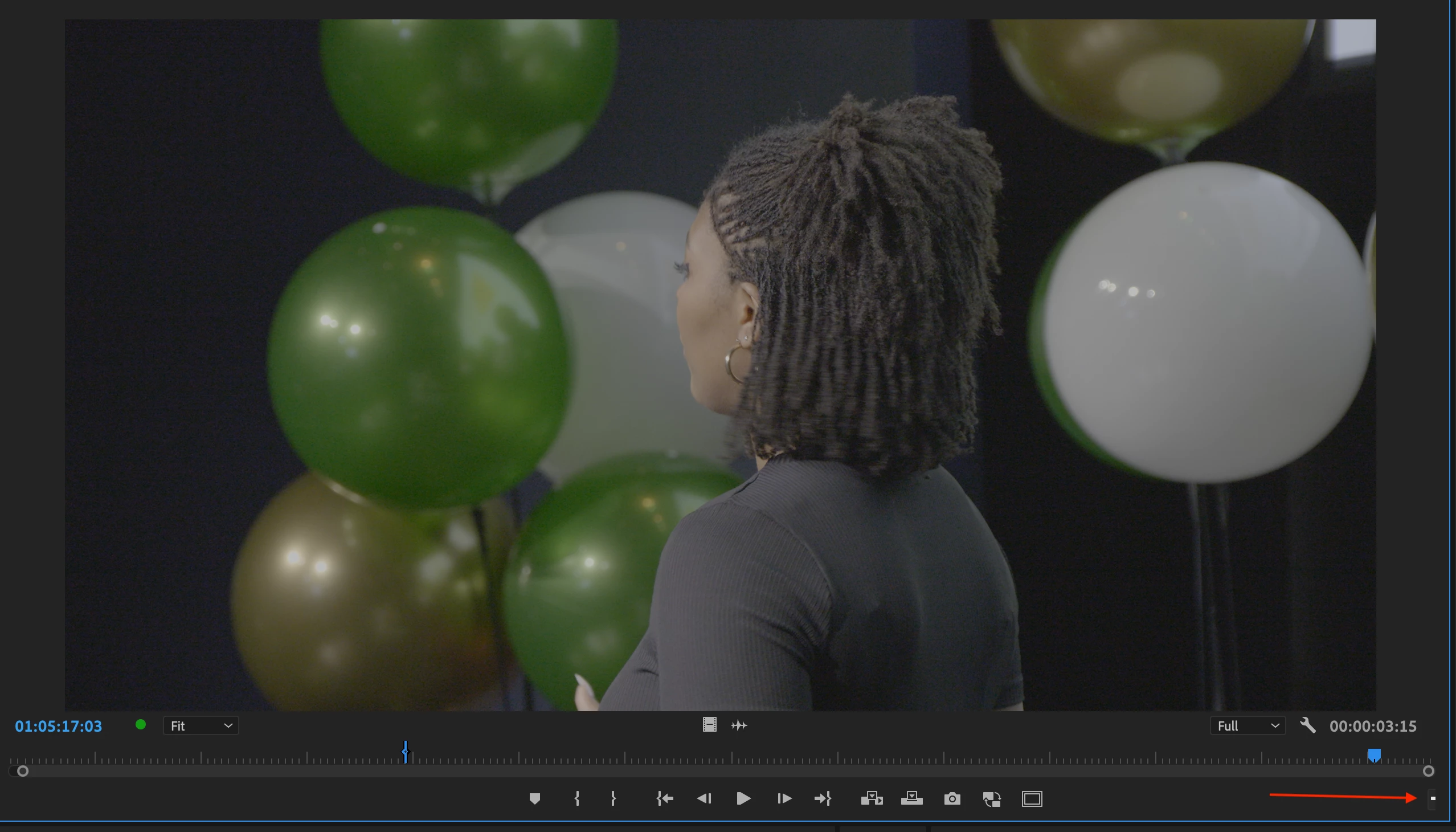
When I first open Premeire, the interface is fine. The moment I change between workspaces, the "button editor" partially hides. It comes back only when I either adjust a panel size or click it to add a button.


Currently running 24.3 on OSX.
 

This topic has been closed for replies.

11 replies

Bruce Bullis
Community Manager
Community Manager
July 22, 2024

Ok, while we remain glad that Luis' workaround worked, we are still working on the actual issue, so I'm moving this thread back to 'Investigating'...

Known Participant
July 22, 2024

Thanks Bruce! I hope this can get a fix in a future update!

Bruce Bullis
Community Manager
Community Manager
July 22, 2024

Nice find, Luis.

Known Participant
July 22, 2024

I figured it out. The Button Editor disappears from the SOURCE tab when switching through workspaces if users display the rulers on the PROGRAM tab. If you remove the rulers, the Button Editor is in it's rightful place.

Known Participant
July 22, 2024

I did the update to 24.5 and the issue persists.

Known Participant
July 21, 2024

If you click the wrench, then uncheck "Show Transport Controls", then the + should disappear, along with the entire button menu.

MyerPj
Community Expert
Community Expert
July 21, 2024

Adjusting the panel width, that + sign is the one thing I can't get rid of. Making that panel the same minimum width as the vertical tools menu, the one thing that is still visible is the +!

🙂 

Known Participant
July 21, 2024

Keeping my fingers crossed. But that may be the only option. Thank you

Ann Bens
Community Expert
Community Expert
July 21, 2024

Alternative update to 24.5

Known Participant
July 21, 2024

Yes. Resetting the workspace does not fix it. Neither did solutions people had for a similar issue from 2018.