HawthornePhotos
Participant
May 15, 2025

Continued color issues with Premiere - Old problem, looking for new solutions, not Gamma lut

  • May 15, 2025
  • 4 replies
  • 416 views

This has been a problem for me for years. I make color edits in Premiere that I am happy with, and on export they are washed out, low sat, low contrast. 

I have read so many forums and posts about this issue. I have read the export plays differently in quicktime, on apple screens, on non apple screens. 

I have used the gamma correction lut, as well as other export luts people have tried making. All they seem to do is crush the blacks on the video, getting the color close to the timeline edit, but not the same. 

Is there a realistic solution to this? I have changed all settings in Premiere I can change. 

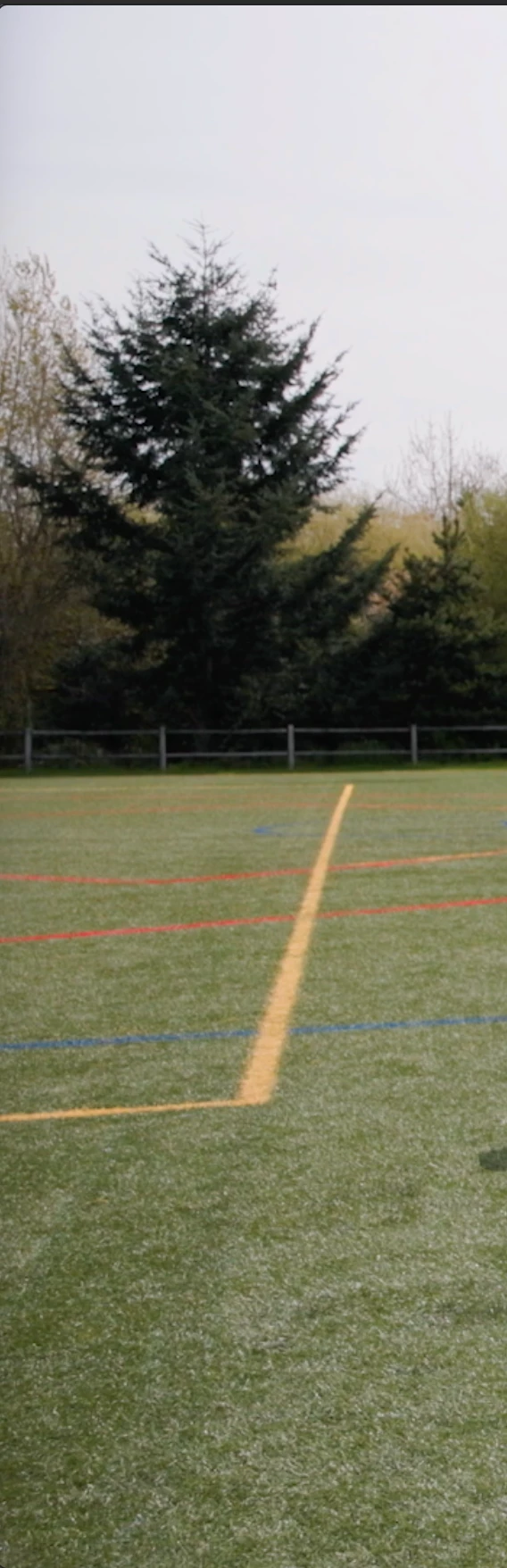
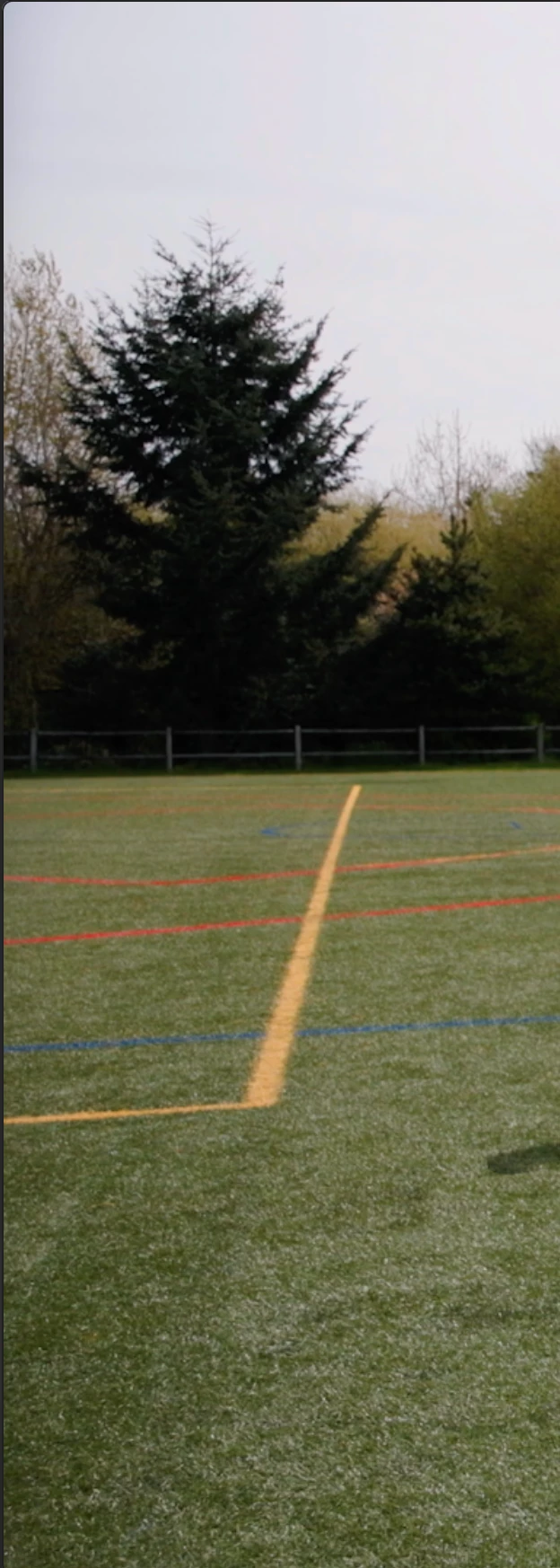
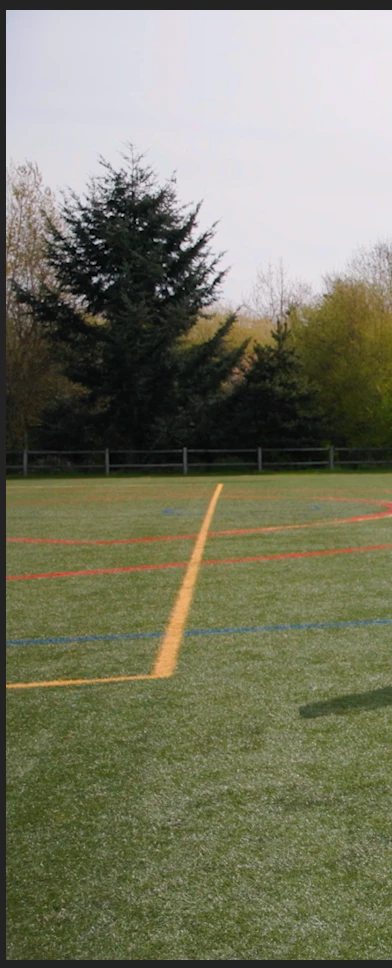
Attaching screen shots of what I am talking about, ordered from: Premiere Program window, export, and export with gamma correction LUT. 
 

4 replies

R Neil Haugen
Legend
May 16, 2025

 It all depends on how big the need is.


Colorists "never" use a monitor attached to a GPU for full-on grading. They always use a breakout device, like a BlackMagic Decklink card or a box from AJA to provide the signal to a specialized Grade 1 Reference monitor, the high-end Flanders, Eizo, Konvision, or Sony rigs. 


Then they use something like ColourSpace or Calman and a puck to do a test of the monitor, and create a corrective LUT stored in the breakout device to adjust the tonality/color to within very tight specs.


Ok, the breakout devices can be as low as $150, but the monitors start at above $5,000USD. So that isn't what most of us are going to do, as we don't have to deliver for the dreaded QC machines in broadcast facilities.


So the next step down is say a Decklink card and that ProArt monitor, using a puck/software combo to create that corrective LUT ... you don't have the full-on monitor, but you're going to be pretty darn close.


Or just get the monitor and the puck/software to "calibrate" the monitor. That's far better than most, if you've got a good monitor and figure out how to check the accuracy of the result ... running the "profile pass" that generates charts to show exactly how the monitor behaves.


Most users don't even get to that last option, and so ... if you get even that far, you're doing better than most.


Everyone's mileage always varies ...
HawthornePhotos
Participant
May 16, 2025

Thank you! This makes a world of sense (as much as it shouldn't ha.) 

Sounds like an easier solution is editing on a monitor set up for color editing, like the ASUS ProArt series, trusting that that file is accurate and that it will just play slightly washed out on the Mac screen/quicktime/etc? 

Or is it not that simple?

R Neil Haugen
Legend
May 15, 2025

Some "upper" Apple computers have the option for Reference modes. On such machines, and if you set the computer's Reference mode option to HDTV, then you get the correct "full" image processing, which by the required specs for Rec.709, for 'flat screen displays', includes the addendum of Bt.1886.


That specifies that flat-screen digital displays are to use a diplay transform for Rec.709 video files roughly equivalent to gamma 2.4.


However, many Apple computers do not have Reference modes.


And therein lies the problem. As they are for some unknown reason using a display transform essentially similar to gamma 1.96. Which results in a much lighter image in the shadow part of the screen.


Also, I've seen some high-end testing by a colorist showing that they don't stick the hue transforms from Rec.709's sRGB color space to the native P3 of the Mac screens. So they get both the tonal transform and the hue mapping wrong. Oh joy.


You cannot display the same file with two widely varying display transforms and "see" the same image.


If you work on an image using the lighter display transform of the Apple devices, the image will look as you expect in QuickTime Player, Chrome, and Safari on that Mac.


But in VLC, Potplayer, or Firefox on that same computer, the image will be much darker, perhaps with crushed blacks, and over-saturated.


Additionally, virtually all non-Mac screens will use the darker transform.


And of course, the image file from working with the 'native' Mac transform, when shown on a correctly displayed device, will also be darker, like the VLC 'view'.

Everyone's mileage always varies ...
Community Manager
May 15, 2025

Hi @HawthornePhotos,

Welcome to the Premiere Pro forums! We are glad to see you here.  Can you post screenshots of your sequence color and export settings?  What type of footage are you using?  We need a few more details to help with this issue. Please see: How do I write a bug report?  I hope we can help you soon. Sorry for the frustration!