
Duplicate frame markers not appearing V_25.2.3(build 4)
Duplicate frame markers not appearing when duplicating clips within the same timeline or copying and pasting edited clips from another timeline.
I've attached a screen recording for your reference.
1. Open an existing project in Adobe Premiere Pro with a clip in the timeline.
2. Duplicate the clip within the same timeline.
3. Check for duplicate frame markers.
4. Copy an edited clip from another timeline that contains the same clip.
5. Paste the edited clip into the existing timeline.
6. Check for duplicate frame markers.
Expected Result
Duplicate frame markers should appear for both duplicated clips within the same timeline and pasted clips from another timeline.
Actual Result
No duplicate frame markers appear in either scenario.
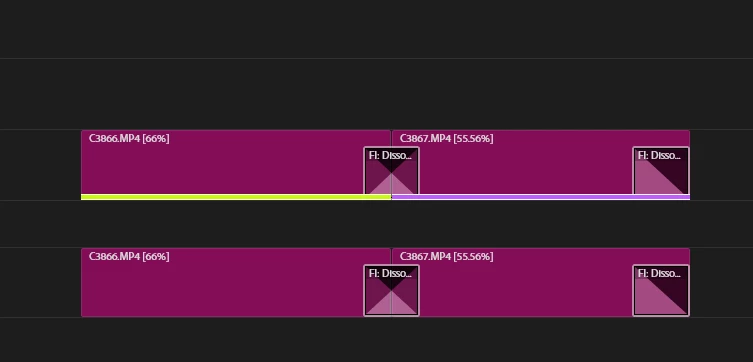
Adobe Premiere Pro Version
Version 25.2.3(build 4)
Operating System
Windows 11 (24H2)
GPU Driver & Version
RTX 2060_Studio driver v576.02
Video Format
AVC_High 4:2:2@L4.2Variabl_46.8-50.0 Mb/s_50.000 FPS


 AdChoices