
Participant
April 14, 2025

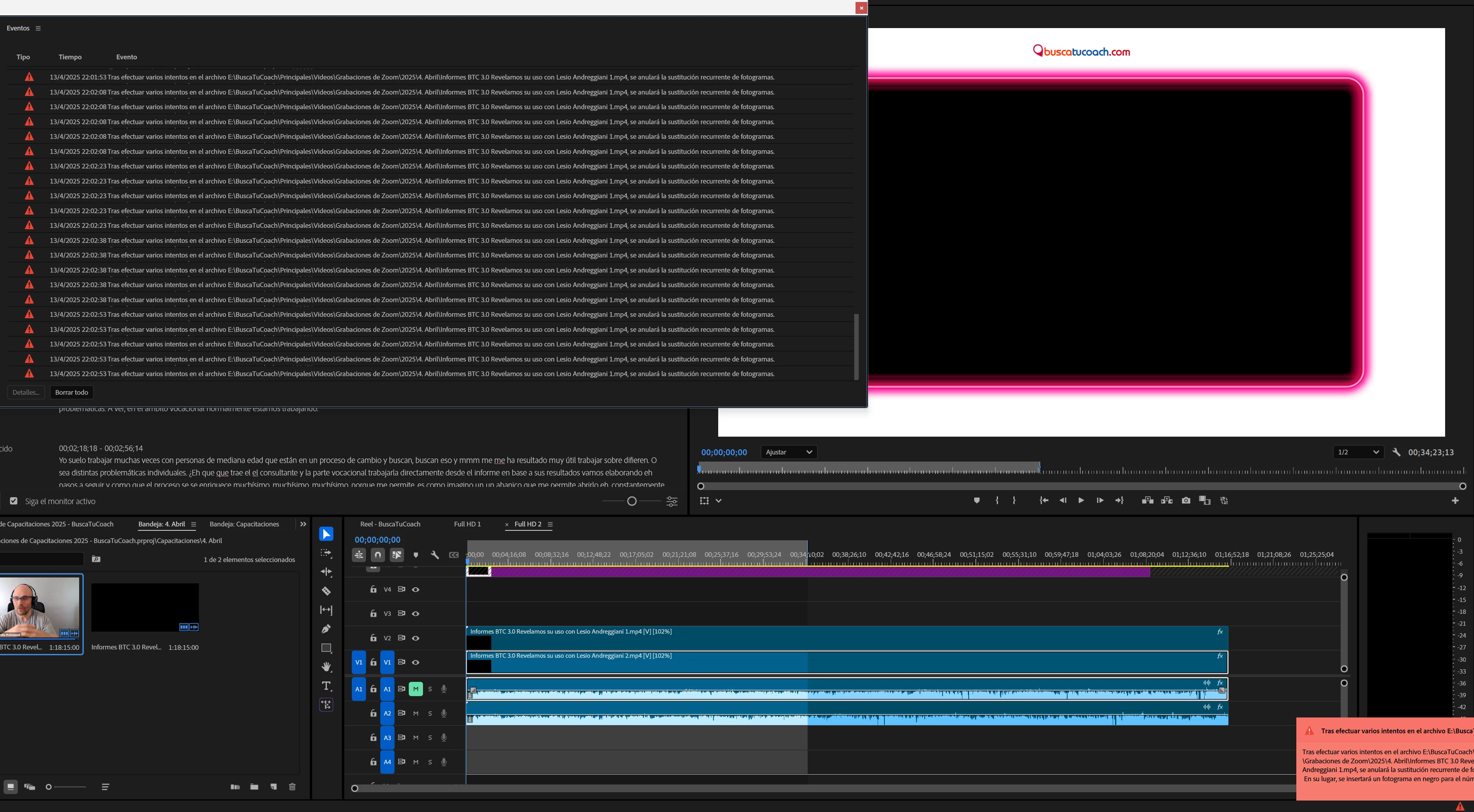
Error "Frame substitution recursion attempt aborting after multiple attempts on file"

  • April 14, 2025
  • 2 replies
  • 354 views

The following has been happening to me for several files now.

I have to edit some files downloaded from Zoom recordings to trim them and make them more cropped. These files are usually 1 hour long. And the last 4 that I edited I'm having the problem of ‘Frame substitution recursion attempt aborting after multiple attempts on file’, about 3 or 5 minutes into the video.

I've been doing this kind of editing for 4 years and it never happened to me. Now it happens with all the files. I have Premiere updated and a good hardware.

Translated with DeepL.com (free version)


2 replies

Participant
April 16, 2025

This has been happening to me too, in every single project. My files are not corrupted, as I've tried fresh downloads, reuploads, and downloads again. They are straight from the camera, which has perfectly fine playback. This did not used to be a problem. 

Community Manager
April 14, 2025

Hi @Matias Melo,

Sorry you've been experiencing issues. We need a few more details to try to help with the issue. Please see, How do I write a bug report?


Is this happening with older files as well, or just your recent ones? It also looks like there is a slight speed change on your clips—was the error showing up before that effect was applied?

Sometimes this can occur if the file you are using is corrupted. Where are you downloading the Zoom files from? Have you tried to re-download or even re-import the same file into a different sequence?

Could you share a screenshot of the file properties? (Right-click clip in Project window > Media File Properties?)

Hope we can help you soon,
Dani