

Dirk67
Participant
February 21, 2026

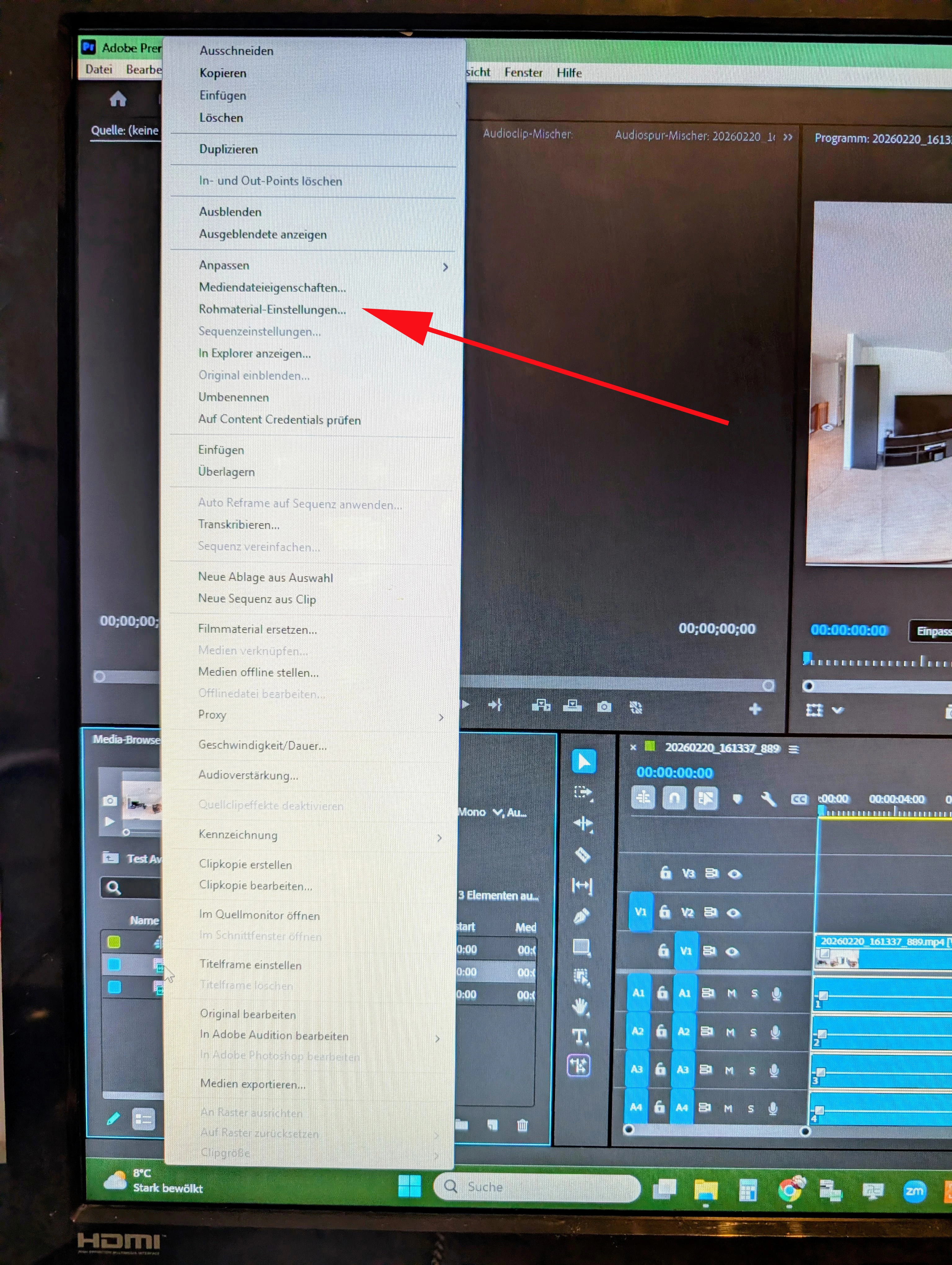
Fenster Rohmaterial-Einstellungen öffnet sich nicht.
  • February 21, 2026
  • 2 replies
  • 21 views

Importiere Video Material, klicke im Projektmaterial Fenster mit der rechten Maustaste auf das Material, es öffnet sich eine Auswahlleiste. Klicke auf Rohmaterial-Einstellungen. Es sollte sich nun ein Fenster “Media Settings” öffnen. Und das passiert leider nicht. 

    2 replies

    Adobe Employee
    February 24, 2026

    The bug here is that several formats (for example MXF and MP4) are enabling this menu item incorrectly when they do not actually have source settings dialogs. We will take a look, but you are not missing functionality.


    Mike

    Community Manager
    February 23, 2026

    Hi ​@Dirk67

    Thanks for submitting your bug report.  Very strange that the window is not popping up.  I can see the same behavior on my end as well.  What version of Premiere are you using?  What type of footage are you working with? If you have time, please share a few more details with the team. See: How do I Report A Problem? I hope we can find a resolution shortly.