
Participating Frequently
September 15, 2025

Footage Taking Way Too Long to Load

  • September 15, 2025
  • 14 replies
  • 351 views

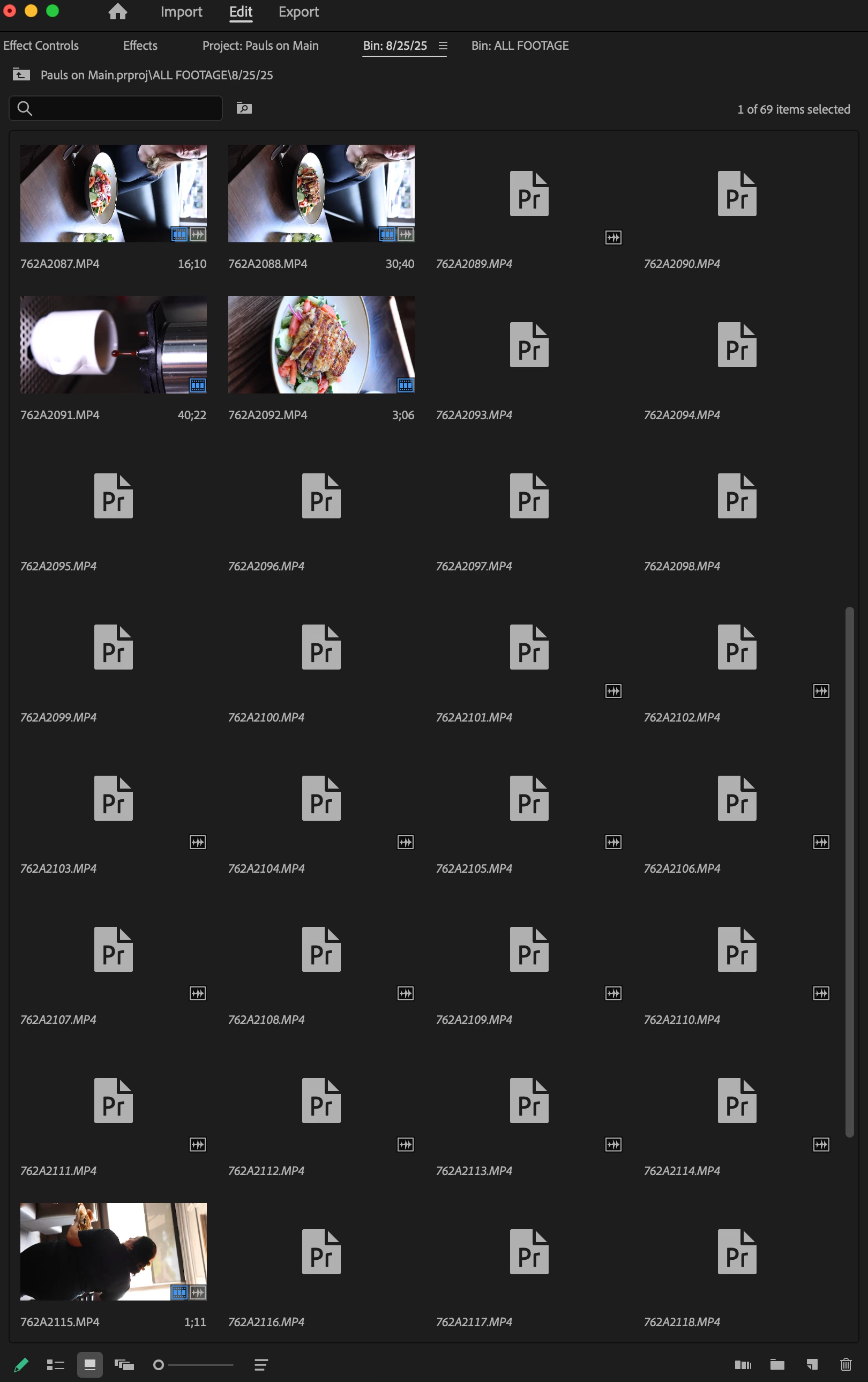
The only footage showing up almost immediately are the ones ive used in the timeline so far. As for the rest of it, it takes close to 30 minutes to show up. The footage has never been unlinked or moved folders or anything like that. It seems since I updated to the latest premiere with the generative extend, it has not been working as efficiently as it used to.
 

14 replies

jamieclarke
Community Manager
Community Manager
September 19, 2025

Hi @Miki5FBA - If it was checked can you uncheck it and then let us know if that helps.

Miki5FBAAuthor
Participating Frequently
September 19, 2025

@jamieclarke it appears that was already checked. I will be bringing in a new hard drive next week and see if that works better. I appreciate all of your help. Thank you.

jamieclarke
Community Manager
Community Manager
September 19, 2025

Hi @Miki5FBA - Can you check one more thing for me in your Preferences > Media can you make sure "Automatically refresh growing files" is unchecked.  Then let us know if that helps

Miki5FBAAuthor
Participating Frequently
September 19, 2025

@MyerPj @jamieclarke I just opened Premiere with the shift method and checked the boxes. The footage appears to be loading in much faster so far. Still not as fast as usual, but at this point I am thinking it is a hard drive issue as I have never had any problems with Premiere.

MyerPj
Community Expert
Community Expert
September 18, 2025

@Miki5FBA , do those things @jamieclarke asked you to, they should at least balance out the file loading. Can you put some or all of those files on an SSD and give it a try there? An external (USB?) drive is not the best way to get performance. But by chance is it filling up?

Miki5FBAAuthor
Participating Frequently
September 18, 2025

The footage finally loaded into the project im working on after close to an hour, so I will have to try this later. I appreciate your help so far.

jamieclarke
Community Manager
Community Manager
September 18, 2025

Hi @Miki5FBA - Can you run a disk speed test on your hard drive?  Are you using a spinning disk hard drive or SSD, APFS is designed mainly for internal SSD disks. 


Have you tried creating a brand new project and importing your old project into the new one?


Can you try and hold down "SHIFT" while launching Premiere and check the boxes
"Reset app preferences" (Backup Preferences first)
"Clear media cache files"
"Reset plugin loading cache"
"Disable third-party plugins (one-time only)"

Miki5FBAAuthor
Participating Frequently
September 18, 2025

@jamieclarke could it be a hard drive issue? I've never had any issues before and nothings changed there either, but I've never encountered anything like this in the past 10 years

Miki5FBAAuthor
Participating Frequently
September 18, 2025

@jamieclarke I have yet to use generative extend on any clips so far, most clips are in 60fps so its not able to anyways

jamieclarke
Community Manager
Community Manager
September 18, 2025

Hi @Miki5FBA - If you have a lot of generative extend clips these get added to the location of your scratch disks.