


Framei.io Windown not loading
* Issue:
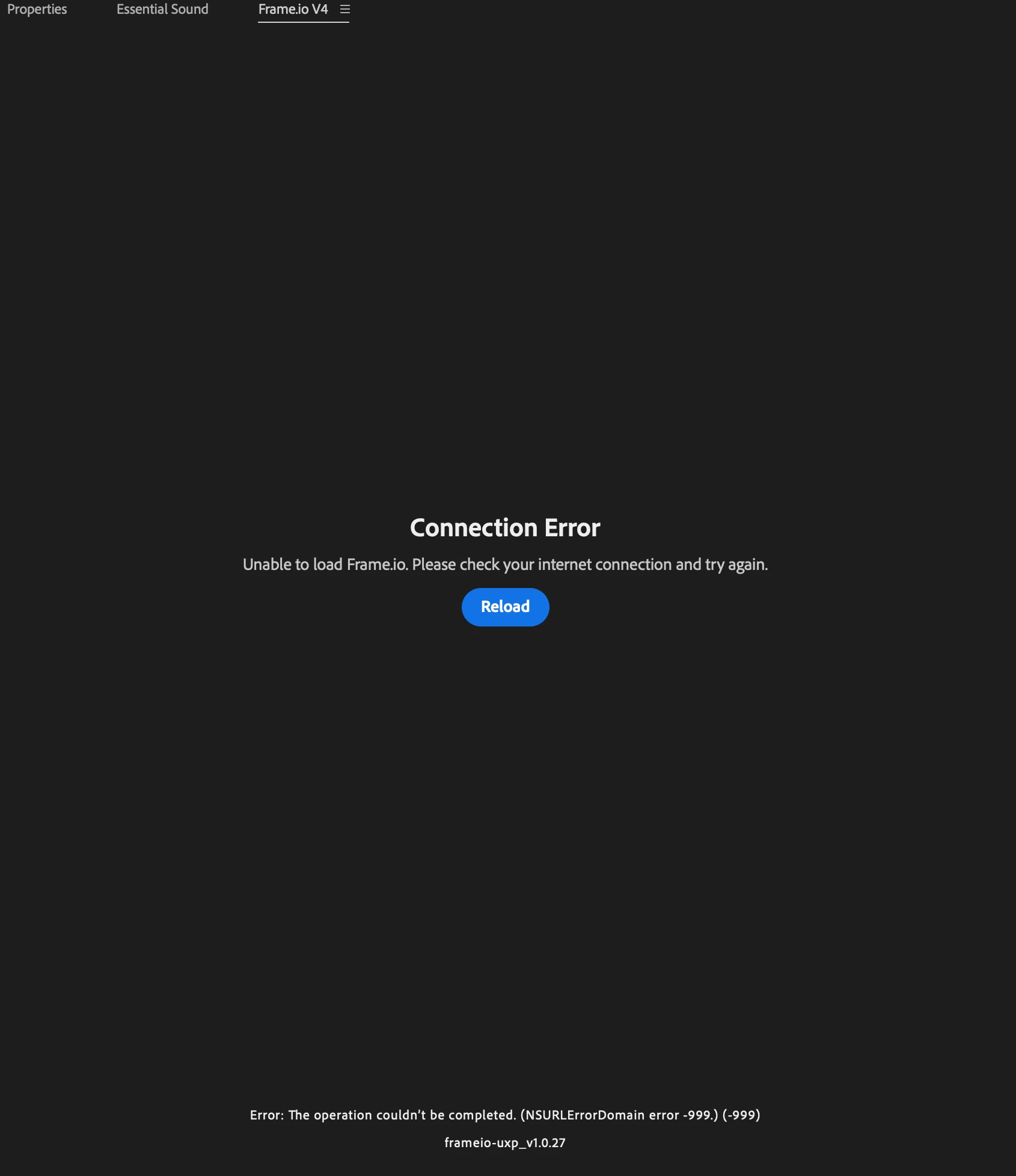
The Frame.io V4 panel fails to load its content and shows "Connection Error".
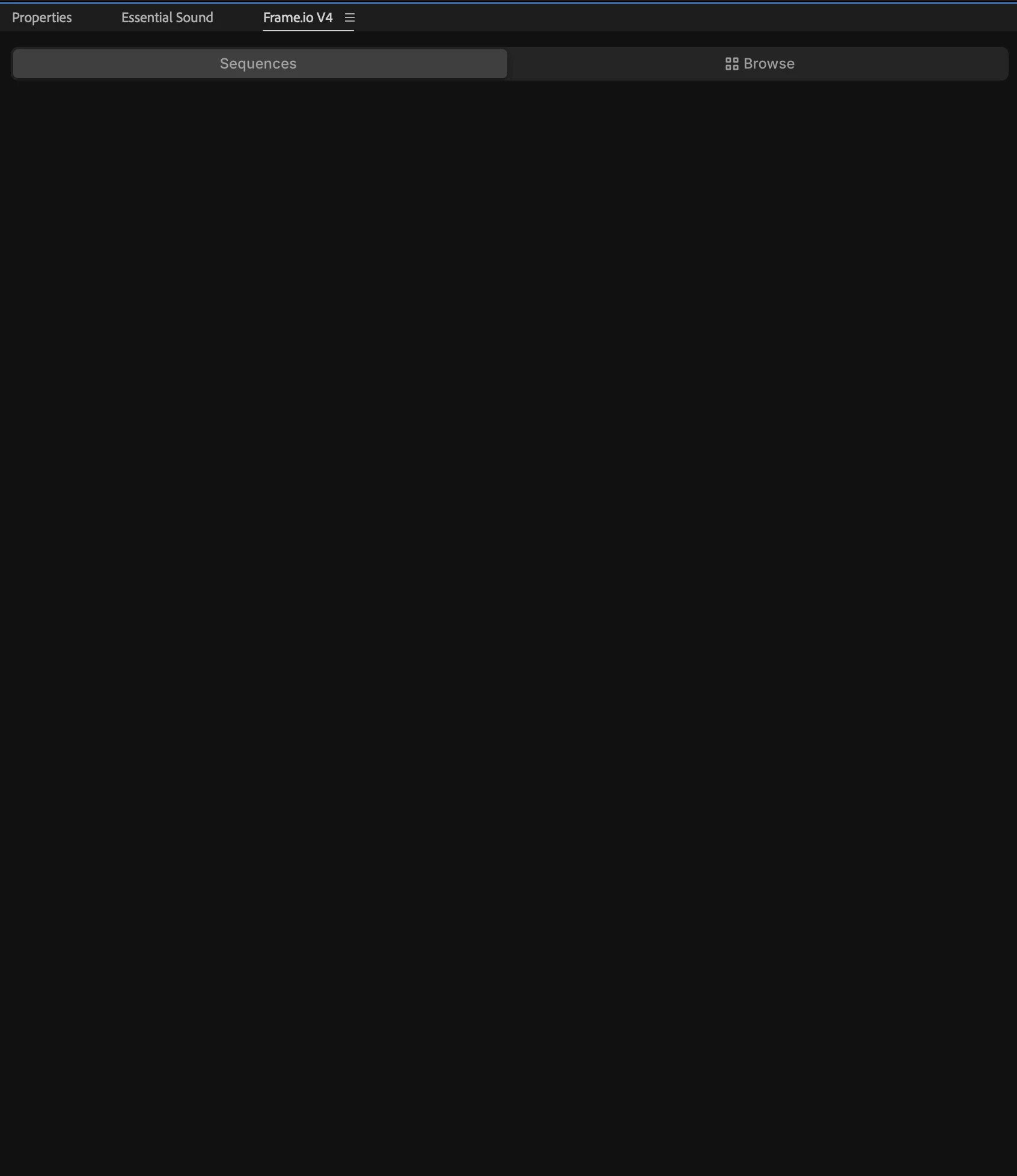
The panel authenticates successfully and renders its shell (Sequences / Browse tabs),
but the body never loads. Evidence points to the UXP network stack, not to
connectivity or the CDN.
* Steps to Reproduce:
1. Open Premiere Pro on macOS (Apple Silicon).
2. Go to Window > Frame.io > Frame.io V4 Comments.
3. The panel loads its header and tabs.
4. The content area stays blank, then shows "Connection Error — Unable to load
Frame.io. Please check your internet connection and try again."
5. Clicking "Reload" reproduces the same result every time.
* Expected Result:
The panel loads my Frame.io V4 workspaces, projects and assets.
* Actual Result:
"Connection Error" with:
Error: The operation couldn't be completed. (NSURLErrorDomain error -999.) (-999)
Panel version: frameio-uxp_v1.0.27
Inspecting the panel (right-click > Inspect Element) shows:
- Successful preconnects to https://api.frame.io/, https://picture.frame.io/,
and https://assets.frame.io/
- SyntaxError: Unexpected EOF on 500cb7531871a14e.js
(served from integrations.frame.io — a domain NOT in the preconnect list)
- Network tab: that request shows no transfer size and no time. It never completes.
Error -999 is NSURLErrorCancelled — the request is being cancelled, not failing
to connect.
KEY FINDING — the server is fine, the network is fine, the file is intact:
Fetching the exact same URL with curl, from the same machine, same network,
same moment:
$ curl -s -o /tmp/fio.js -w "status=%{http_code} size=%{size_download} time=%{time_total}\n" \
"https://integrations.frame.io/_next/static/chunks/500cb7531871a14e.js"
status=200 size=106919 time=0.439644
$ tail -c 150 /tmp/fio.js
..._=v}]);
//# sourceMappingURL=cae20a7ce65f1ea8.js.map
$ curl -sI https://integrations.frame.io/ | head -5
HTTP/2 200
The bundle downloads complete (106 KB) in 0.44s and terminates correctly.
curl gets the whole file. UXP does not. Same machine, same network, same file.
* Screenshots:
Attached: (1) the panel showing "Connection Error" with the -999 error and panel
version, (2) the inspector console showing the successful preconnects followed by
SyntaxError: Unexpected EOF, and the Network tab showing the request with no
transfer size and no time.
* Premiere Version:
26.3.0 (build 93)
* Operating System:
macOS 26.3.1, Apple Silicon (MacBook Pro, M4 Pro)
* Video Format:
N/A — not a playback or export issue.
--- Helpful Context ---
* Does it affect all projects or only some?
All projects.
* Does it affect new, empty projects?
Yes. Reproduces on a brand new, empty project.
* When did the problem first begin?
About a week ago. I can't correlate it with a specific update — no deliberate
change on my end. The panel had been working normally before that.
--- Already ruled out ---
- Authentication: deleted com.adobe.frameio.token from Keychain, logged in fresh.
The panel IS authenticated — it renders the Sequences/Browse tabs.
- Locale: Premiere is already set to English (I saw the EN/JP locale bug reported
in another thread — not my case).
- Premiere version: I'm on 26.3, which includes the macOS auth fix shipped in 26.2.
- Network: reproduced on three different networks, including a mobile hotspot.
- Proxy / DNS: no proxy configured (scutil --proxy is empty), /etc/hosts is clean.
- Local state: ~/Library/Application Support/Adobe/UXP/ contains no stray configs
or caches. frameio_user_prefs.json only holds two cosmetic settings
(last_view, comment_sorting).
- Custom UXP plugins: I develop two UXP plugins for Premiere. Both were "Not loaded"
in UXP Developer Tool during testing, so they are not interfering.
- Plugin cache: reset via Shift on launch. No change.
- The Frame.io CEP extension (Adobe Exchange) works normally on the same machine.
- The Frame.io web app works normally in the browser on the same connection.
Note on the Shift-launch reset: I reset the plugin cache only. I did not reset app
preferences, to avoid losing custom keyboard shortcuts — but I can do it if you
need that data point.
This does not look like a CDN, connectivity or configuration issue on my end.
It looks like the UXP runtime is cancelling/truncating the JS chunk fetch from
integrations.frame.io, while the exact same request succeeds outside of Premiere.
Related but distinct threads (both are authentication issues; my panel
authenticates fine and fails at asset load):
- https://community.adobe.com/bug-reports-728/frame-io-v4-gets-stuck-trying-to-authenticate-in-browser-in-premiere-v26-0-0-1547087
- https://community.adobe.com/questions-729/frame-io-v4-doesn-t-work-with-premiere-26-2-0-1558883
 AdChoices