Known Participant
November 2, 2025

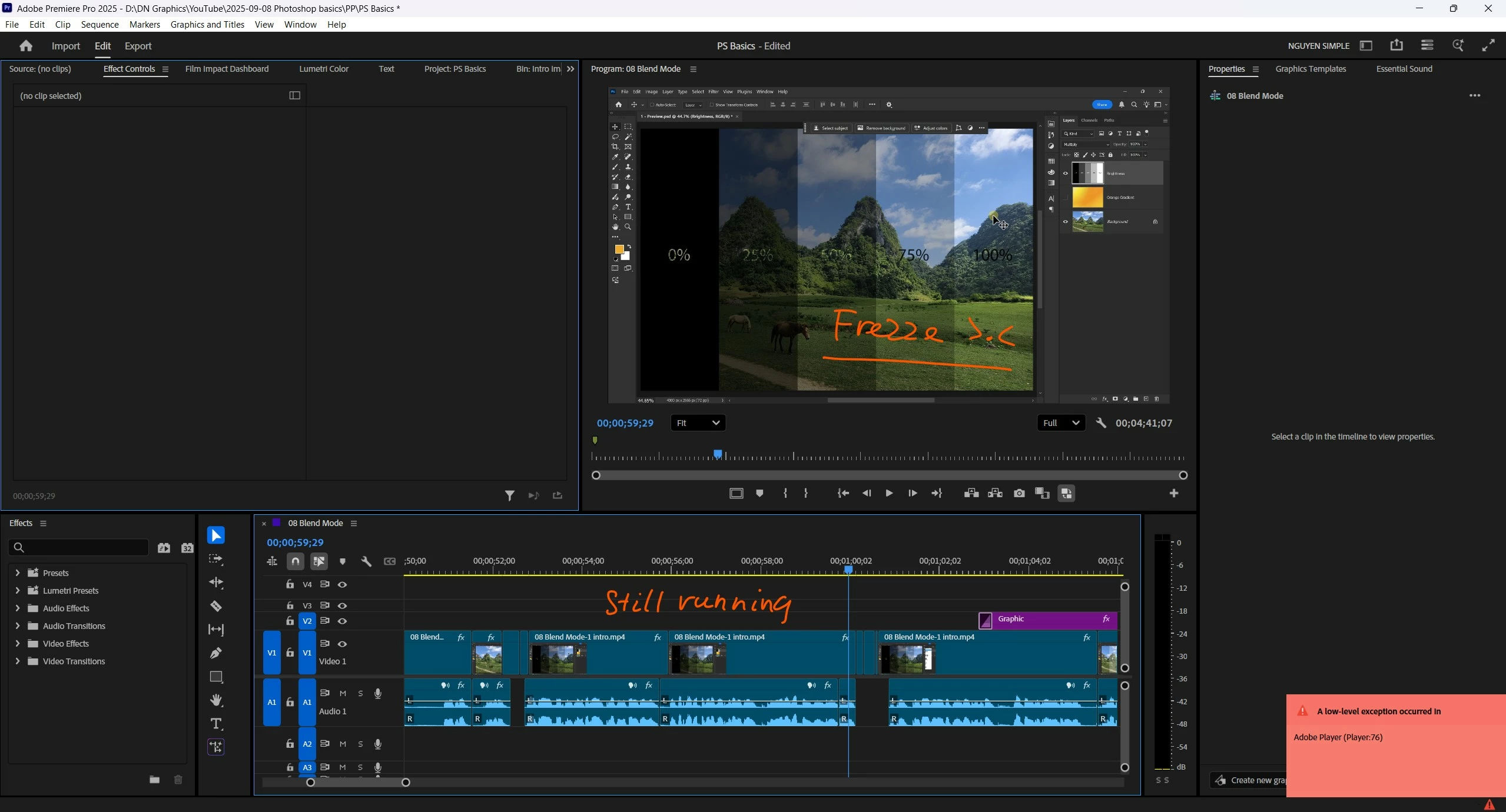
how to fix "A low exception occurred (Player:76)" ?

  • November 2, 2025
  • 8 replies
  • 167 views

Timeline/audio still playing but the Program Monitor is frezee
I have issue constantly, one time every hour, so it's 4-5 times per day
I tried the methods I found on Youtube/reddit but nothing works.

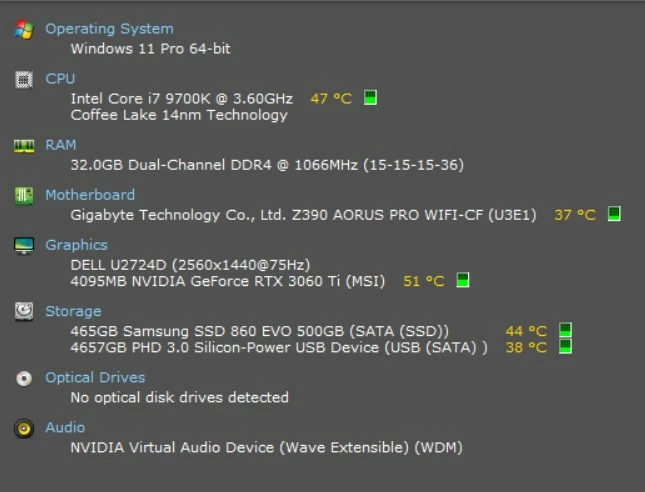
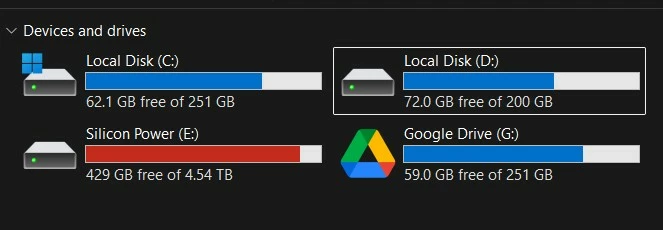
My hardware info is also atteched, but I think they're good enought to run the software.

How to prevent this?

FYI, I never have this problem using other video editing software, only Premiere Pro.
 

8 replies

jamieclarke
Community Manager
Community Manager
November 18, 2025

Hi @nguyenkt08 - Do you have any background apps or utilities running? Some third party software (like antivirus tools, screen recorders, or system optimizers) can sometimes interfere with Premiere Pro.

Known Participant
November 17, 2025

 I just updated, it's better but not fix the problem, I still get the same error maybe one time every 3 hours

jamieclarke
Community Manager
Community Manager
November 12, 2025

Hi @nguyenkt08 - Download the latest drivers from Nvidia you can find them at Nvidia Driver Search

Enter your GPU information (Geforce RTX 30 Series > GeForce RTX 3060Ti) the latest version is currently 581.57.

Adobe recommends using the "Studio" driver version when working in Premiere Pro.

Known Participant
November 12, 2025

tks for respoding, I thought this has been ignored 😅

My monitor is connected to the GPU, so the dGPU (dedicated) is active and the iGPU (integrated) is automatically disable, do you mean I should turn the iGPU on?


this is the inforamtion, and I did try to update the driver before asking

jamieclarke
Community Manager
Community Manager
November 11, 2025

Hi @nguyenkt08 - We need a few more details to try to help with the issue.
Please see, How to Report a Problem.


Can you let us know what your integrated GPU (iGPU) and dedicated GPU (dGPU) driver version is?  You can find this information in device manager > display > GPU > driver tab 


To isolate if it is a GPU issue can you navigate to Device Manager > Displays and then disable your integrated (iGPU) or dedicated GPU (dGPU) one at a time 

Known Participant
November 4, 2025

I don't install any plugin and I also only using the basic function, as you can see on my timeline. None of any complicated effects.

jamieclarke
Community Manager
Community Manager
November 4, 2025

Hi @nguyenkt08 -  Thanks for submitting your bug report. We need a few more details to try to help with the issue.
Please see, How to Report a Problem.


Do you have any third party plugins or panels installed?


Sorry for the frustration.

Known Participant
November 4, 2025

Hello? is The Internet really dead?