

Jamie Windsor
Participant
June 11, 2026

Lumetri Color setting applied to MOGRTs in After Effects are not carrying through into Premiere 2026
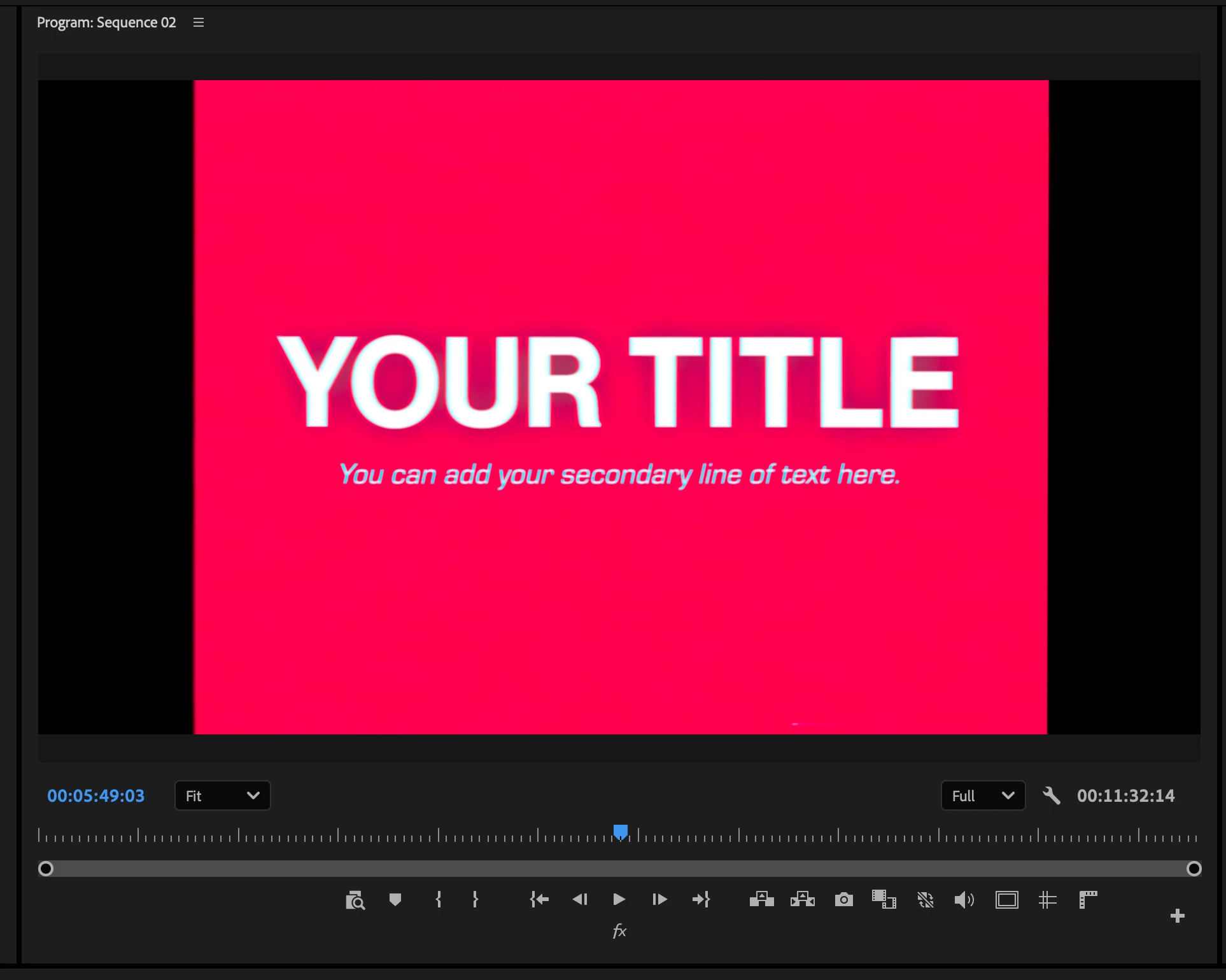
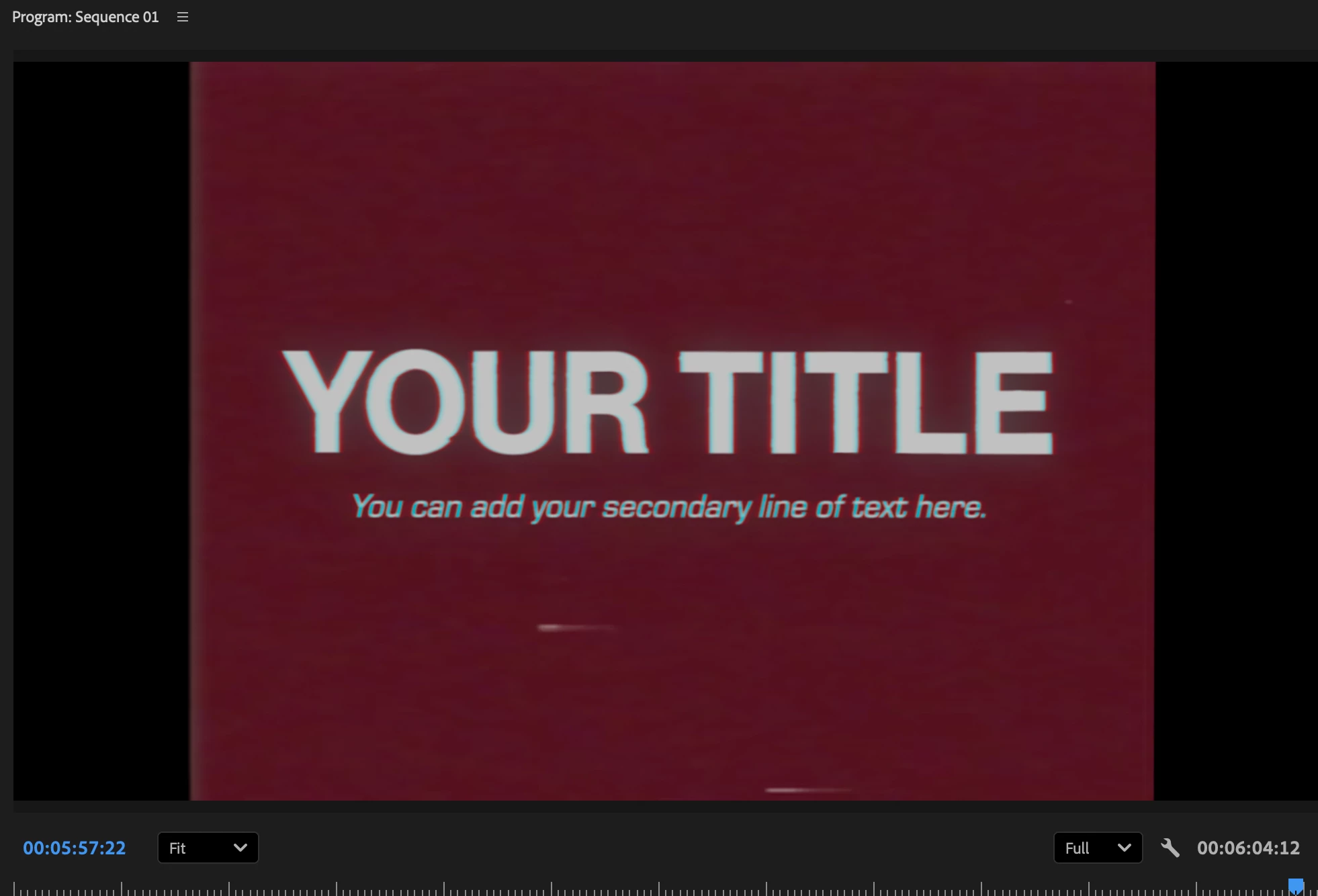
  • June 11, 2026
  • 2 replies
  • 58 views
Lumetri color settings not showing (Premiere 26.2.2)
How it should look (Premiere Pro 25.6.5)

I have a range of MOGRTs I’ve made that replicate retro looks using Lumetri Color applied to media (which you replace in Premiere). The Lumetri Color changes have stopped showing in Premiere in the latest update. Other people have reported the same issue.

I have tried re-rexporting the MOGRT from After Effects, but the problem persisted. 

I am using a MacBook Pro. Apple M1 Max. 64GB ram. MACOS Tahoe (26.5.1).

    2 replies

    Community Manager
    June 11, 2026

    Hi ​@Jamie Windsor,

    Thank you for submitting a bug report and providing screenshots about the issue. Our team is working to resolve this bug. For your convenience, here is a direct link to where this issue was previously reported.

    Thank you for your patience as we continue to work on a solution.

    Best,

    Jonathan 

    Known Participant
    June 11, 2026

    I reported this issue 2 months ago. In the recent update (26.2.2) it hasn’t been fixed yet. I have spent countless hours to find a fix for this, but with no success. What I’ve found, is that this issue is apparent in Premiere 2026 and on Mac system only - on Windows it’s working with no issues. As I’ve reported before, this issue affects MOGRT templates a lot, and hope that Adobe prioritizes its fix in the upcoming update.