
Mercury Playback Engine GPU Accelleration is causing my project to glitch
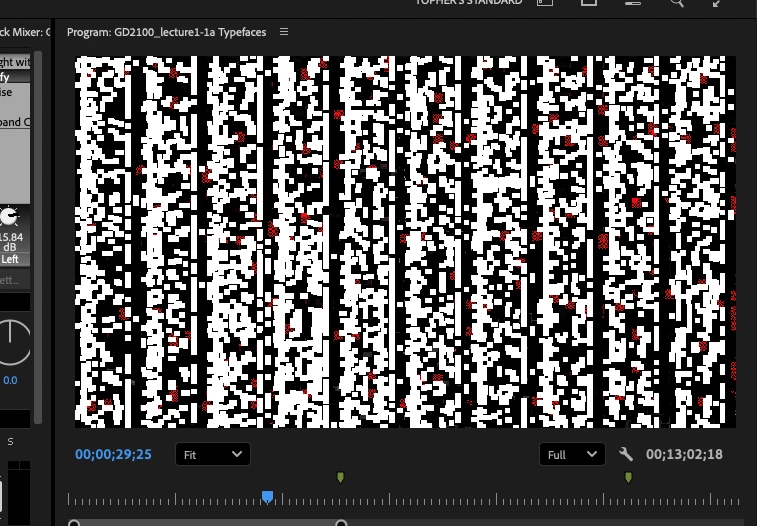
I occasionally run into a glitch where the image in my program window gets scrambled. Not only does this make editing a nightmare, the glitch often persists even when I render, making my final product unusable.
In the past, I had been able to turn off Mercury Playback Engine GPU acceleration, which fixed the issue. However, Adobe has recently made the ill-advised decision to remove that option. Adobe has written an article explaining that they removed the option, but no explanation for why they did that or what to do when the GPU renderer creates problems. https://helpx.adobe.com/premiere-pro/kb/software-rendering-update.html
I’ve looked online, and Adobe recommends that I start up Premiere holding the shift key and selecting “Use Software Rendering”, but that option has apparently been removed.
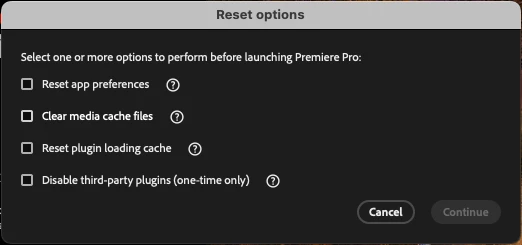
I cannot fix this issue on my own. I need Adobe to fix the problem that it created. Please allow me to disable Mercury Playback Engine GPU acceleration.
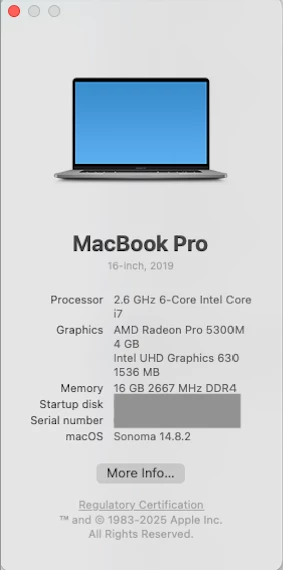
I am using a 2019 Macbook Pro with an Intel processor.


 AdChoices