Participant
September 18, 2026

No audio is working on Premiere pro (Newly installed)

  • September 18, 2026
  • 2 replies
  • 8 views

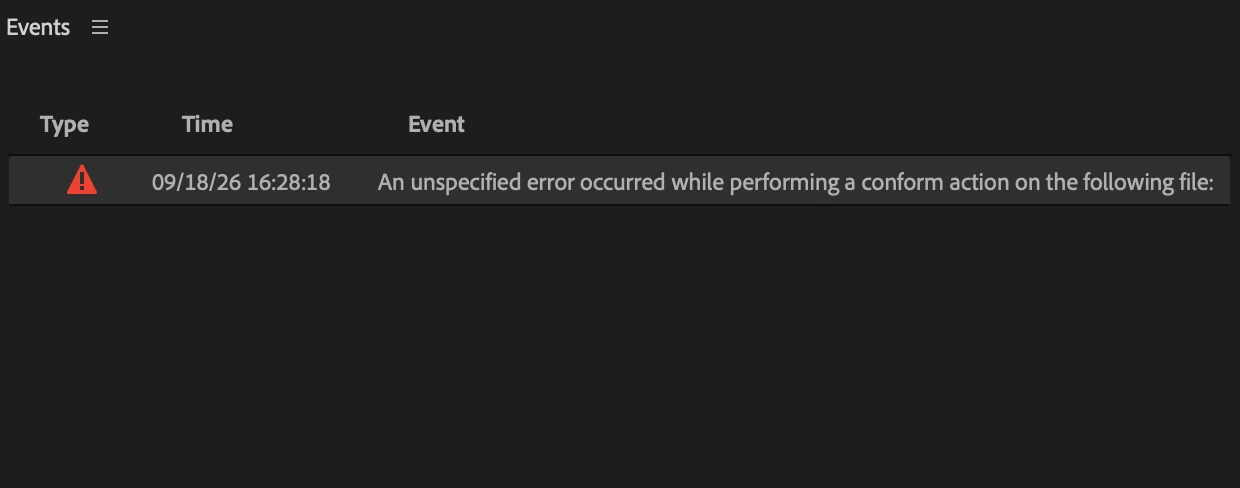
I just newly installed premiere pro on my macbook air m5 and it is not supporting any type of audio clip in the timeline, shows error when importing them into project, some get blank audio and some can't even be added into the timeline. I have already tried solutions like Audio Hardware changing, Clearing cache, Creating a new blank file, Using different audio files, installing a year old version of Premiere, but nothing seems to be helping me, plss guyzzzz help me!


1 of 2 things happens with the file:

it imports with error, can add into timeline, has no audio.

It imports without erro, has no audio and can’t be added into the timeline.

pls anyone, solution?
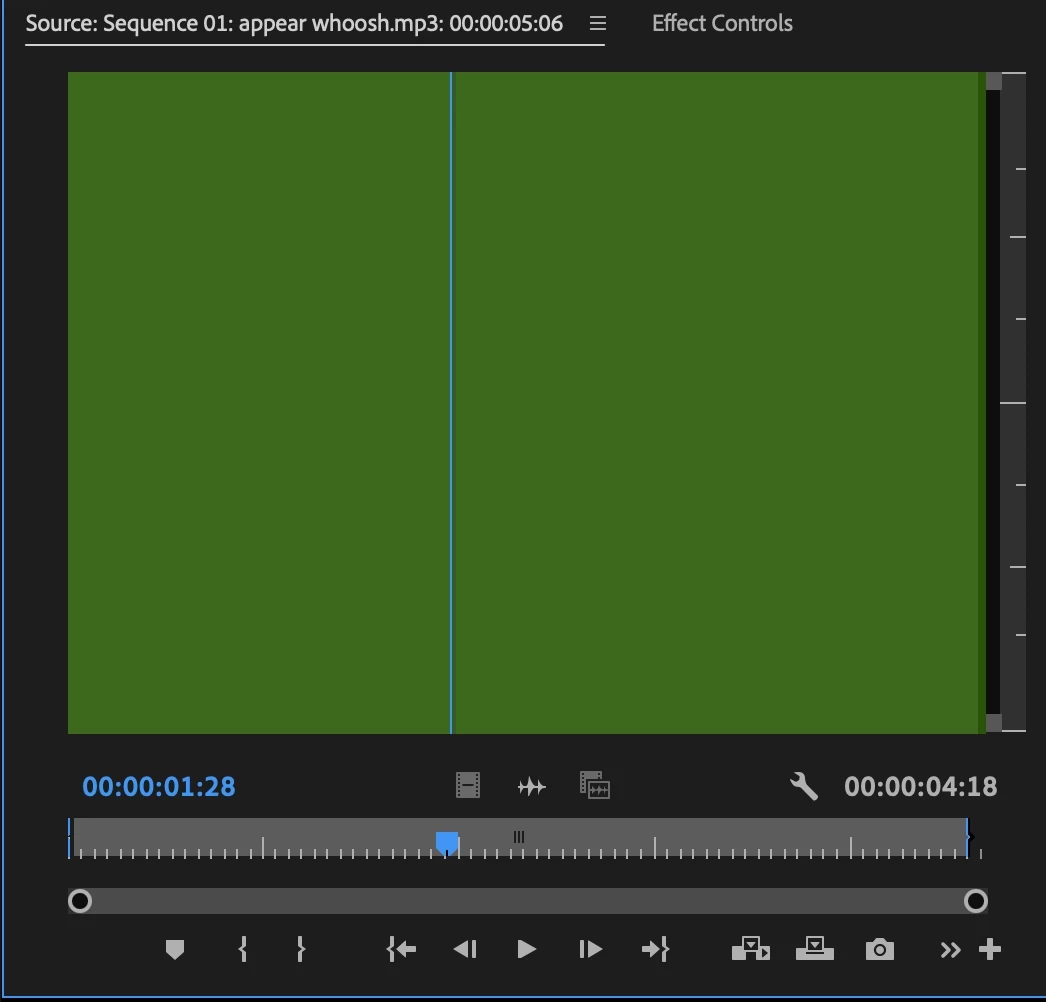
 

Blank Audio
Error


2 replies

Amy the Stuv
Community Manager
Community Manager
September 18, 2026

Hello ​@Purab37011424kow4,

Welcome to the Premiere forums. We still need more information from How do I write a bug report? specifically the below information:

  • Premiere Version: Please identify the exact version of Premiere you're using.
  • Operating System: macOS version.
  • Video Format: If the issue relates to playback or export, please specify the format (and ideally share a sample video).

*Although in this case I would also appreciate the Media File Properties of the mp3 audio files and do wave files have the same issue?


Hoping to help,

Amy


Participant
September 18, 2026

Yes

I tried 2 versions: The up-to-date and 25.6.6 version.
OS: MacOS Tahoe 26.6.2
Format: The problem is in any file containing audio, Audio files are just simply not working (Have tried MP3, WAV, AIFF, AAC)

Thanks a lot,