Participant
August 8, 2024

P: Project Manager Error 1609498616

  • August 8, 2024
  • 24 replies
  • 5749 views

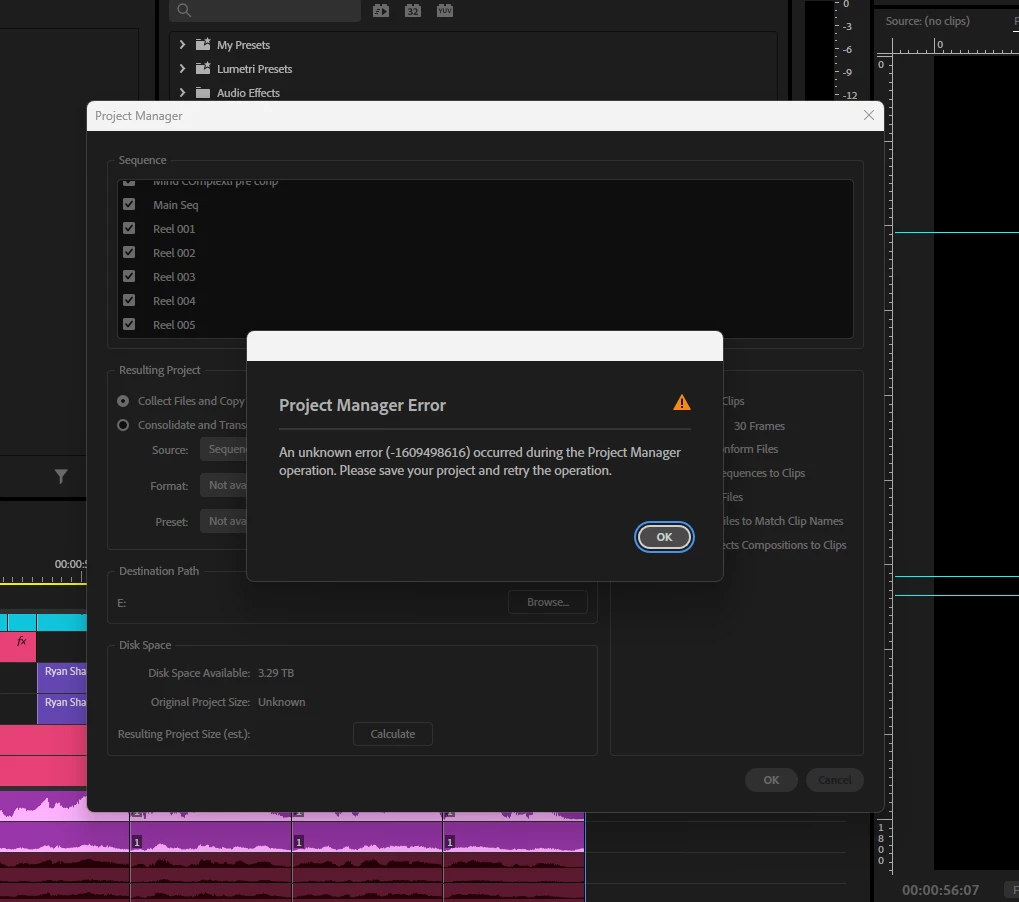
I’m experiencing an error in Premiere Pro that I can’t seem to resolve, despite trying all the recommended solutions I found on Google and YouTube. I believe it might be related to the new Premiere Pro 2025 update.

The issue occurs when I try to create a project from the Project Manager to share with my team. I even tried rolling back to the 2024 version, but the same error persists. I also tested this project on a different device, but the error still comes up.


I've attached screenshots below from both versions.
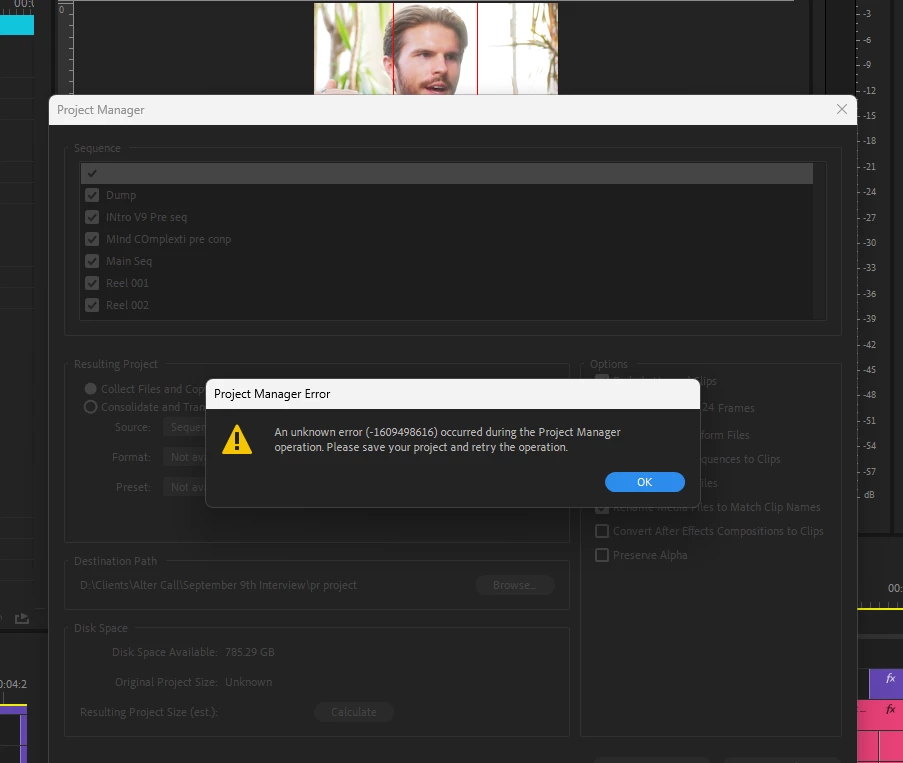


P.S. I’ve already tried clearing the media cache, but the error keeps appearing.

24 replies

PolkaFever
Inspiring
November 6, 2024

Same here:


Project manager Unknown error (-1610153880)

  1. Opened a project from march 2023 (not sure what Ppro version, but it was the latest at the time)
  2. Made a copy of project file (current using Ppro version 24.6.3 build 24) and simplified a sequence and project bin for consolidation and a Project manager copy
  3. Windows 11 PC Enterprice 23H2 - 22631.4317
  4.  DELL precision tower - Prosessor Intel(R) Xeon(R) w7-2495X 2.50 GHz, RAM 192 GB
  5.  SSD, HDD and network drive in use.
  6.  Mobile 4K mp4, C300 XF-AVC/MXF + sound files in sequence
  7. Also AE project linked in the sequence.
  8. In Project manager both copy and transcoding result in same error message.


Appreciate any help @Claire H. @Kevin-Monahan 


Participating Frequently
October 23, 2024

Project export isnt working in the latest update. Its a super simple export, one layer, about 10 clips, no effects or nests etc. 


Keeps giving me the error - 1610153880 

IanB_360
Community Manager
Community Manager
October 23, 2024

Hi @Nico-TV 

Welcome to the Premiere Pro forums! We are glad to see you here. We need a few more details to try to help with the issue. Please see, How do I write a bug report ?

Thanks for submitting your bug report. I hope we can help you soon. Sorry for the frustration!

Thanks,

Ian

Participant
October 20, 2024

Kevin-Monahan
Community Manager
Community Manager
October 22, 2024

Hello @skillful_creation6174.

Welcome to the forum. Please give the team details about your case. See, How do I write a bug report?


I hope the team will respond soon. Sorry for the frustration.


Thanks,
Kevin

Kevin Monahan - Sr. Community & Engagement Strategist – Pro Video and Audio
Participant
August 8, 2024

I am attempting to consliadate years of footage (about 2 tb) onto a single drive that I can take with me to quickly find b-roll for a large client of my company's. I have basically create a premiere project that has all the footage organized into bins so I can quickly find b-roll clips. The clips are a mix of BRAW and A7iv footage. 


The footage is on 2 seperate large, slow HDDs. I'm trying to get everything onto a single SSD for editing. When I use project manager, I have everything deselected and unchecked so it should copy everything except preview files. 


After a few hours, all of the footage is copied to the new drive, but premiere will say there was an unknown error. When I click ok, all the copied footage is deleted from my SSD. I've searched for a solution and have found no answers, I'm not sure how I'm supposed to conslidate my footage. 

Kevin-Monahan
Community Manager
Community Manager
August 8, 2024

Hello @Fire Tribe34604411b3su,

Thanks for filing the bug report. I'm not sure what the error code means. Sorry about that.


The team might need more information from you to determine the issue. See, How do I write a bug report?


I think a corrupt media file is holding up the show. You might try a test to track down this errant file. Export half the project and see if it works, then export the second half, and so on, until you've tracked down the errant file.


I hope we can help you with this issue soon.


Thanks,
Kevin


Kevin Monahan - Sr. Community & Engagement Strategist – Pro Video and Audio