In my case, there is no error message. It simply does not work. If Adobe techs and programmers truly read the messages on these boards, I have a suggestion: make 25.4 the version where you fix things instead of adding new bells and whistles.
Thanks for that extra info; it's super helpful. With some preliminary tests, it looks like you are correct. I can see the spell check isn't working from 25.1 on. This also appears to me to be Sequoia-specific, as testing on a Windows machine showed the spell check working as expected in all 25.x versions I tested. I have filed a bug report with the team, and hopefully, we can get a fix soon.
Thank you, Rach. My situation is similar to @Grapher21. The checker is not detecting any spelling errors, despite the fact the check spelling is selected and is also turned on in the keyboard settings on my Mac (US ENG settings). I am running the following system: PPRO 25.3.0 (Build 84)
I am working with captions as well as graphics. I use English, Spanish, Portuguese, German, and French.
The spell checker works fine in version 25.0. However, since I updated the software to 25.2, the checker stopped detecting mispelled words in any of the languages above.
No error message is displayed. I can still select the language, enable and disable the check spelling function, and see the corresponding green check mark, but the checker just does not detect obvious spelling errors.
I am using Mac M2 Pro, under Sequoia 15.5. The present version of PremierePro I have installed is 25.3.0 (Build 84). I have also tested the 25.4.0 BETA (build 53) with the same result.
Let me know if you need additional information.
I appreciate the priority you are giving to this issue, as it has been rported a few weeks ago.
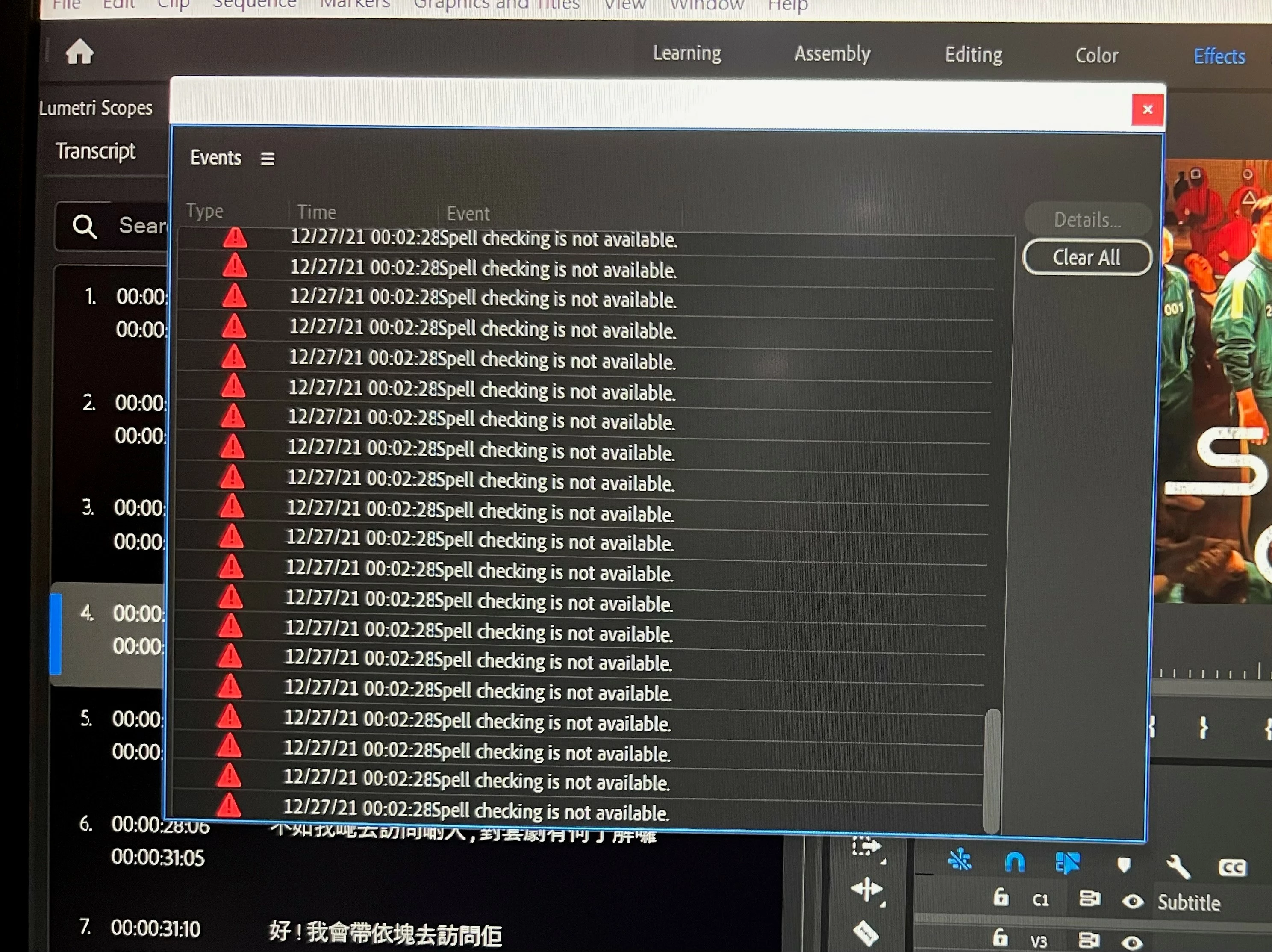
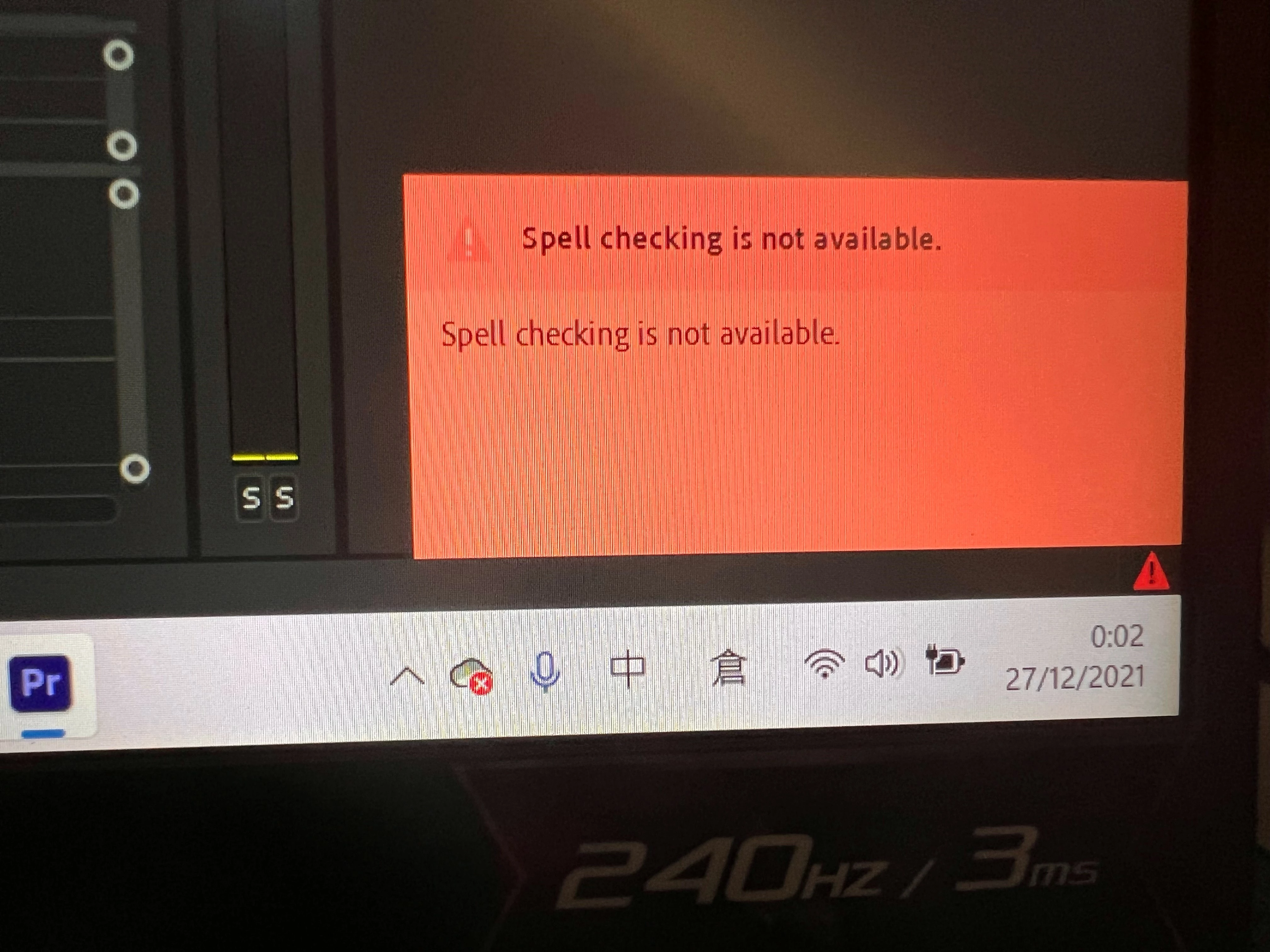
Hello everyone, I'm sorry to hear that spell check hasn't been functioning for a few versions. To separate the old from the new, can you tell me if you are seeing the error message that it is not available, or if it just isn't detecting misspelled words? I will look into this more, but the more information we have, the better, so please take a look at How to Report a Problem so we can dive in more. Thanks for posting, and I hope we can help shortly.
Same here. Adobe are you watching this thread? Please escalate. This is not acceptable to break such an important feature and not resolve the issue after multiple builds.
As far as I can tell it seems like Premiere is supposed to underline any mispellings in a transcription. Even when I deliberately spell something very wrong, there's no sign that it's noticed the fault in any way. I've definitely got the spell check setting checked.
I have just updated Premiere Pro to version 25.3.0 (Build 84). Unfortunately the issue persists. The spell checker detects no error in any of the languages tested.
Spell Check has not worked for me for several weeks now. I've checked as much as I can think of, down to making sure my OS spellcheck is correct. Sometimes I feel I spend more time trying to fix PPro quirks and issues than I do using the program to do my work.
I'm using Pr version 25.2.3 (build 4)
Sequoia 15.4
I gave in an updated to Sequoia, hoping it would fix not only the spellchecker issue but others. It actually created more issues.



 AdChoices