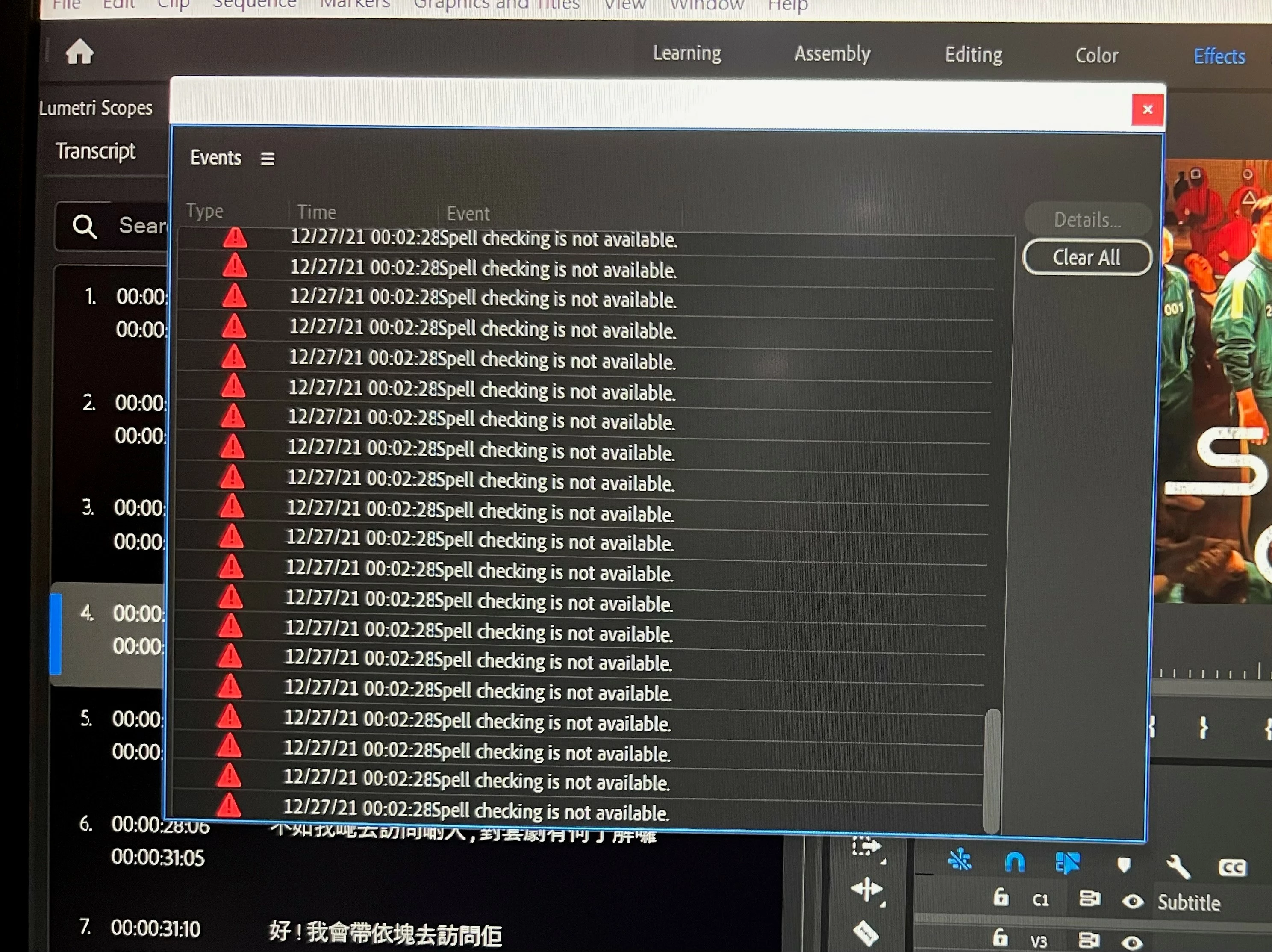
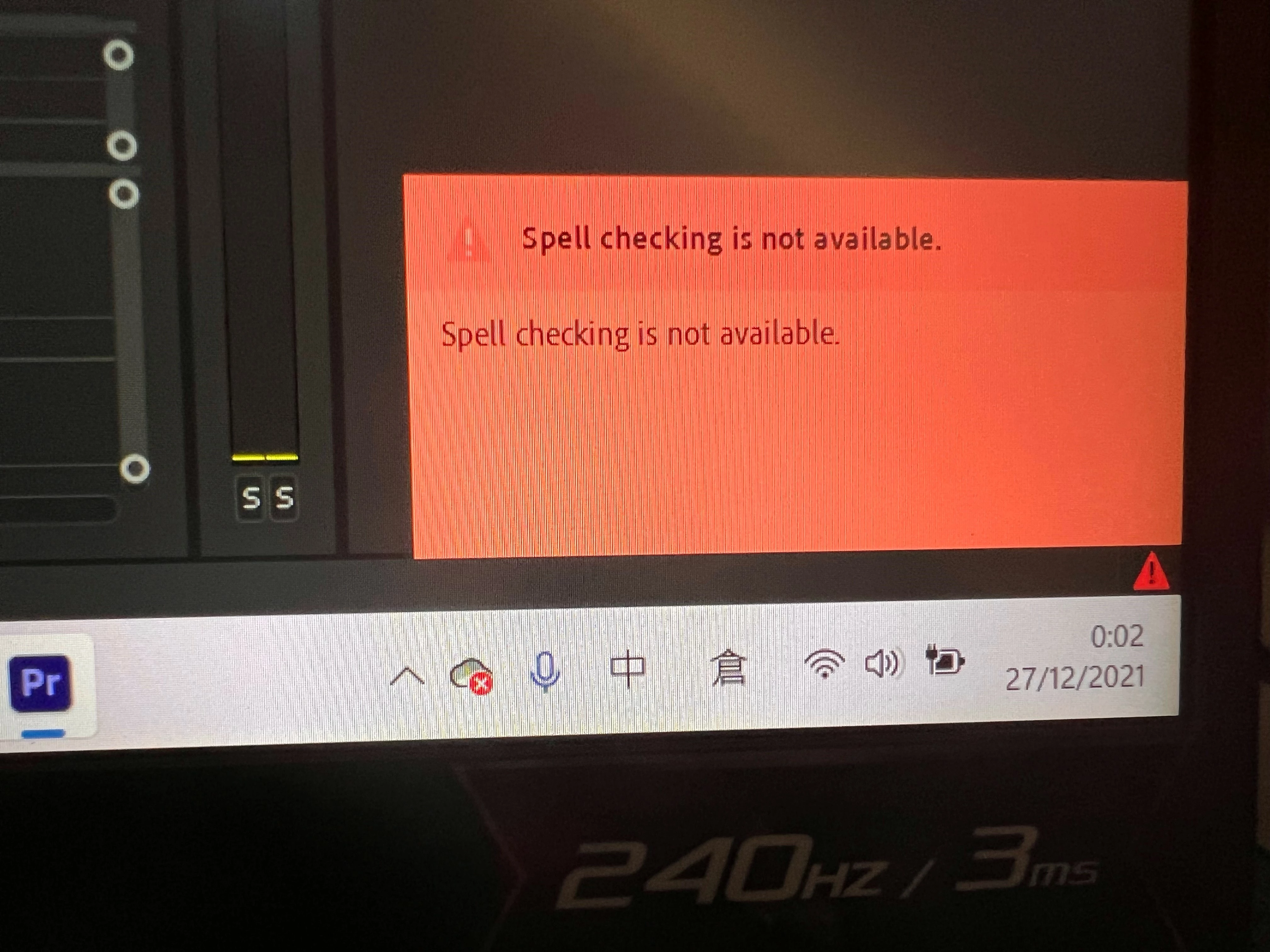
Again, under MacOS Sequoia 15.4.1, the spell checker function within Premiere Pro 25.2.3 has failed to detect spelling errors in all languages tested. This function works fine when downgrading to Premiere Pro 25.0.
Hopefully this will be addressed in the next update.
I read your note, however, I'm not seeing the same issue. I hope someone else on the community can corroborate on your issue. I can also move your post into the bug reports forum. Would you like me to do that? Let me know.
Thanks, Kevin
Kevin Monahan - Sr. Community and Engagement Strategist – Adobe Pro Video and Audio
I'm just gonna go through the steps I take to lead into the problem I am experiencing, i.e.spell check not working. In fact, the spell check doesn't seem to work either with this Adobe Support Community post?
Open Premier Pro 2023
Open media (Movie) and use the voice to text transcription tool
Get the transcript after about 10 minutes and hit the CC option.
I have the check spelling option checked (menu under the 3 dots on the upper right of the captions window)
I begin the media and fix whatever the speech to text may have missed, any dialogue mistakes, breaks, cadence, etc.
At no time during my review of the text/dialogue are misspelled words underlined/identified. (I intentionally misspelled words to test if the check spelling tool was working and it was not)
I hit the Graphics tab since I watched a video and they showed that using the text in the Graphics tab can run the spell check, but it does not even have text in the tab.
I save the SRT file, open it with Notepad, copy the text, create a Word document with the copied text and then run a spell check which is the only method I found to work considering, I'm guessing, a check spellingbug has an issue in Premiere Pro 2023.
I called Adobe and they have not encountered this spelling error yet in PP 2023 and couldn't help me fix the issue.
If I open the SRT file in the Subtitle Edit app, any word that is apparantly misspelled is underlined in red.
Same problem here. I am not working with captions, just a generic text. I am working with english version of Premiere, but in Portuguese OS. Maybe it is related to the fact I had to change the version using the following method? https://www.youtube.com/watch?v=FftVJVdY3Yo



 AdChoices