EDBARSS
Participating Frequently
March 9, 2024

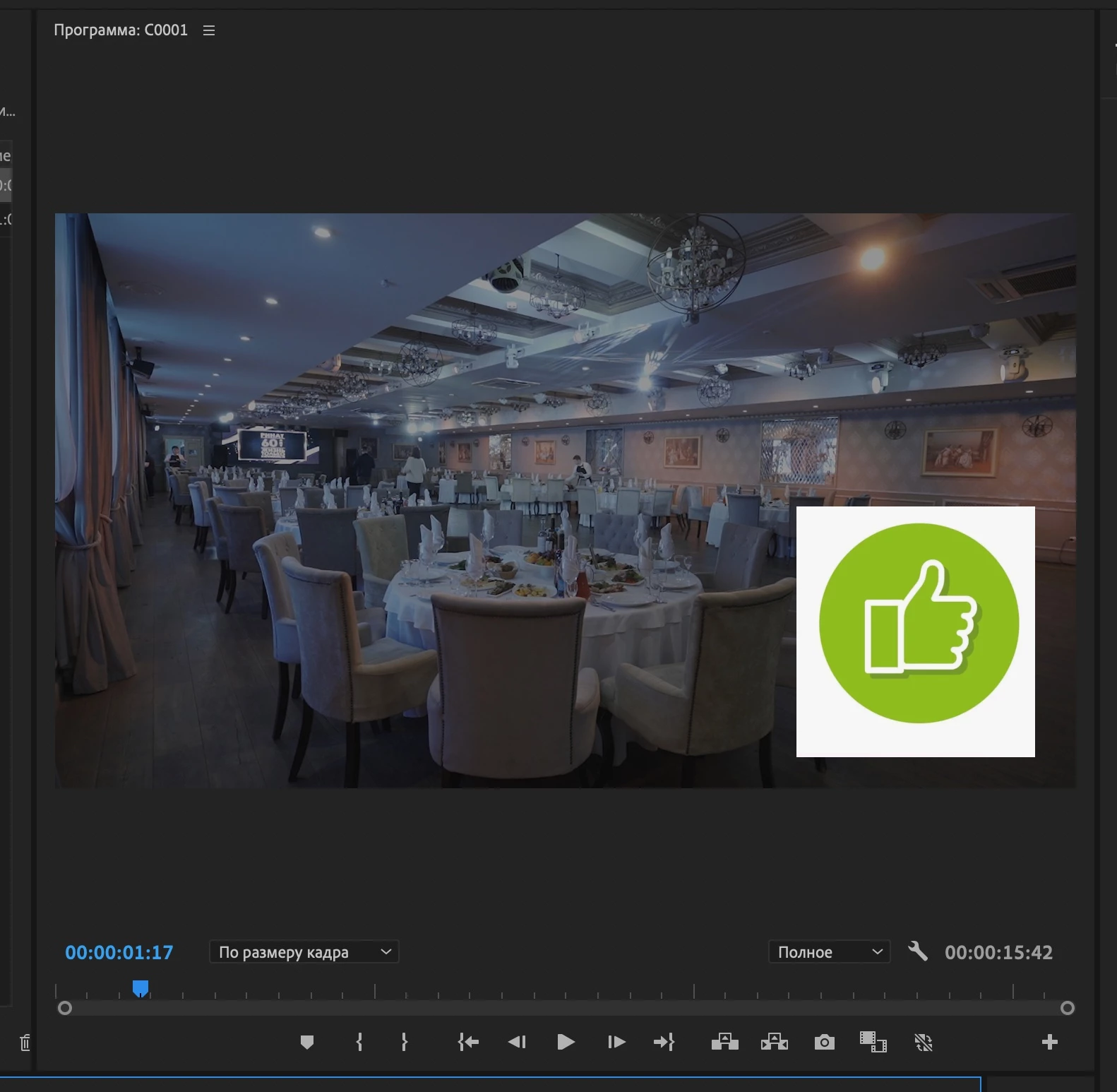
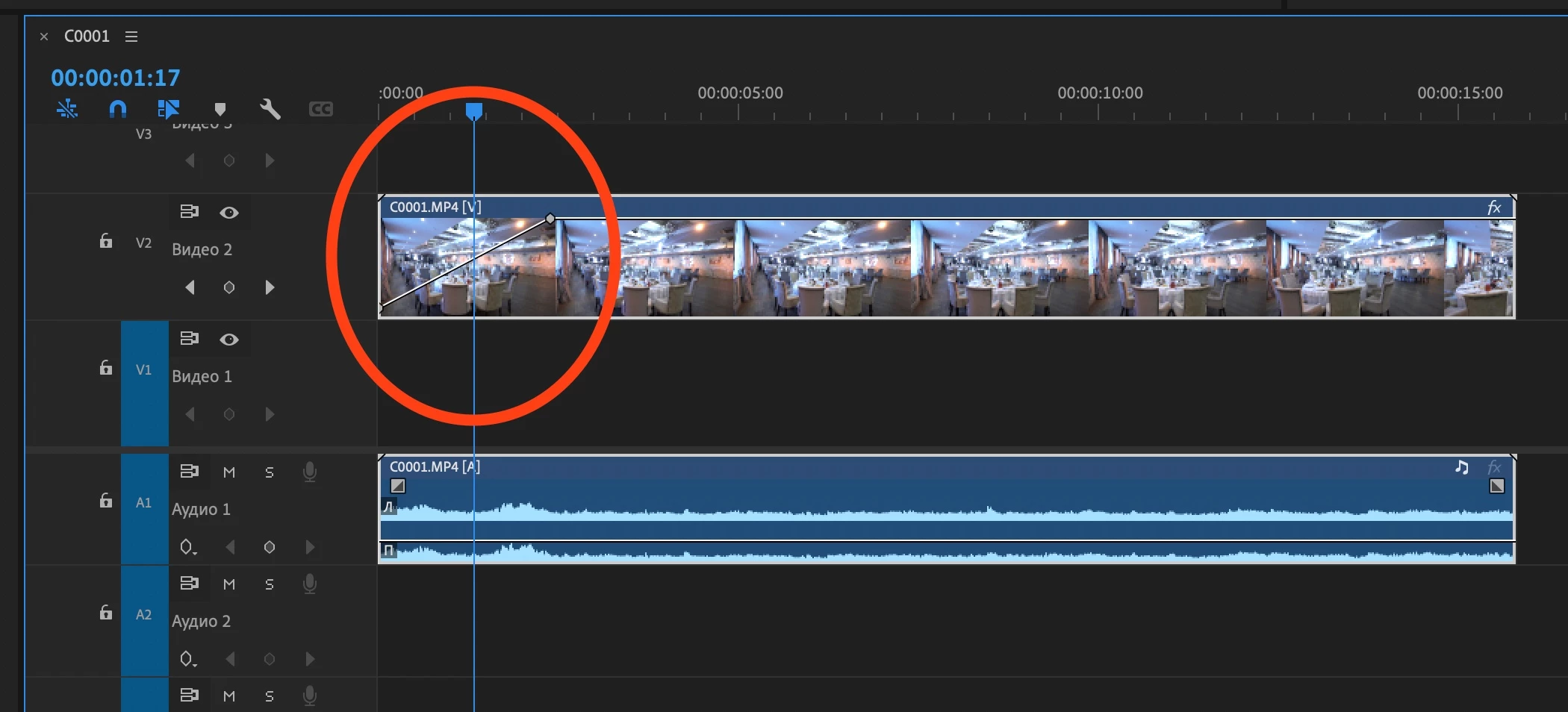
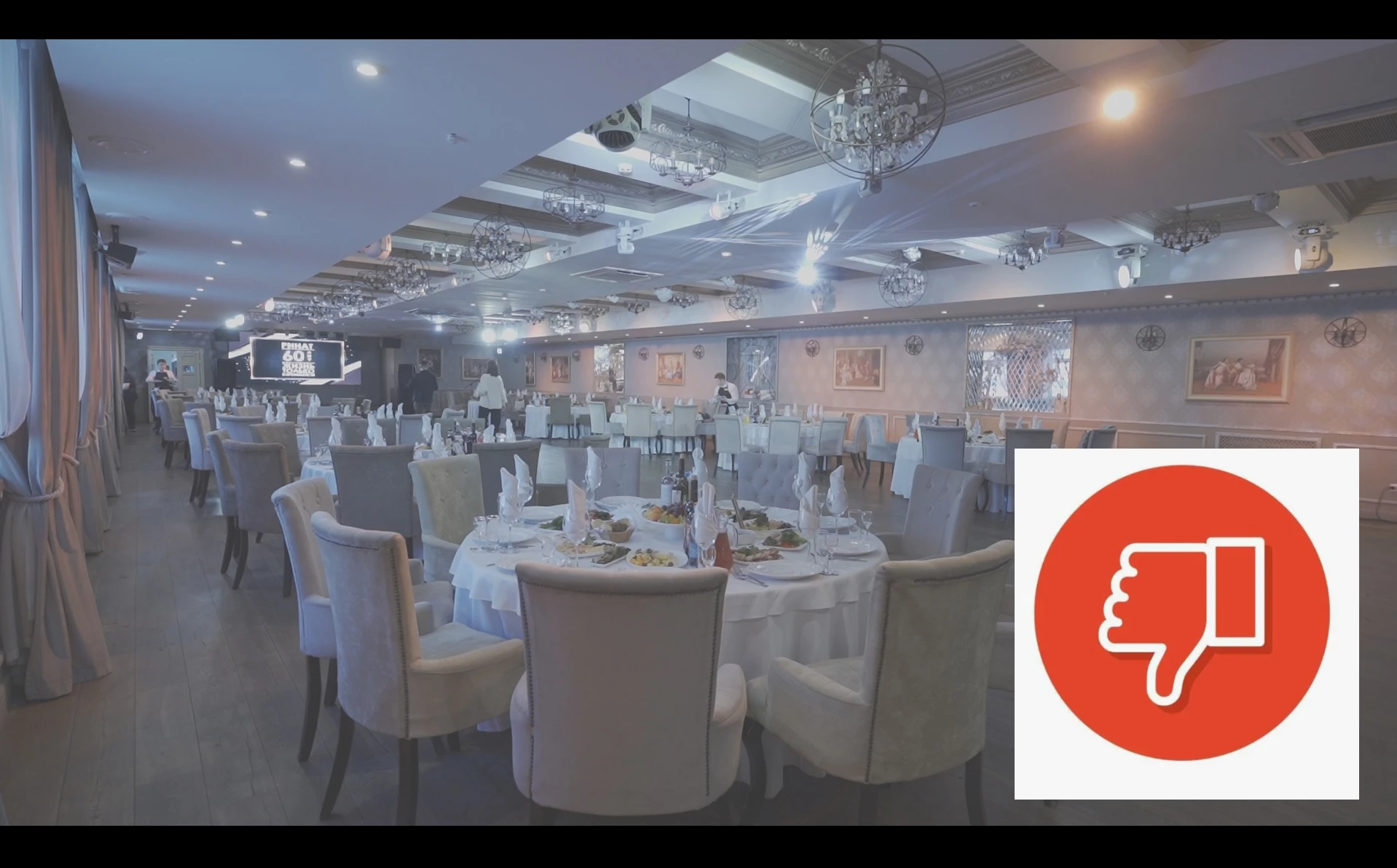
P: The video on the second monitor turns white when you do a fade!

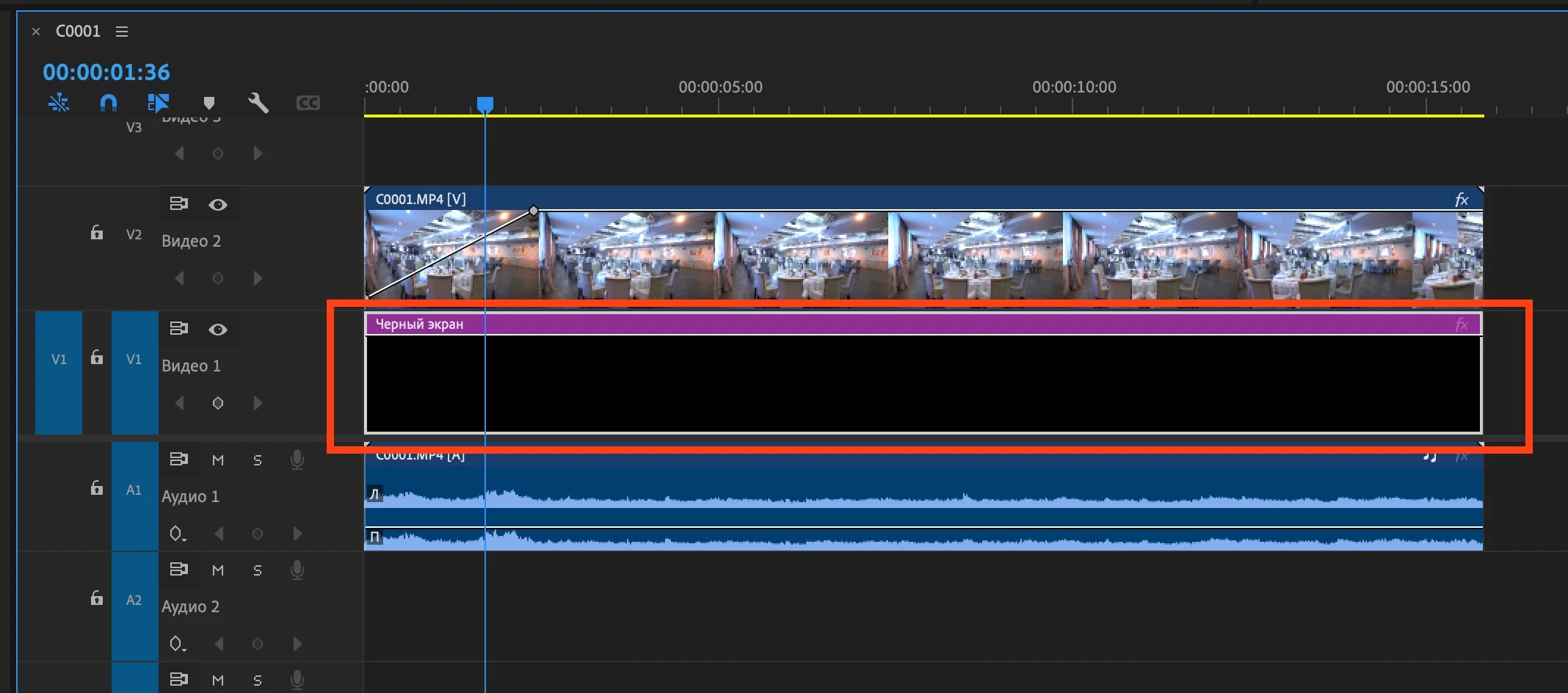
Mac Mini M2 Pro. Mac OS Ventura 13.6.5   Adobe Premiere 24.2.1 Video fading through white on the second monitor! If you put a black video down, then everything works fine. Without black video, on the second monitor, the fade shows in gray and white.
返信数 38

Mitch W
Community Manager
Community Manager
August 2, 2024

If you open your Sequence Settings and deselect the option "Composite in Linear Color (Requires GPU acceleration or max render quality)"  does the problem go away?

Participating Frequently
August 2, 2024

Fade ins of any sort - whether a transition effect or a key framed opacity fade to white on secondary monitors. This bug has appeared in the latest few version of premiere. It has NOT been an issue in the past. 
System is Ventura 13.6.6,  Mac Mini. 


Since it was not an issue in the past - this is a bug that IS a premiere issue. Please don't blame the hardware. 

The fade to white lasts as long as a 'transparency grid' if that were turned on in the preview window. Somehow, the transparancy information is being relayed to secondary monitors incorrectly at 100 percent full or zero.

Kevin-Monahan
Community Manager
Community Manager
August 2, 2024

The status of this bug report has been updated.

Kevin Monahan - Sr. Community & Engagement Strategist – Pro Video and Audio
Kevin-Monahan
Community Manager
Community Manager
June 18, 2024

Hello @EDBARSS,

Thanks for the information. Please check your monitor settings. Depending on those settings, a Mac Mini may have a number of constraints.


See if this article solves your issue: https://support.apple.com/en-us/102194.


I'll move your report to the Discussions forum while we await your response.


Thanks,
Kevin

Kevin Monahan - Sr. Community & Engagement Strategist – Pro Video and Audio
Participating Frequently
August 2, 2024

so... this bug hasn't been fixed yet. 
What's the ETA on correcting something that hasn't been a problem with premiere since 4.2? 
Fades, etc. are fading to white - but only on secondary monitors. This isn't a mac mini issue because it worked fine in preceding version of premiere.

Tobshowhost
Known Participant
May 31, 2024

Hello, since the latest update, my dip to black or keyframe fade outs getting white before ending on a black frame.


any ideas?


I need to put a black layer underneath to fix it. is there something screwed up with colorspace?


thanks! 🙂

Community Manager
May 31, 2024

Hi Tobshowhost,


Sorry to hear about this. Does this happen with any specific clip or in a specific project? Let us know the OS & GPU that you are using. Also, please share a screenshot of the Video Previews section in Sequence Settings (Sequence > Sequence Settings).
Note: Moved to the Discussions tab to continue troubleshooting.


Thanks,

Sumeet

Tobshowhost
Known Participant
June 1, 2024
Screenshot_2024-06-01_at_11-42-18.png
EDBARSS
EDBARSS作成者
Participating Frequently
March 10, 2024

This only happens on the second monitor. If there is only one monitor, then everything is fine.

The same problem is only in version 24.2.1
Everything is fine in version 24.1, there is no problem.

Kevin-Monahan
Community Manager
Community Manager
March 10, 2024

Dear @EDBARSS,

I appreciate you filing your bug report. You provided great info and screenshots. That is much appreciated.


Does the same thing happen when using a single monitor? Let the developers know.


Sorry for the weird behavior.


Thanks,
Kevin

Kevin Monahan - Sr. Community & Engagement Strategist – Pro Video and Audio
EDBARSS
EDBARSS作成者
Participating Frequently
March 9, 2024

Transparency grid turned OF. 

Ann Bens
Community Expert
Community Expert
March 9, 2024

Transparency grid turned on?