EDBARSS
Participating Frequently
March 9, 2024

P: The video on the second monitor turns white when you do a fade!

  • March 9, 2024
  • 38 replies
  • 6594 views

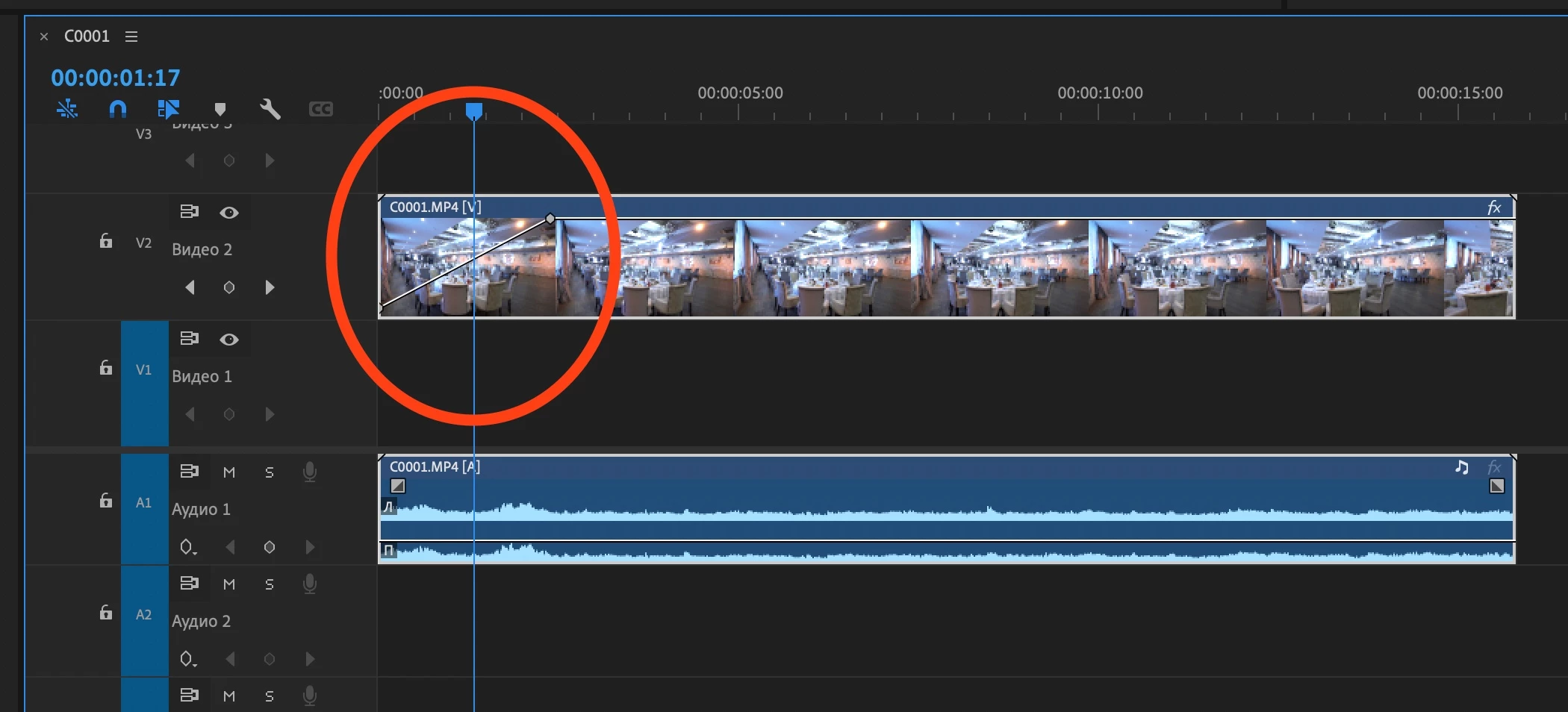
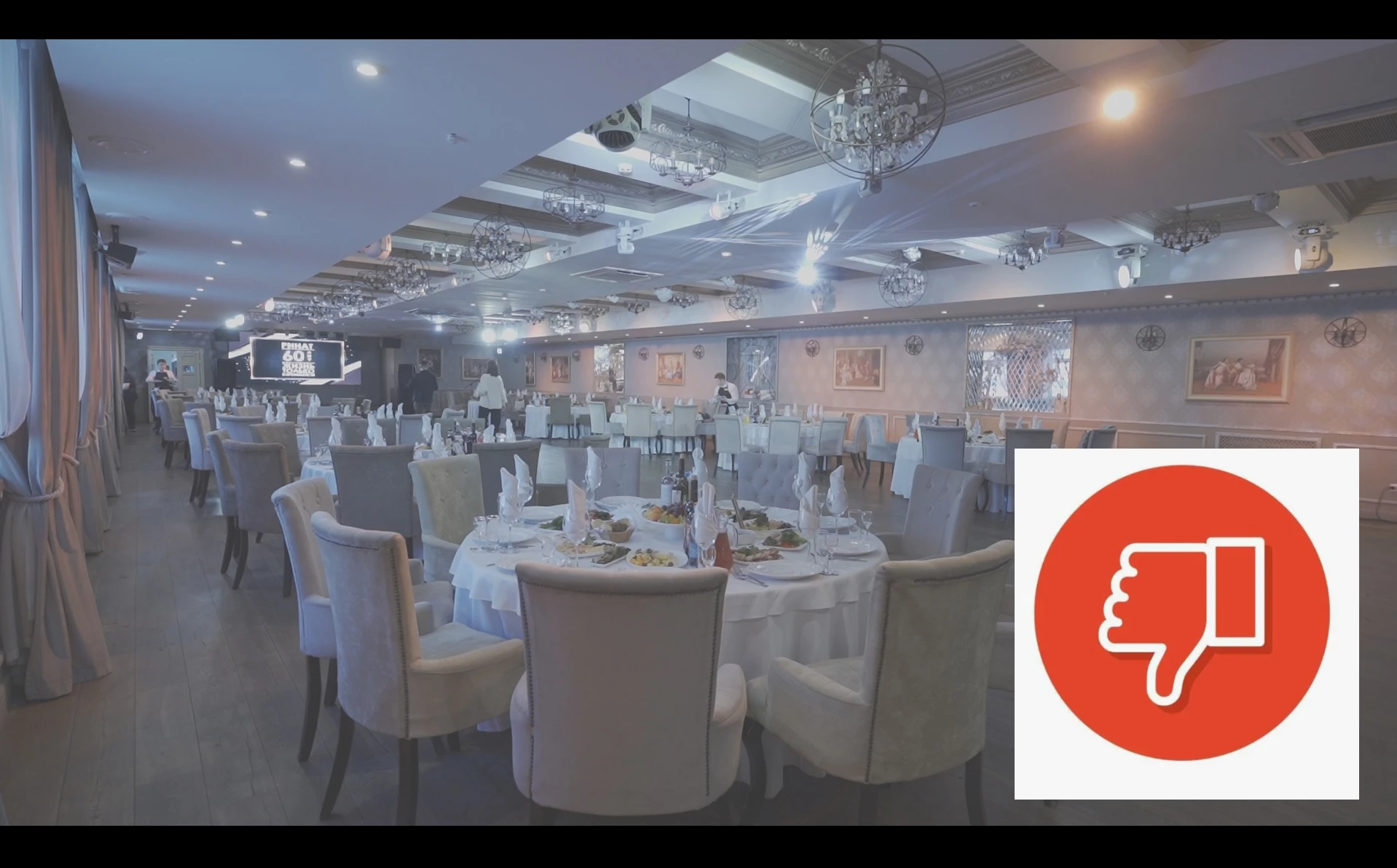
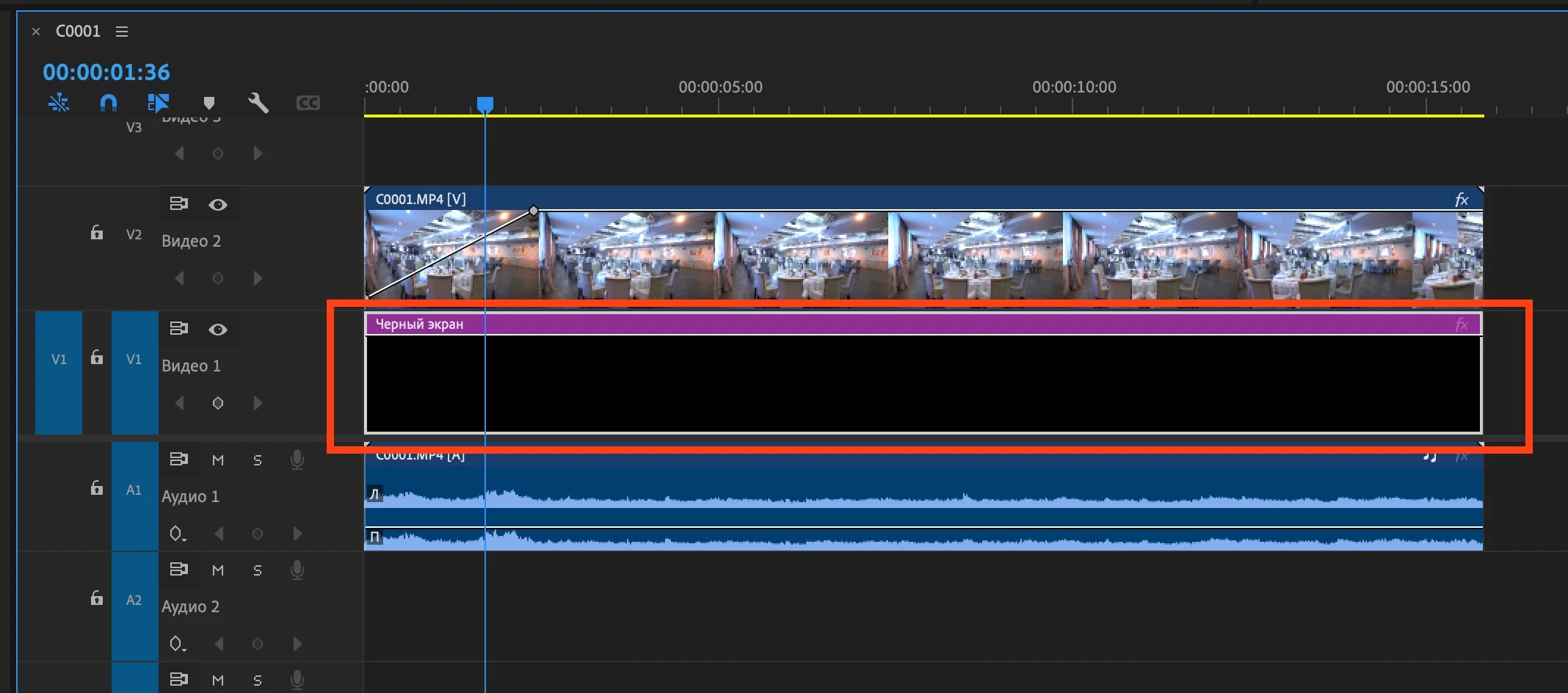
Mac Mini M2 Pro. Mac OS Ventura 13.6.5   Adobe Premiere 24.2.1 Video fading through white on the second monitor! If you put a black video down, then everything works fine. Without black video, on the second monitor, the fade shows in gray and white.
38 replies

Tobshowhost
Known Participant
September 18, 2024

I'm not sure how to find the problem. Same project at the office works, but at home it has the white fade. both on mac studio m2 ultra (not sure if office mac studio is m1 or m2). no Aja or BMD device between mac & monitors

Participating Frequently
September 17, 2024

No. It didn't help. This is an ADOBE bug, not user error. 

Participant
September 17, 2024

No, it didn't help. This problem appeared after the next update of Adobe Premiere v24...

Please understand. We are not so stupid that we do not understand how many and which monitors support our Macs.

The problem only occurs in version 24.2.1 onwards. As of today, BETA v25.1.0 has not solved the problem.

Please hear me. In Adobe Premiere version 24.1, everything is fine, there are no problems.

Kevin-Monahan
Community Manager
Community Manager
September 17, 2024

Hello @EDBARSS@Andrew2940820386pn@BARSS0D44@Ivan25668007ko7f, and @stefaninlosangeles - Did the Apple Support article help at all? It lays out the proper configuration for you. Please let the community know.


Thanks,

Kevin

Kevin Monahan - Sr. Community & Engagement Strategist – Pro Video and Audio
Participant
September 17, 2024

i have the exact same issue. Anytime I'm full screen playback. Its a white fade. Using an M2 Ultra MacStudio with an LG HDMI monitor.

Kevin-Monahan
Community Manager
Community Manager
August 29, 2024

Thanks for reporting. @Mitch W, can you check this out?

Kevin Monahan - Sr. Community & Engagement Strategist – Pro Video and Audio
Participant
August 29, 2024

Yes. The problem has not been solved.

Kevin-Monahan
Community Manager
Community Manager
August 29, 2024

Hi Hello @EDBARSS, @Ivan25668007ko7f, @stefaninlosangeles, @Victor31955511nh4o,

Are you still seeing this issue in 24.6 or the 25.0 Beta? Let the team know.


Thanks,
Kevin

Kevin Monahan - Sr. Community & Engagement Strategist – Pro Video and Audio
Participant
August 15, 2024

I use an M3, and I have this issue with both monitors, but only when it's fullscreen. I guess they still haven't figured out the solution?

Participating Frequently
August 2, 2024

No, changing these settings doesn't make any difference. i've tried every combo of  linear color, composite color or video preview render settings are. Always the same issue. And only with secondary monitors.