EDBARSS
Participating Frequently
March 9, 2024

P: The video on the second monitor turns white when you do a fade!

  • March 9, 2024
  • 38 replies
  • 6594 views

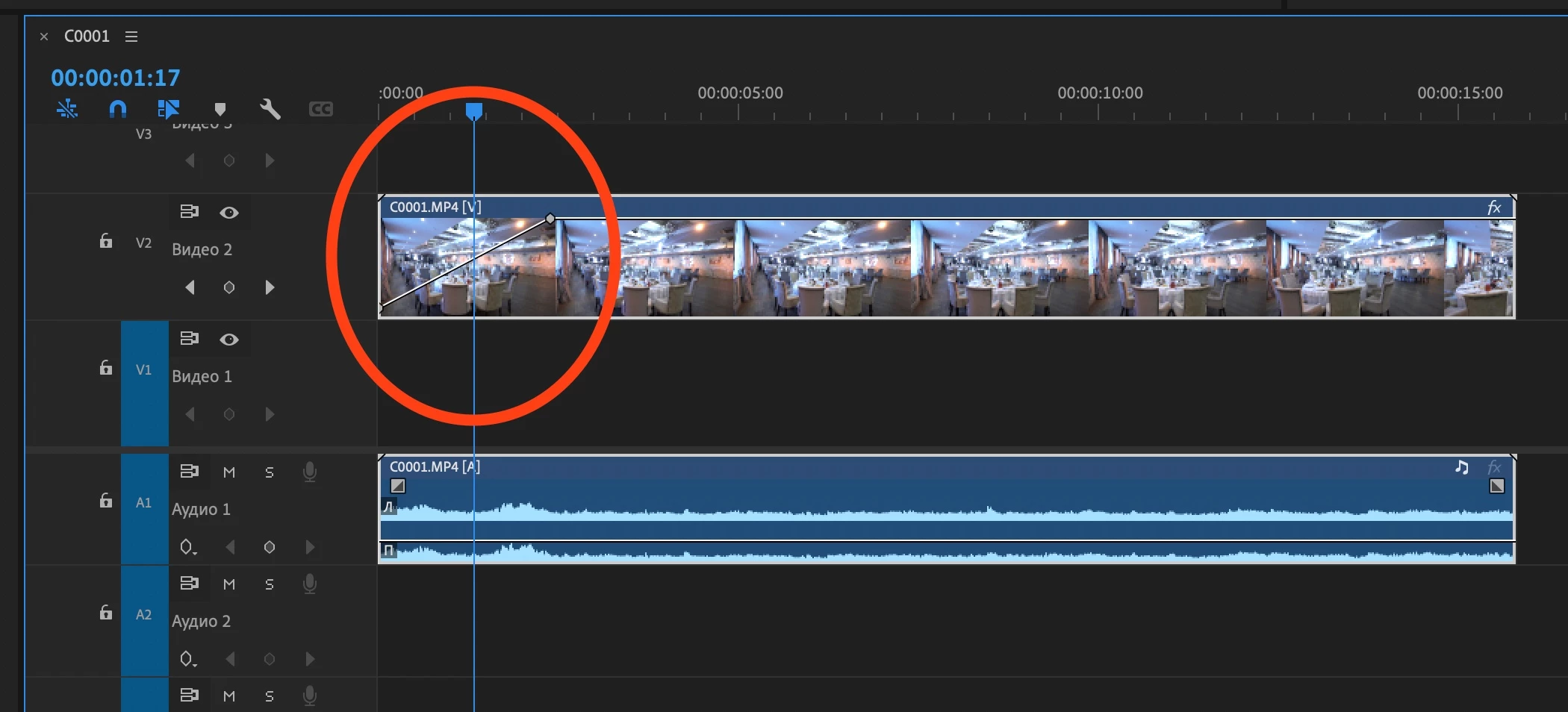
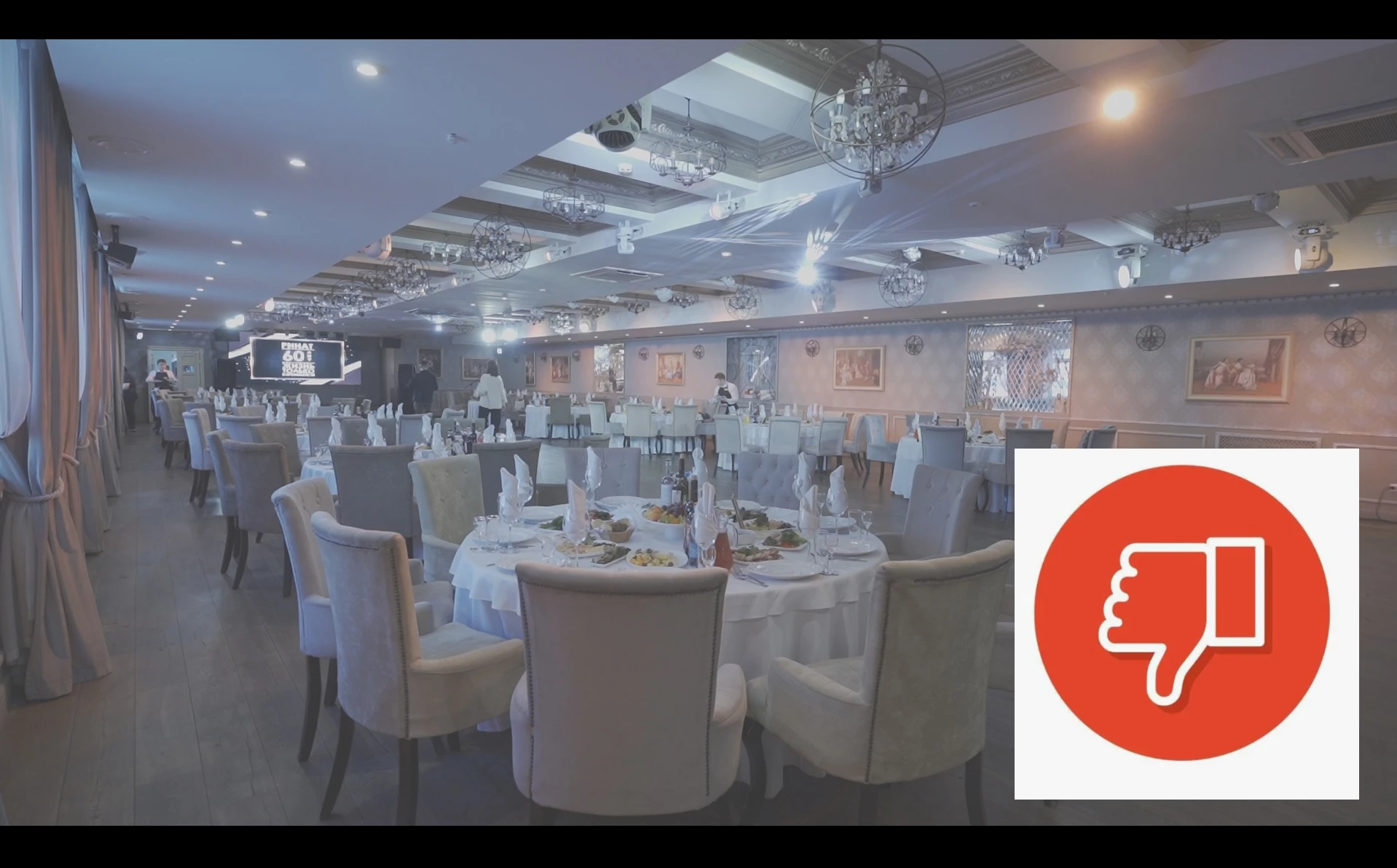
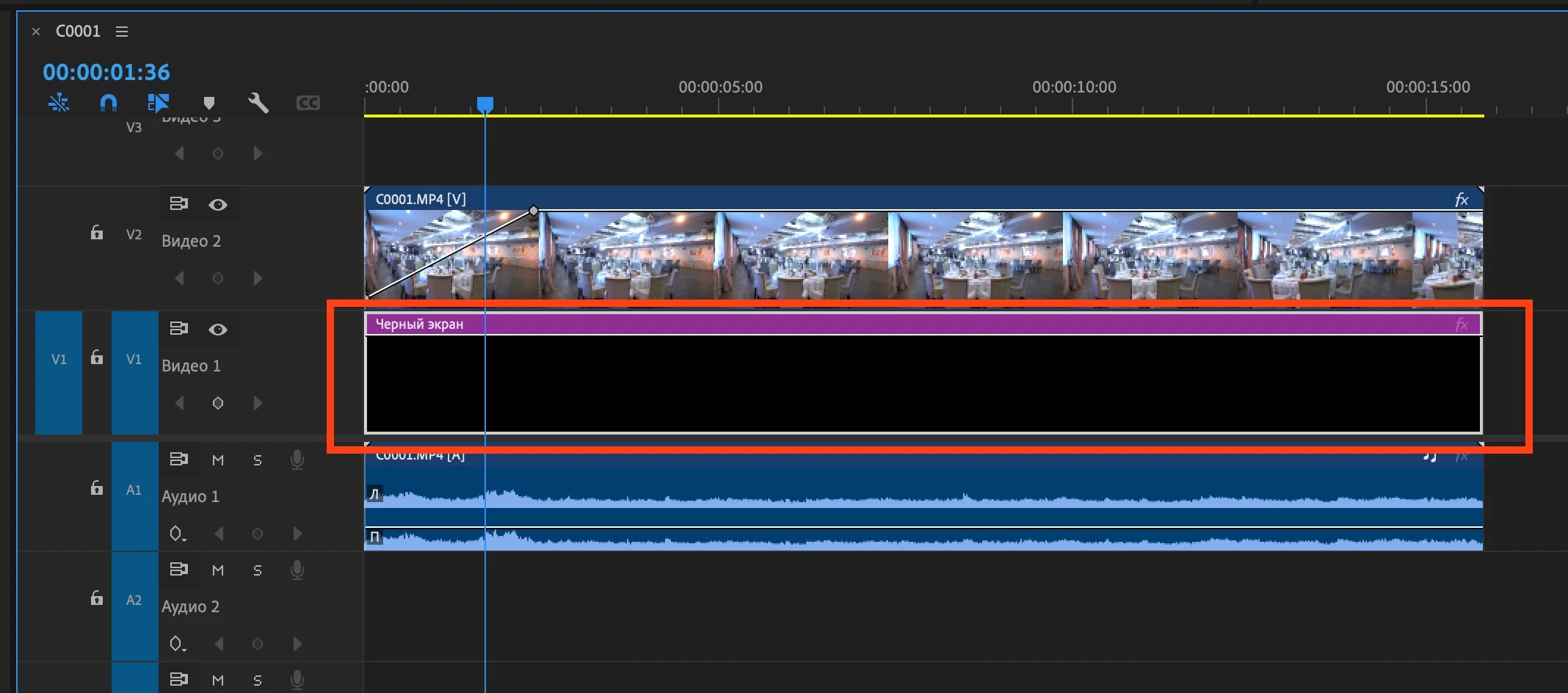
Mac Mini M2 Pro. Mac OS Ventura 13.6.5   Adobe Premiere 24.2.1 Video fading through white on the second monitor! If you put a black video down, then everything works fine. Without black video, on the second monitor, the fade shows in gray and white.
38 replies

Kevin-Monahan
Community Manager
Community Manager
March 26, 2025

Hello @EDBARSS@kjhgray@Julian Ignaci31725818b4ew, @apptimegr, and @user92185,

I did some investigation and this is a known bug the team is working on. Sorry for the delay in handling this problem. It still seems to be occurring on multi-display systems. Sorry for the frustration.

Thanks,
Kevin


Kevin Monahan - Sr. Community & Engagement Strategist – Pro Video and Audio
Participating Frequently
March 26, 2025

A strange dissolve appearance that only occurs in fullscreen mode.


In fullscreen mode, the default dissolve starts from black and gradually disappears into a bright grayish color, then rapidly increases in brightness and then decreases.


Apple M2 Ultra
Mac OS(Sequoia 15.3.2)

PR 25.1.0(Build 73)


It occurs in all kinds of videos and images.

Peru Bob
Community Expert
Community Expert
March 26, 2025

Try unchecking Composite in linear color in the sequence settings.

Participating Frequently
March 24, 2025

I am using Apple M2 Studio Ultra.
In the latest version of Premiere Pro, when I play the video in full screen mode after applying a fade-in (dissolve) effect, I get a strange result where the cross dissolve does not appear from the darkest black, but starts from a clear gray and then brightens and then the video appears.

I personally tested the same thing on other types of silicon Macs and found that only the M2 chip behaves strangely. This result is not only mine but also confirmed by other posts. The chip specifications may be different, but I can see that it occurs on the silicon m2. Why is this problem happening?
My request to Adobe is to let me know if there is a solution.

If anyone has the same problem as me, please leave a comment.


Kevin-Monahan
Community Manager
Community Manager
March 25, 2025

Hi @kjhgray,

Thanks for the post. I'm Kevin from support, a moderator here. I'm also a Premiere Pro user.


While we await a response. Can you give the team information about the media and workflow? See, How do I write a bug report? I could not reproduce that issue, however, I am on an M1 and do not have access to the M2. Please also tell us if you are using more than one monitor or have any connected hardware.


We'll have to wait for a response from developers for a more detailed response, however. Sorry for the hold up.


Thanks,
Kevin


Kevin Monahan - Sr. Community & Engagement Strategist – Pro Video and Audio
Participating Frequently
February 20, 2025
The very interesting part is that I also had this problem. 
What is common is the Apple Silicon M2 model (to be exact, my model is M2 Studio Ultra).
I'm surprised this happens.
This phenomenon has been reproduced by users around me using the Apple Silicon M2.
Participant
October 30, 2024

yes. it's time to fix this.

apptimegr
Participant
October 24, 2024

Same issue here,

Premiere 25.0 on Mac OS Sequoia 15.0.1. 

So sad this program fills it needs a complete redesign

Participant
October 21, 2024

25.1.0 ВЕТА

The problem remains. 

Tobshowhost
Known Participant
October 21, 2024

Hello, I've updated to Premiere Pro 25 today and the problem is still appearing with my Mac Studio M2 Ultra macOS Sequoia. It does not happen within the Program Monitor. Only happens at my second monitor fullscreen playback (transmit device playpack). The second screen is connected via usb-c to displayport.

Participant
September 18, 2024

Mine happens on my M3 Laptop too. Doesnt happen on my PC tho. So its a weird mac hardware and adobe software issue. But I don't love being gaslit by adobe saying its a mac issue. Maybe it is... but it's your software. This has been happening for MONTHS. I'm not using and secondary displays, this happens even just going full screen playback. 

Participant
September 18, 2024

Mine does it on my Macbook Pro M3 when it's the full screen monitor. It's happened so much that I now use a black video and fade in and out of it as a layer above everything else. I was merged into this thread from another one but it's been going on for quite sometime.